Learn insideDrapeXD. Watch, then try.
The lessons now live in the app itself. Watch a step, press Tab to tuck the video away, try it on your own garment, and press Tab again to carry on. No second screen, no switching windows.
In DrapeXD 0.4.0 and later, on Mac and Windows. New lessons appear by themselves.
- 1
Open Learn
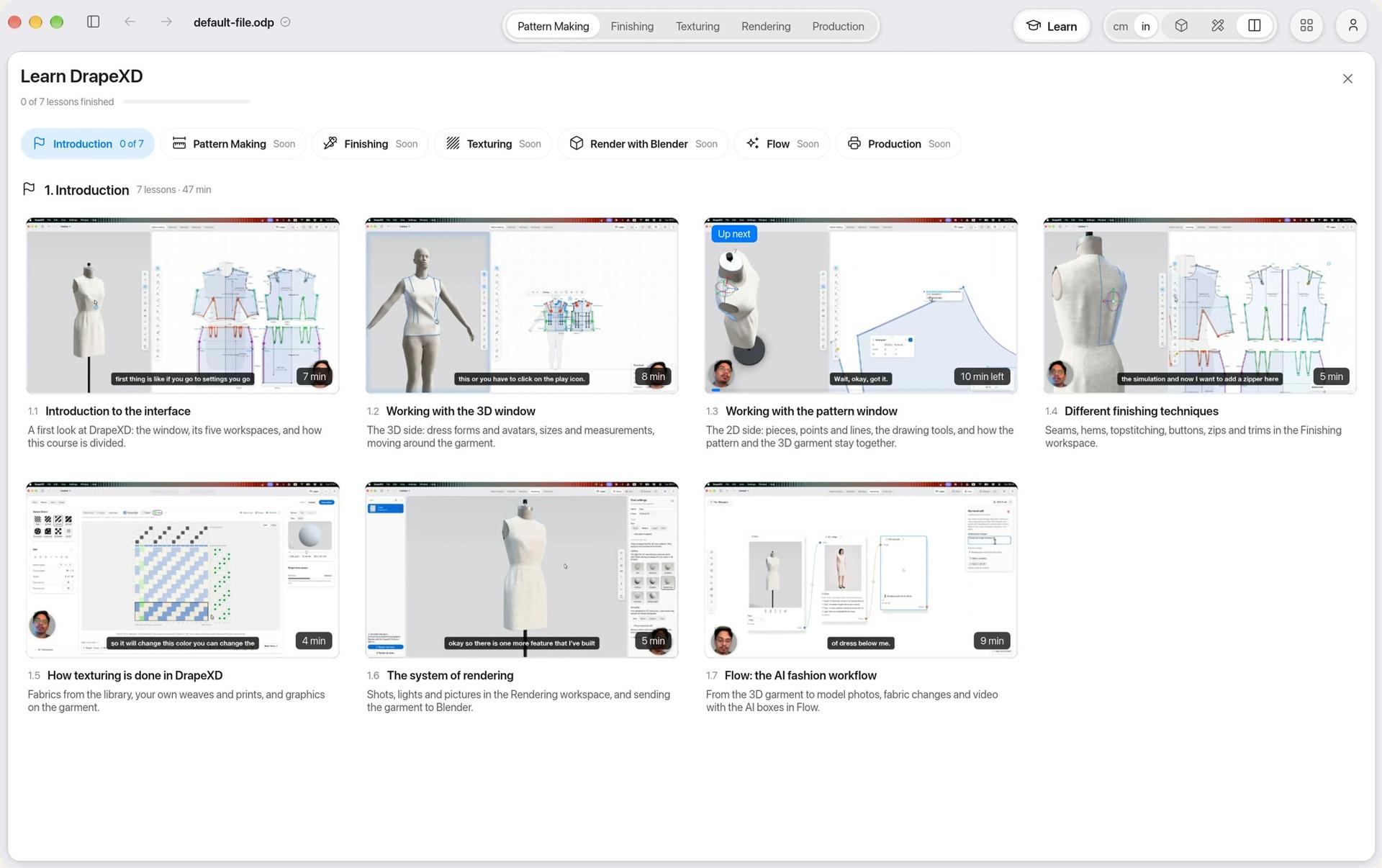
Click Learn at the top right of any workspace. The course opens over your work: seven sections, from the Introduction to Production, with every lesson in order.
- Start with the seven Introduction videos
- Your progress is kept, lesson by lesson
- More lessons are added without updating the app
- 2
Watch it large
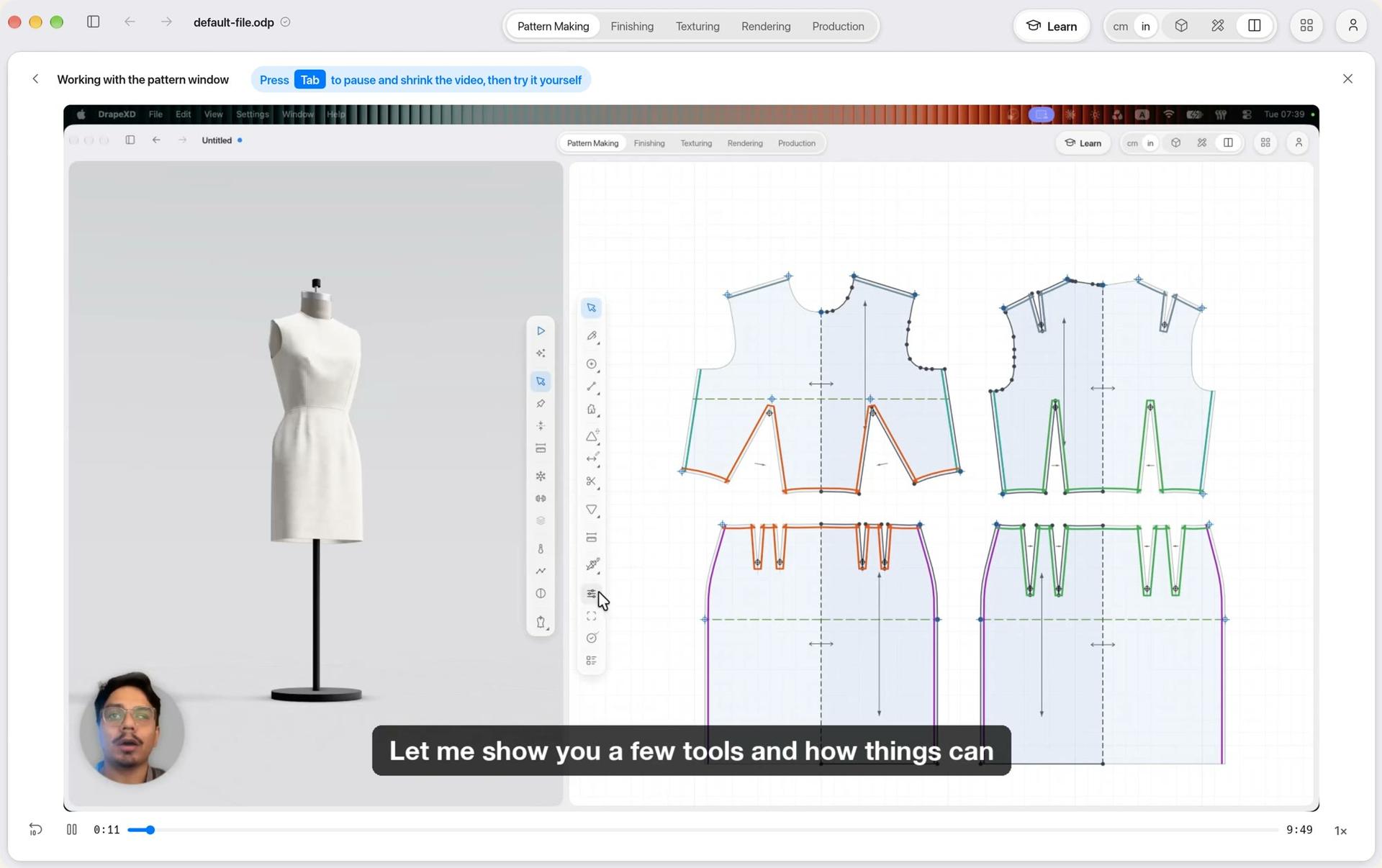
Pick a lesson and it plays big, right over the pattern table and the 3D view, so you can see every click. Space pauses, and you can go back ten seconds or change the speed.
- A lesson you watched plays again at once
- It carries on from where you stopped
- 3
Press Tab and try it
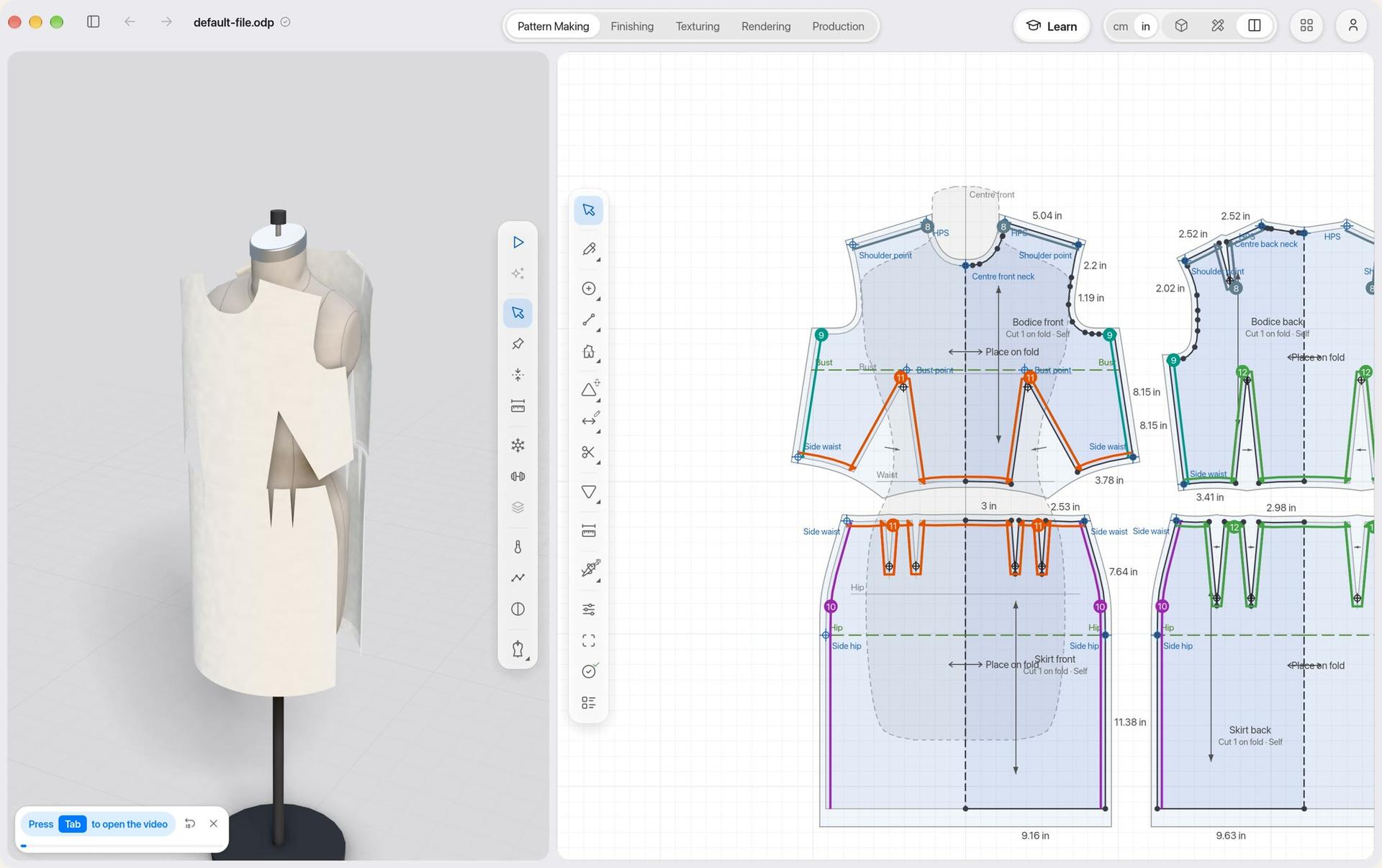
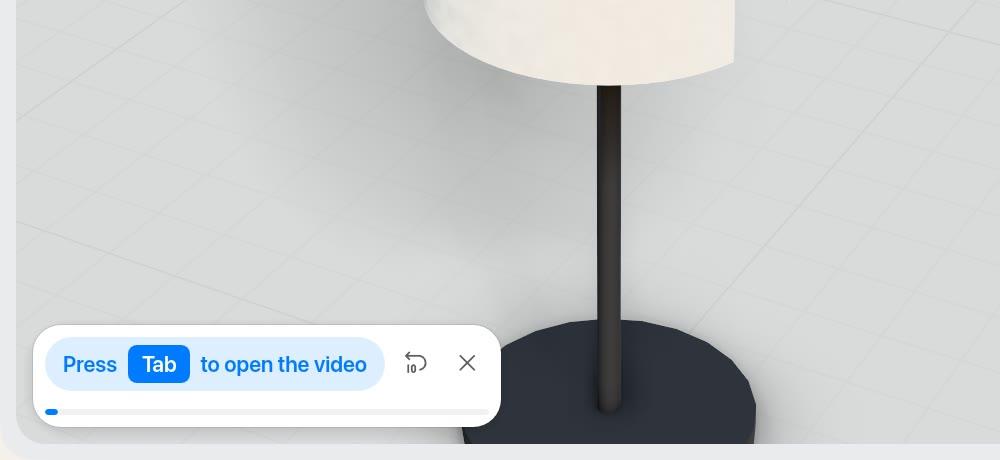
One key does it all. Tab pauses the lesson and tucks it into a small bar at the bottom left. Your garment is right there: do the step yourself. Press Tab again and the video opens a few seconds earlier, so you never lose your place.
- Watch, try, watch, try: as many times as you like
- Drag the bar anywhere if it is in your way
Prefer the browser?
The tour of the interface is also here, five videos, one workspace at a time.
Introduction to DrapeXD
Why DrapeXD exists, who it is for, what it runs on, and a first look at the app.
Step-by-step guides
Pictures and short steps for all 44 tools: the same guides you open from the ? in DrapeXD. Most come with a practice file to download, so you can follow along on your own screen.
Pattern Making
Draw, shape and measure the flat pieces of a pattern.
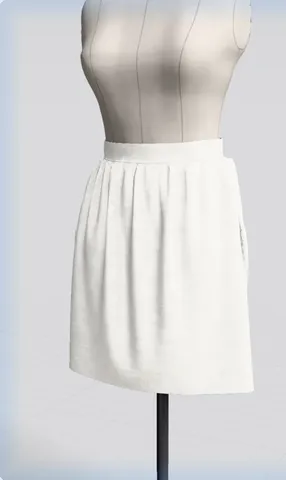
Gather
Ease a long edge onto a short one, like a skirt waist onto a band.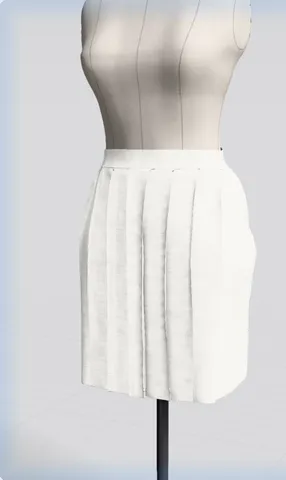
Pleat
Fold the extra cloth of a long edge away into pleats, like a skirt waist onto a band.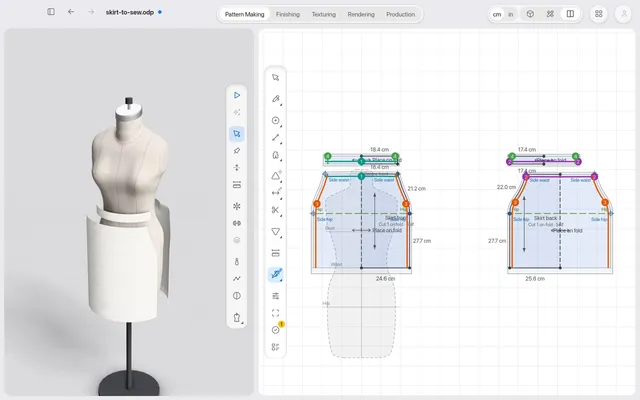
Sew
Join two edges with a seam, so the cloth is stitched there when the garment drapes.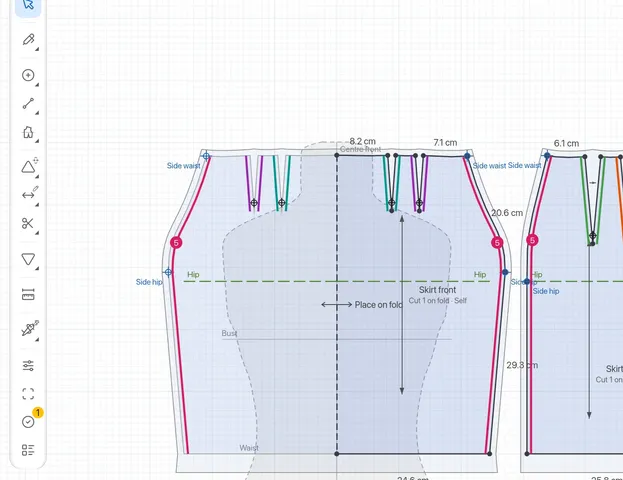
Edit
Reshape a pattern piece: move it, an edge of it, or one of its points.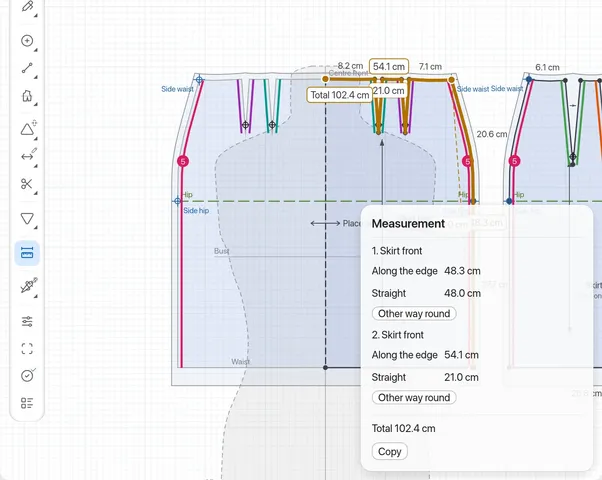
Measure
Measure along an edge or straight across, like a tape on paper.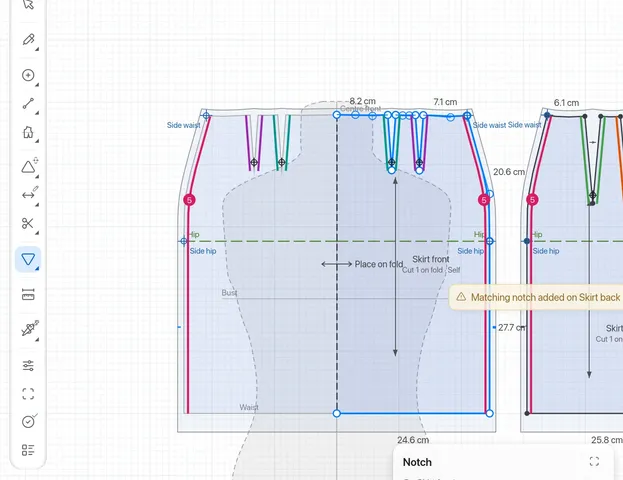
Notch
Mark an edge with a notch, so two pieces line up when they are sewn.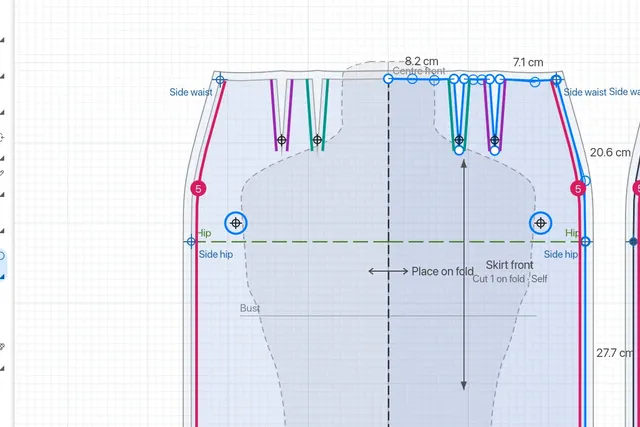
Mark
Mark a point inside a piece: a drill hole, a landmark, a button or a buttonhole.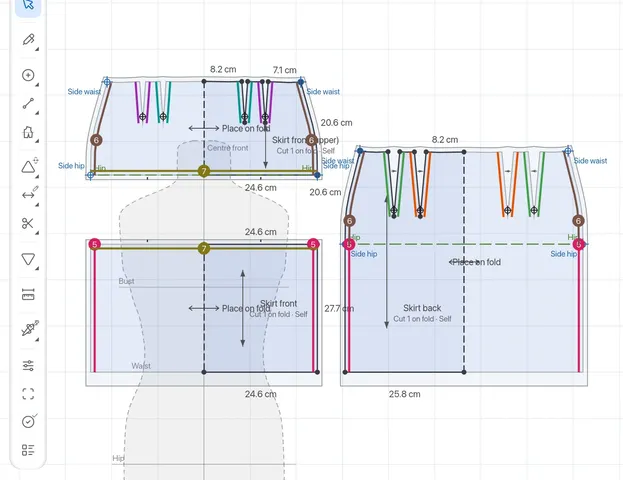
Cut
Cut a piece in two along a line you draw, and keep the two sewn back together.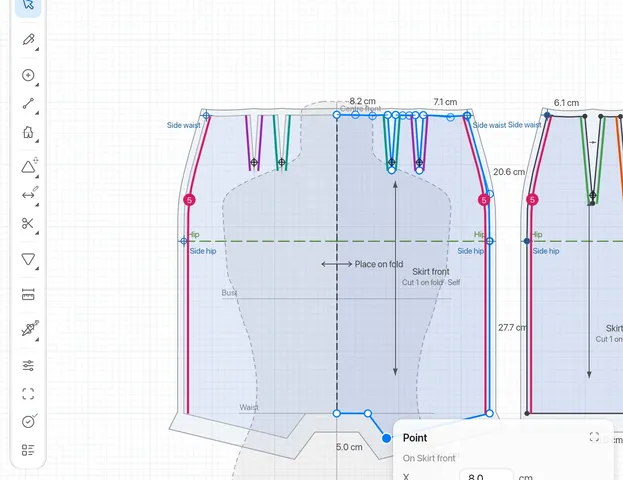
Add point
Add a point on an edge, then pull it to shape just that part of the outline.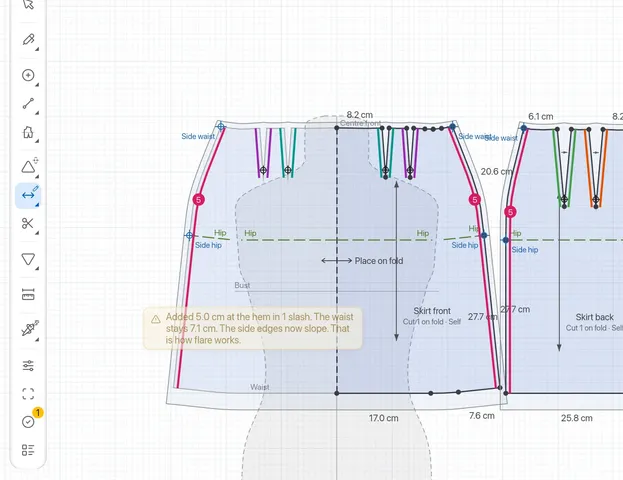
Spread
Slash a piece and open the slash, to add flare or fullness where you want it.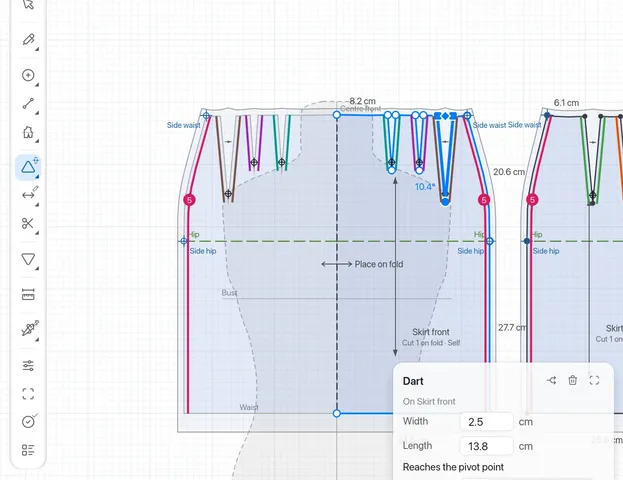
Dart
Put a dart in a piece: take in cloth where the pattern has to fit the body's curve.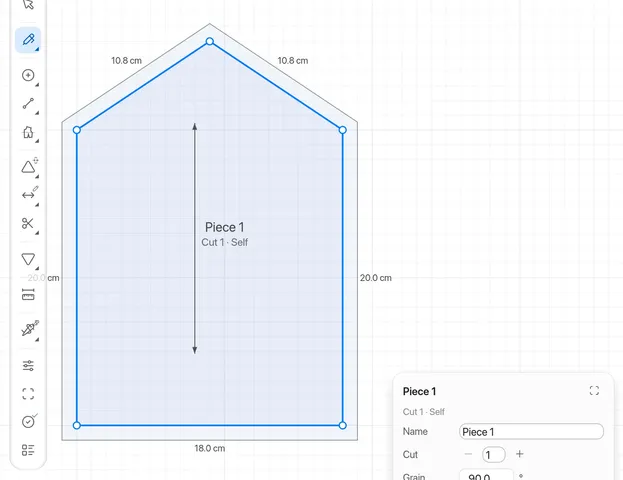
Pen & shapes
Draw a piece: with the Pen, point by point, or as a rectangle, circle or ellipse.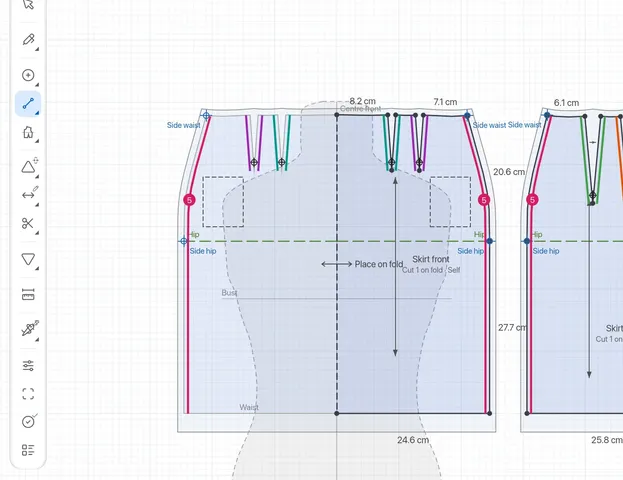
Internal line
Draw a line or a shape on a piece without cutting it: where a pocket goes, a fold, a level.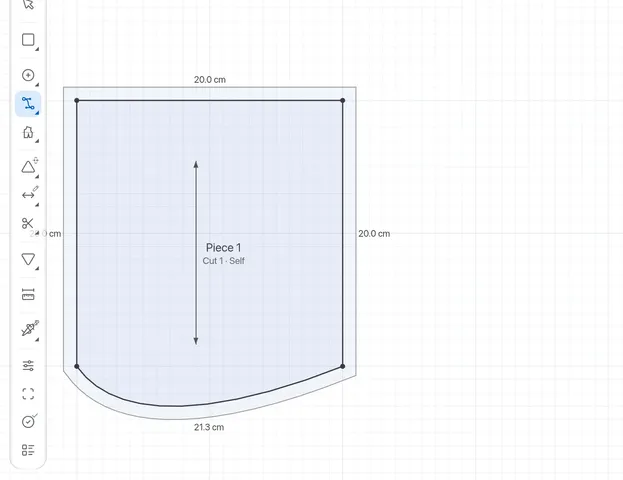
Curve
Curve an edge or a line: a click bows it, a drag bends it, and two handles reshape it.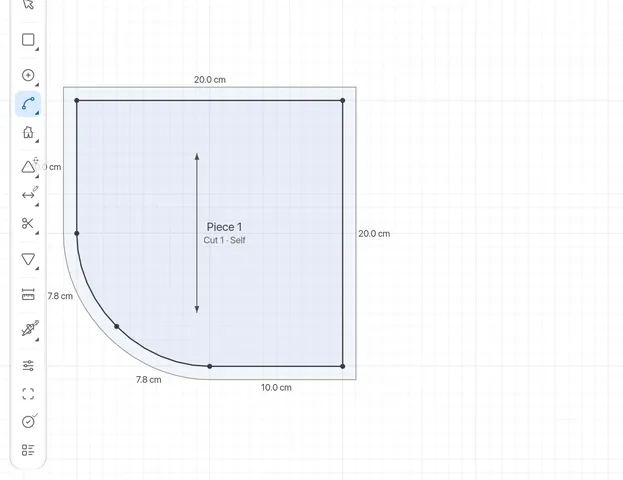
French curve
Redraw a stretch of a piece's edge as one smooth curve through the points you mark, the way a French curve is laid on paper.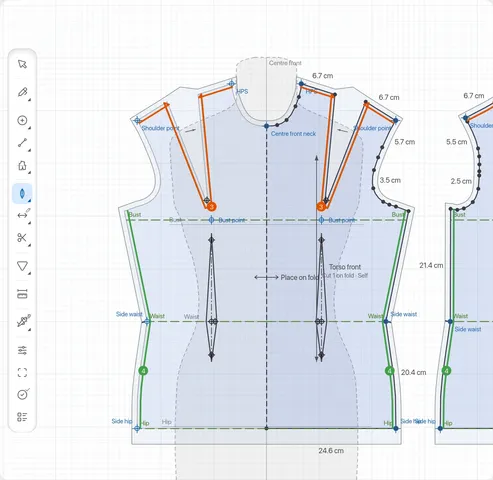
Fish-eye
Put a dart inside a piece, pointed at both ends: it takes cloth in at the waist without a seam there.
3D
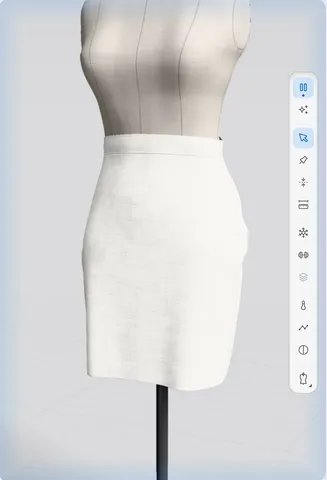
Put the cloth on the dress form: pin it, fold it, drape it and look at it.
Arrange & drape
Put the sewn pieces where they start round the form, then press Play to drape them.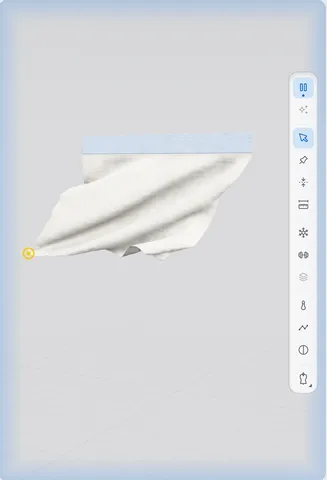
Pin
Hold a spot of the cloth where you want it, like a pin in a dress.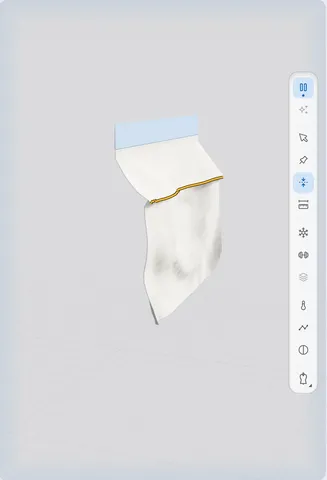
Fold
Fold the cloth along a line you drew, like a cuff or a turned-up hem.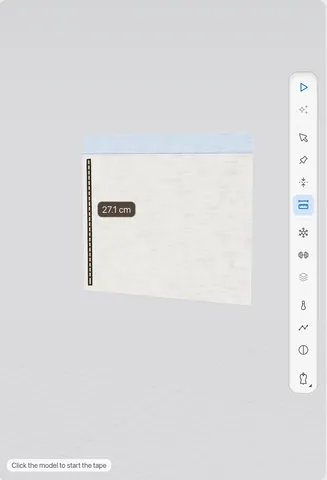
Tape
Measure on the cloth, or on the form, with a tape that pulls taut like a real one.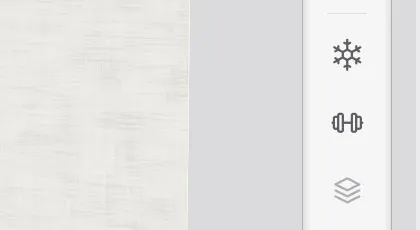
Hold
Keep a piece still, or stiff, while the rest of the cloth settles.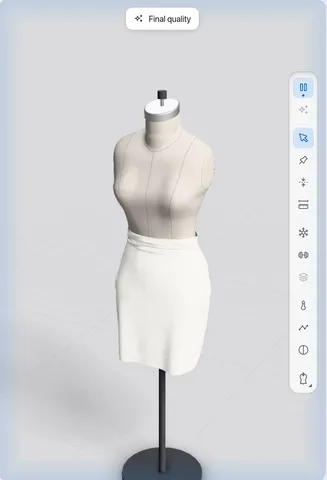
Play & Final
Drape the pieces on the form, then make the settled drape finer for pictures.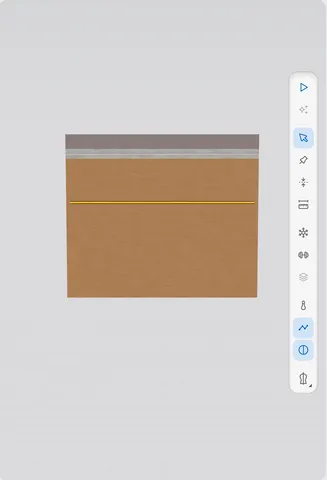
Show
See the lines you drew on the cloth, and the wrong side of the cloth where it shows.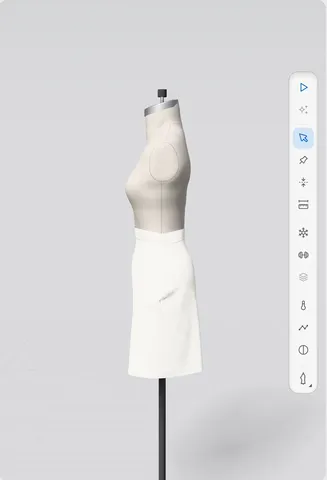
View
Turn the 3D view to the front, the back or a side with one click.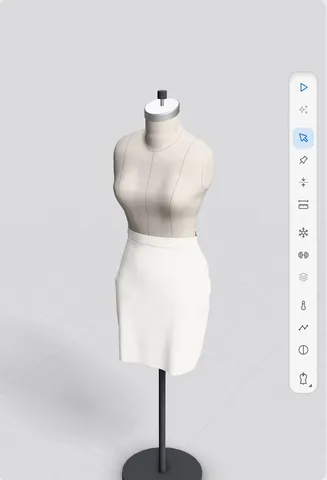
Fit map
Colour the cloth by how much it is stretched, or by how it fits the form.
Finishing
Seams, zips, buttons and the other details that make a garment look made.
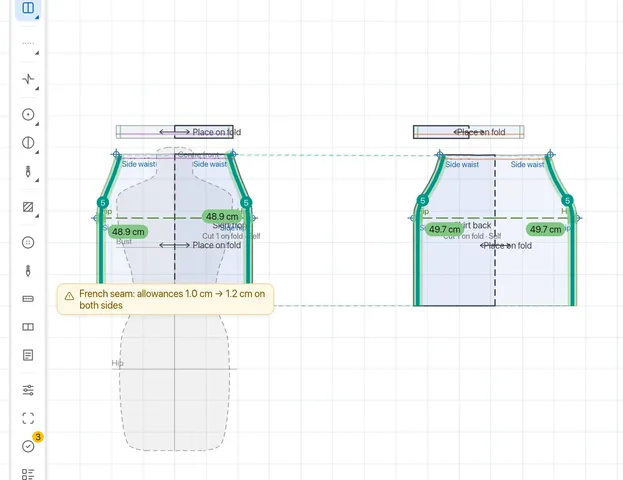
Seam
Choose how a seam is sewn: plain, French, flat-felled and more.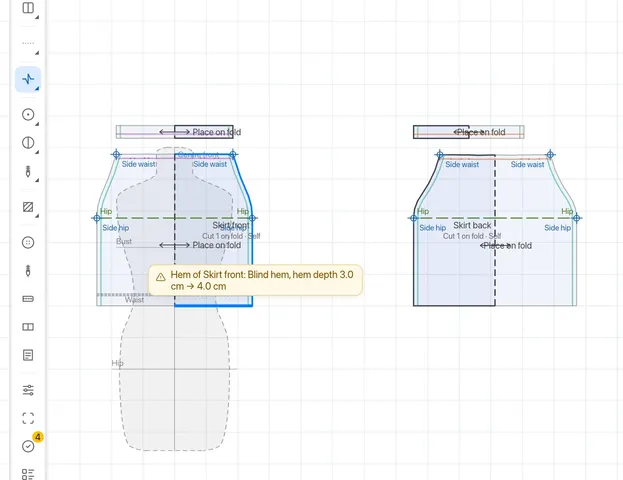
Edge
Finish a free edge: a hem, turned and stitched, overlocked, zigzagged, bound or a casing.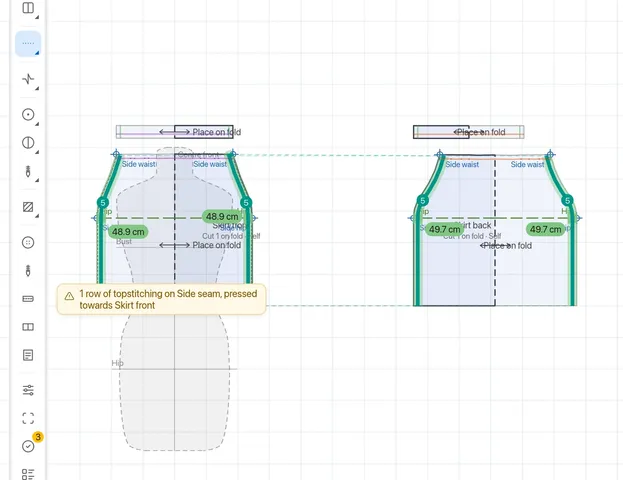
Topstitch
Add rows of stitching that show on the outside, beside a seam or along an edge.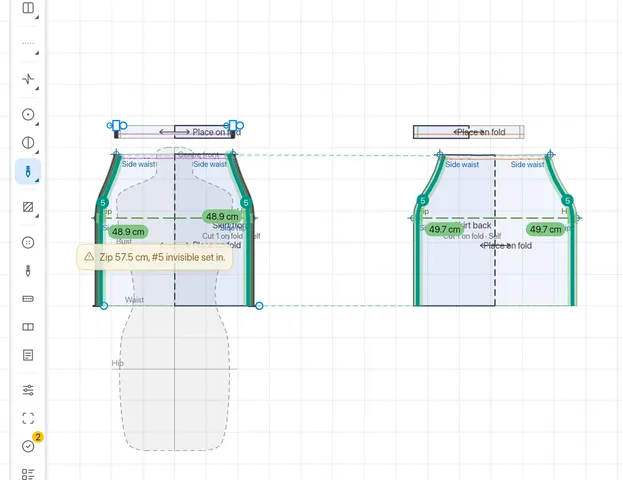
Zip
Set a zip along a line of seams: choose how it is set in, then click the seam.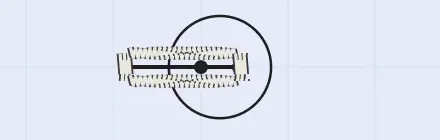
Buttons
Choose the button and the buttonhole, and put them down on the pattern.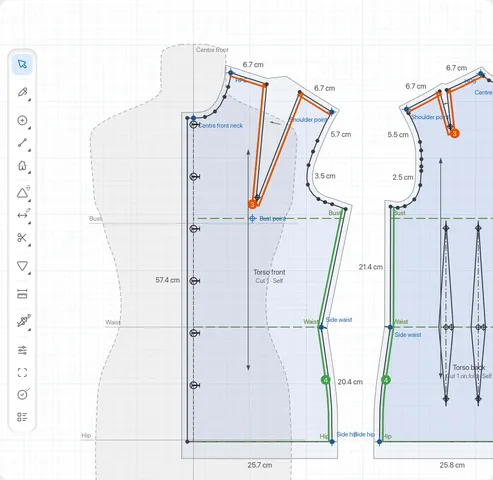
Button stand
Open a front at the centre front, add the strip the buttons go on, and give its buttons.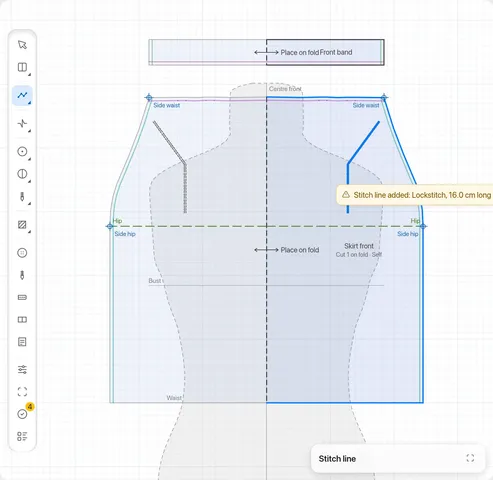
Stitch line
Draw a line of stitching inside a piece, such as the opening of a pocket.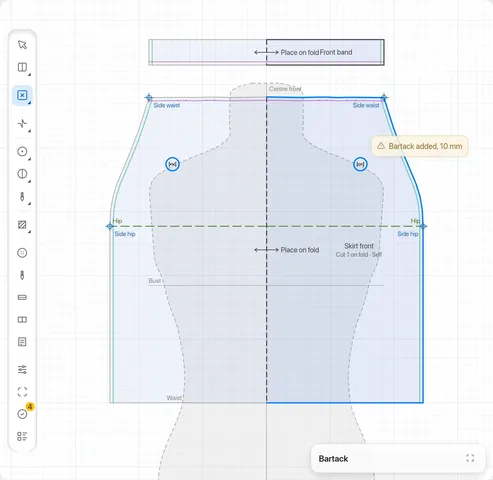
Bartack
Hold a spot firm with a short, dense block of stitches, such as the end of a pocket's opening.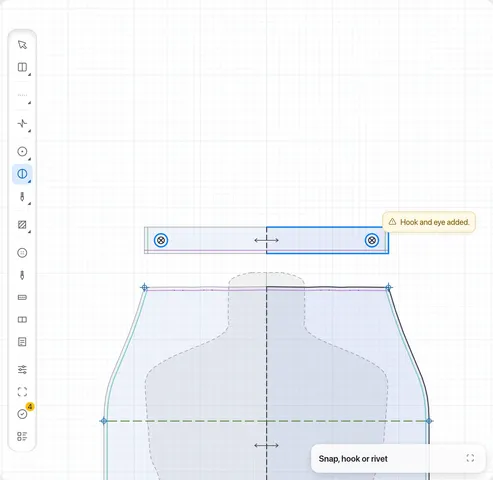
Hardware
Put a snap, hook and eye, rivet, eyelet or strip of hook-and-loop tape on a piece.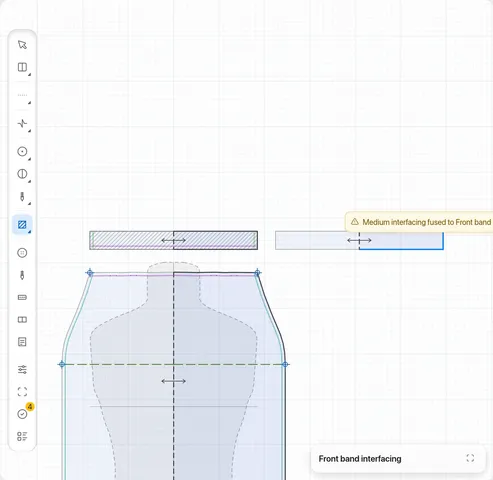
Interfacing
Fuse a stiffening layer to a piece, all of it or a band along its edges.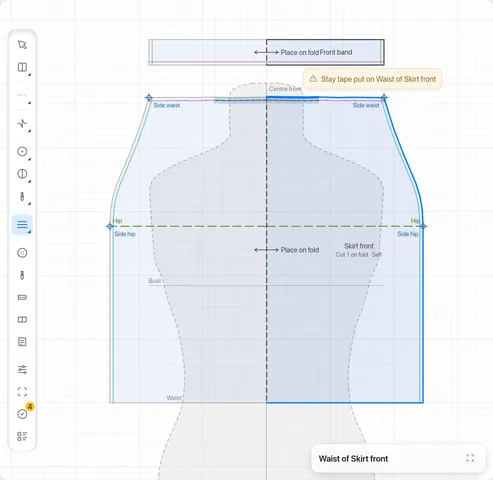
Tapes
Sew a tape along an edge to stop it stretching, or a trim along it for the look.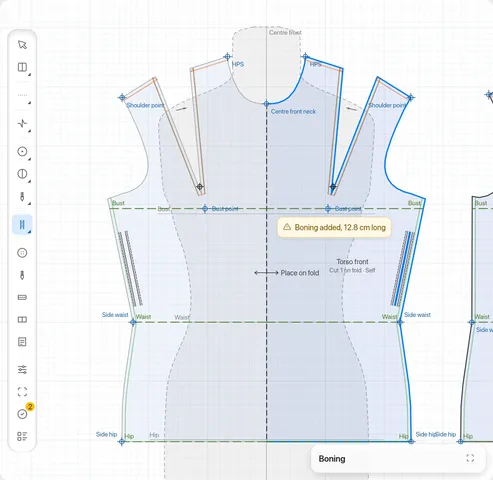
Boning
Draw a channel for a bone that holds a line straight and stiff.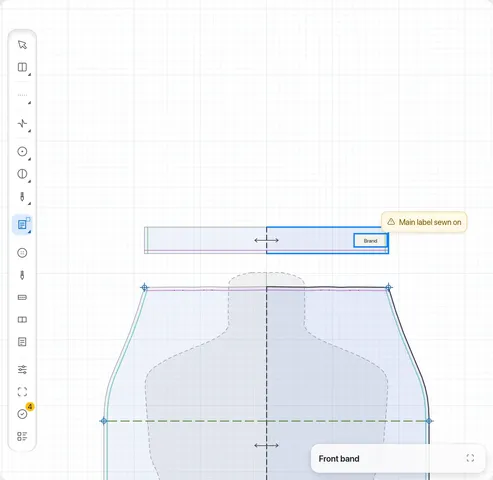
Label
Sew a label on a piece: a main, size or care label, a woven patch or a flag. A hang tag is attached.
Texturing
Dress the pieces in a fabric, a print or embroidery, or make a fabric of your own.
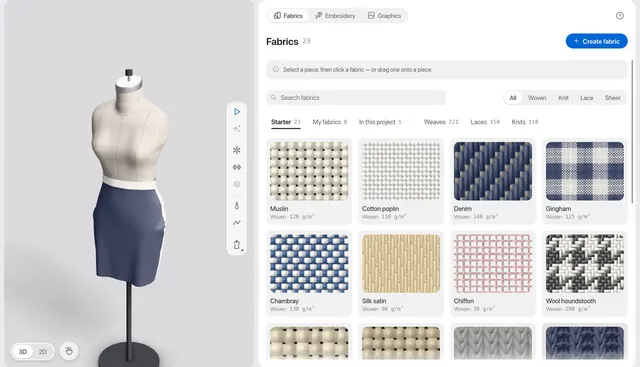
Fabrics
Dress a piece in a fabric: its weave or knit, its yarns and its colours.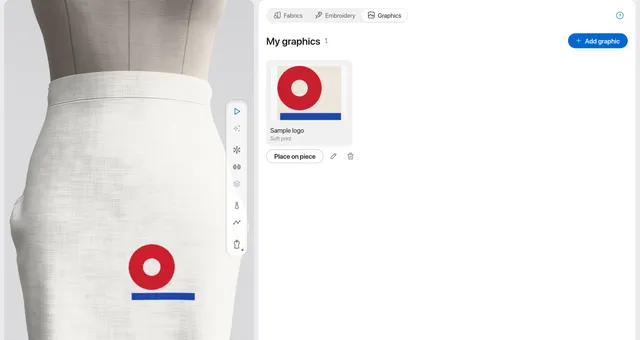
Graphics
Print a picture of your own on a piece: a logo, a motif, a drawing.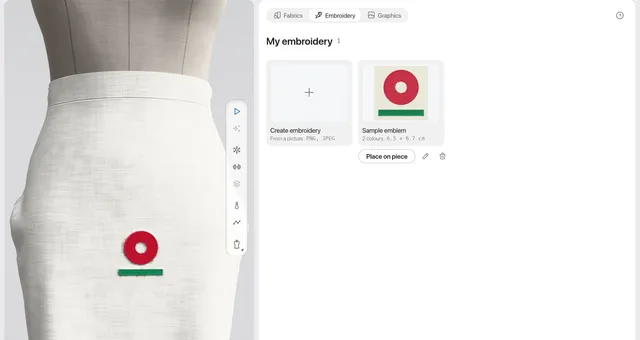
Embroidery
Turn a picture into stitched thread, and put it on a piece.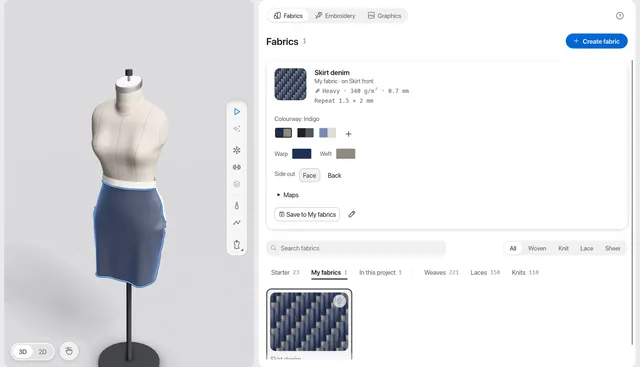
Create fabric
Make a fabric of your own from a weave, its yarns and colours, and keep it.
Production
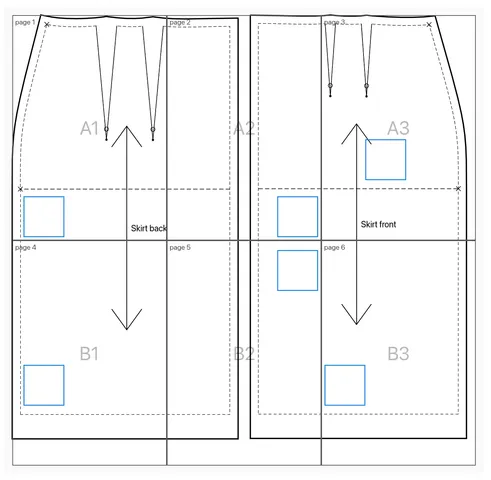
Get the pattern out of the screen and onto paper.
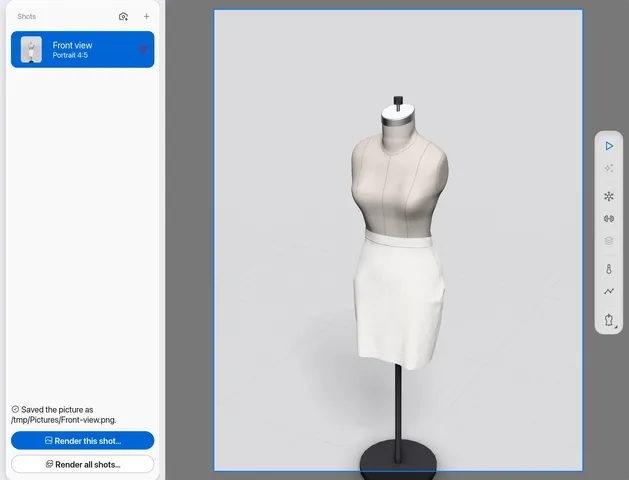
Rendering
Save views of the garment and render them as pictures.
Projects
Pattern pieces to dress: an assembly reel with DrapeXD and Blender. Every flat pattern piece flies in and wraps into the finished garment, made with two clicks of the free DrapeXD Connect add-on.
New to DrapeXD?
Download it free, open it, click Learn and press play on the introduction.
Free forever, for students, colleges, freelancers and brands. It runs on the laptop you already have.