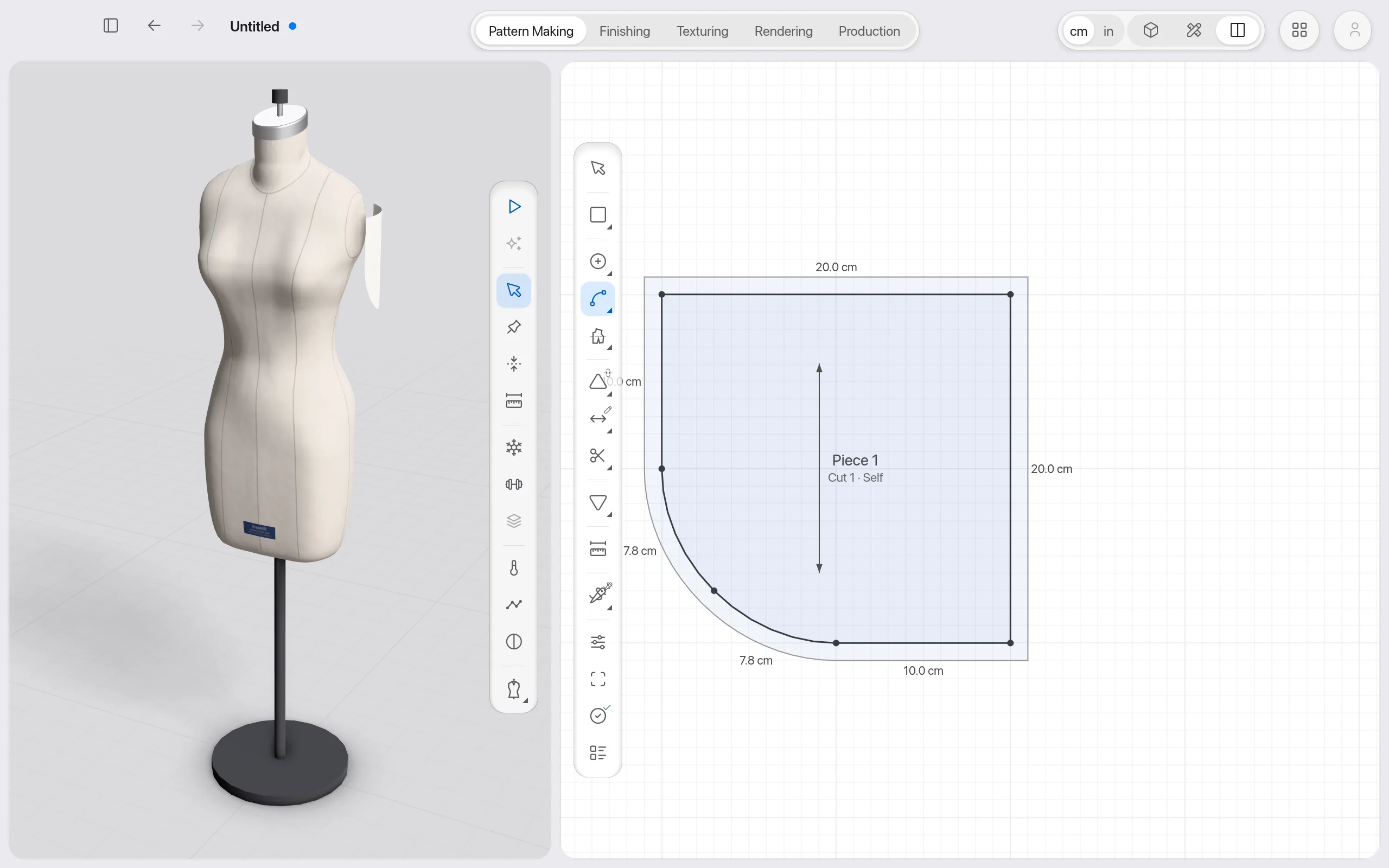
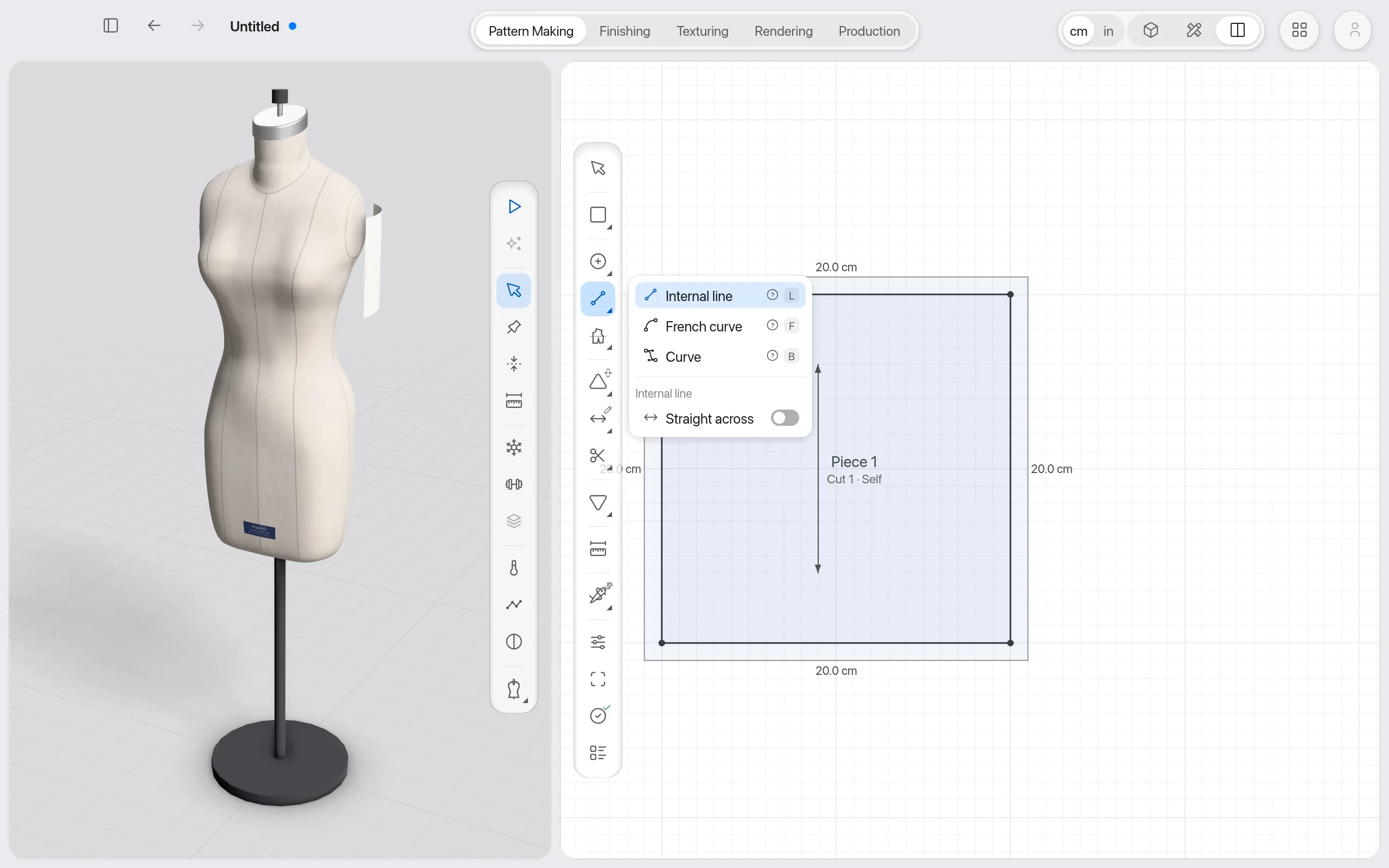
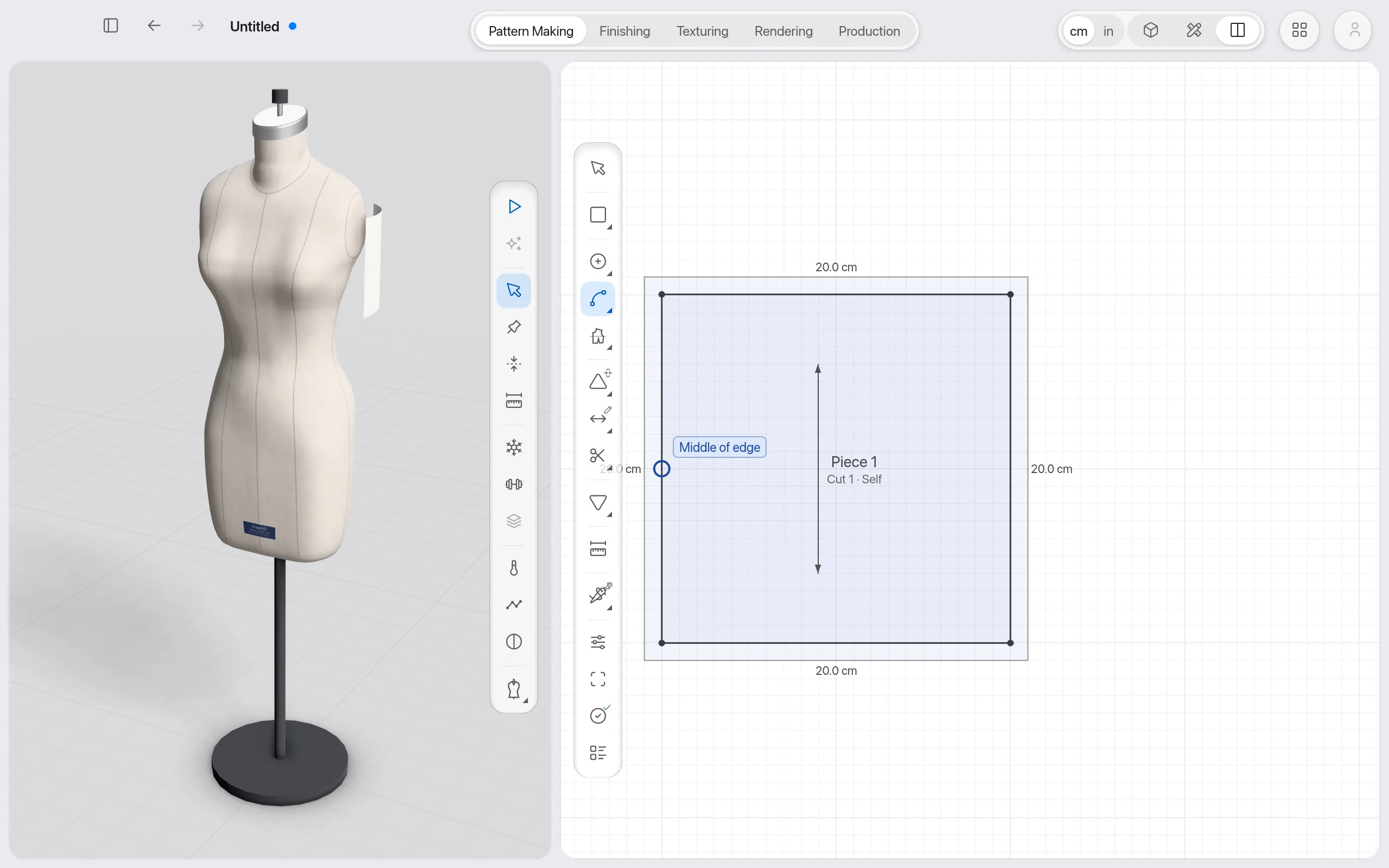
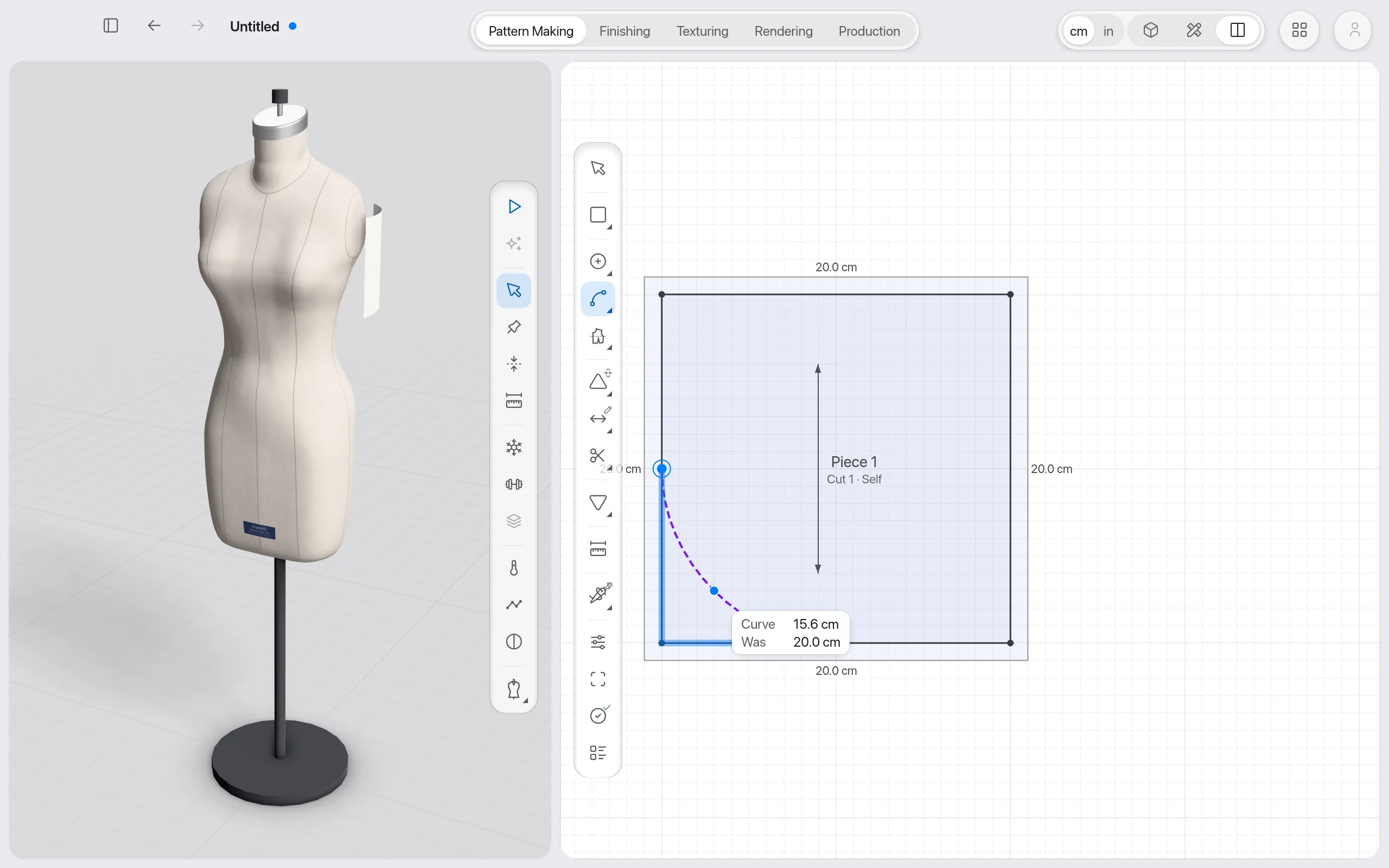
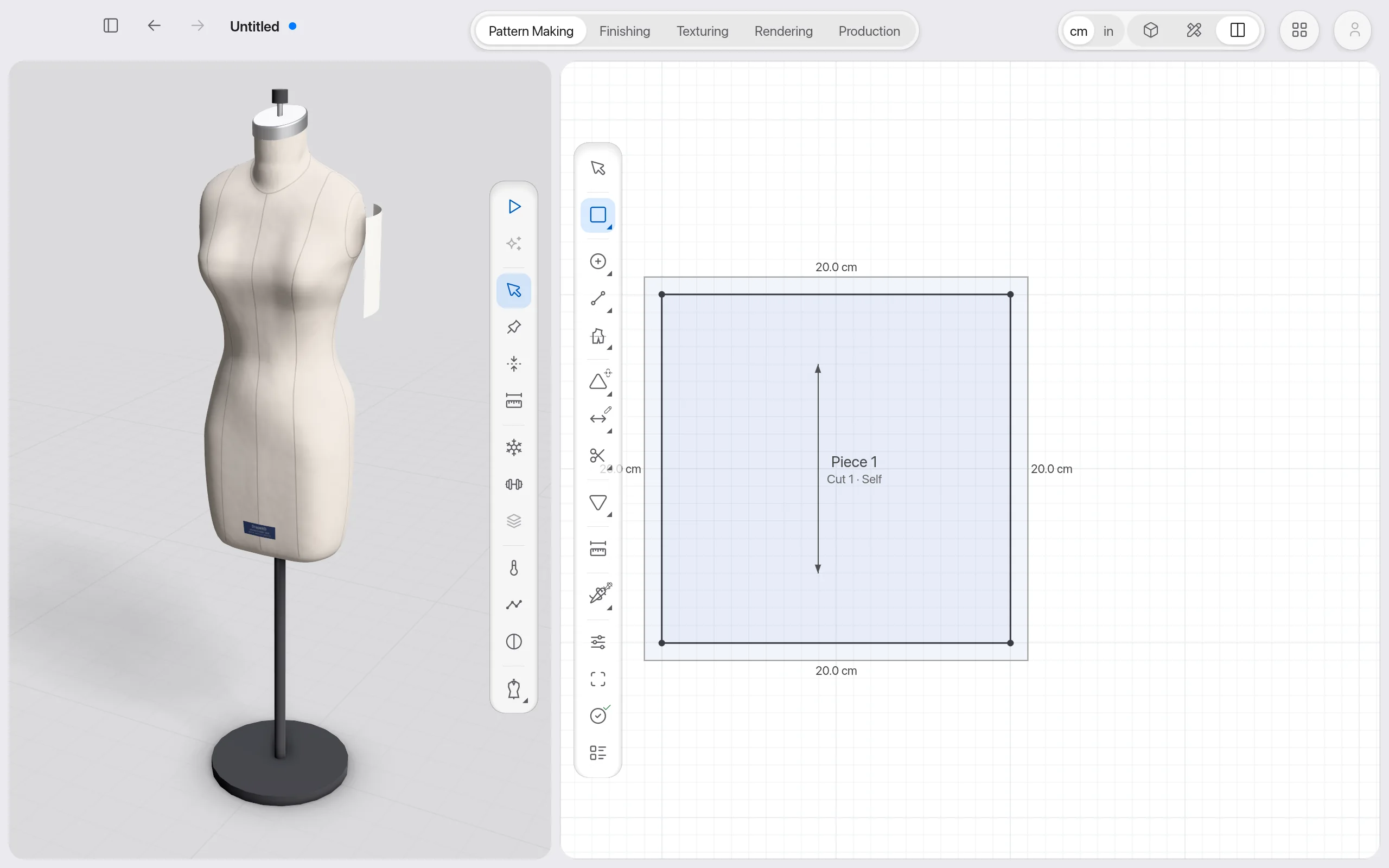
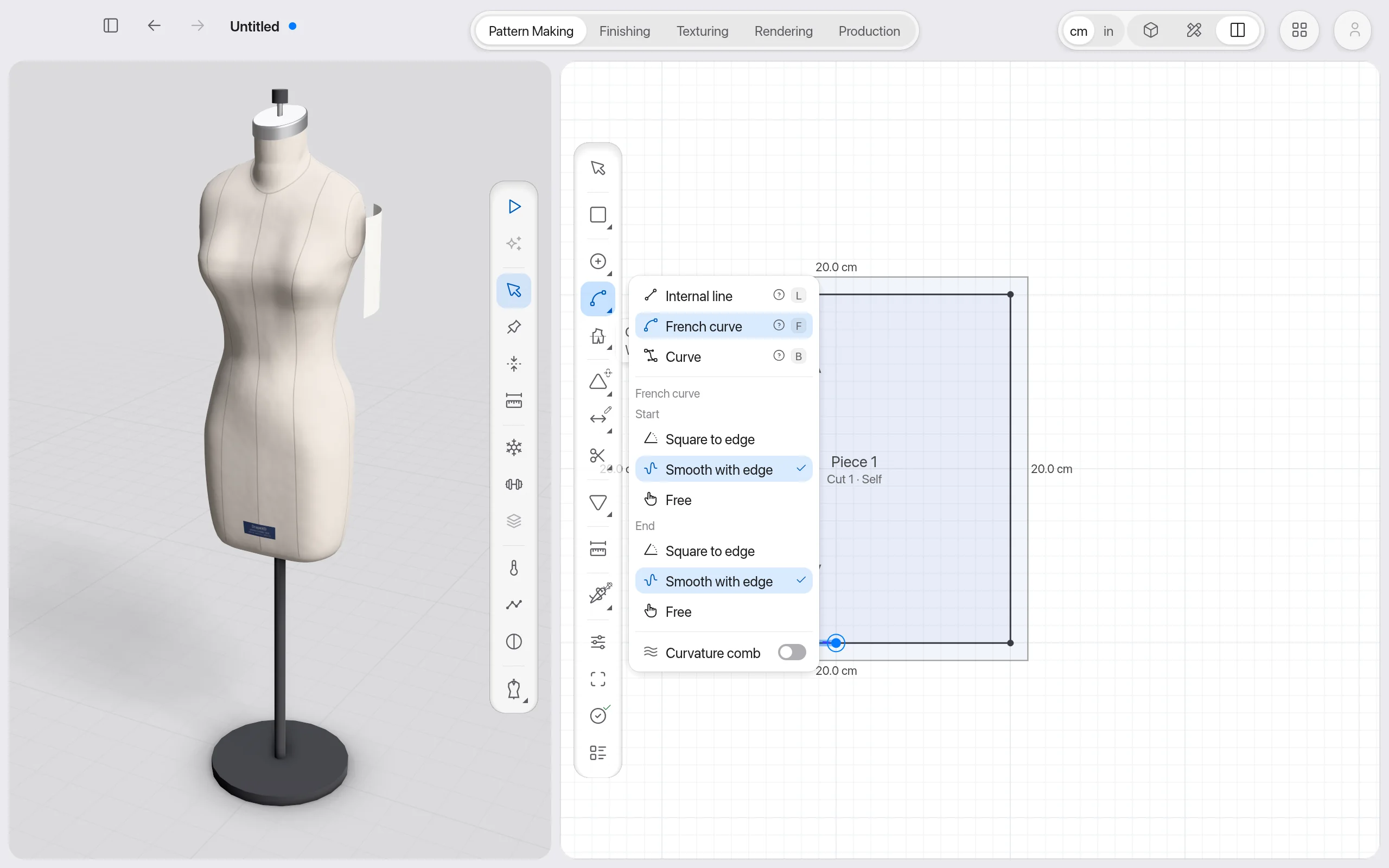
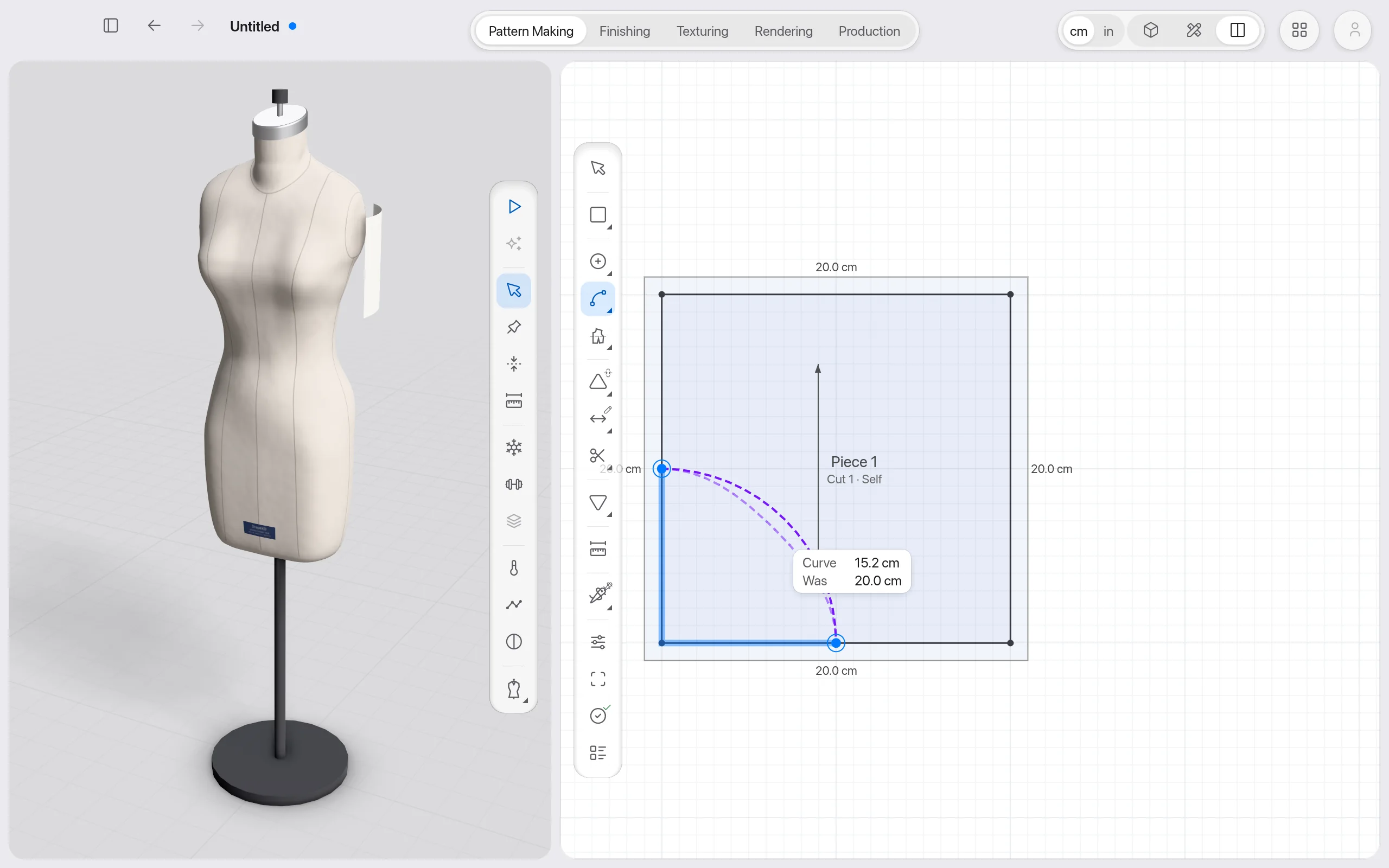
Click where the curve starts, on the edge of a piece. It snaps to corners, notches and edge middles.
Nothing is started yet. Click on a piece's edge where the curve begins.
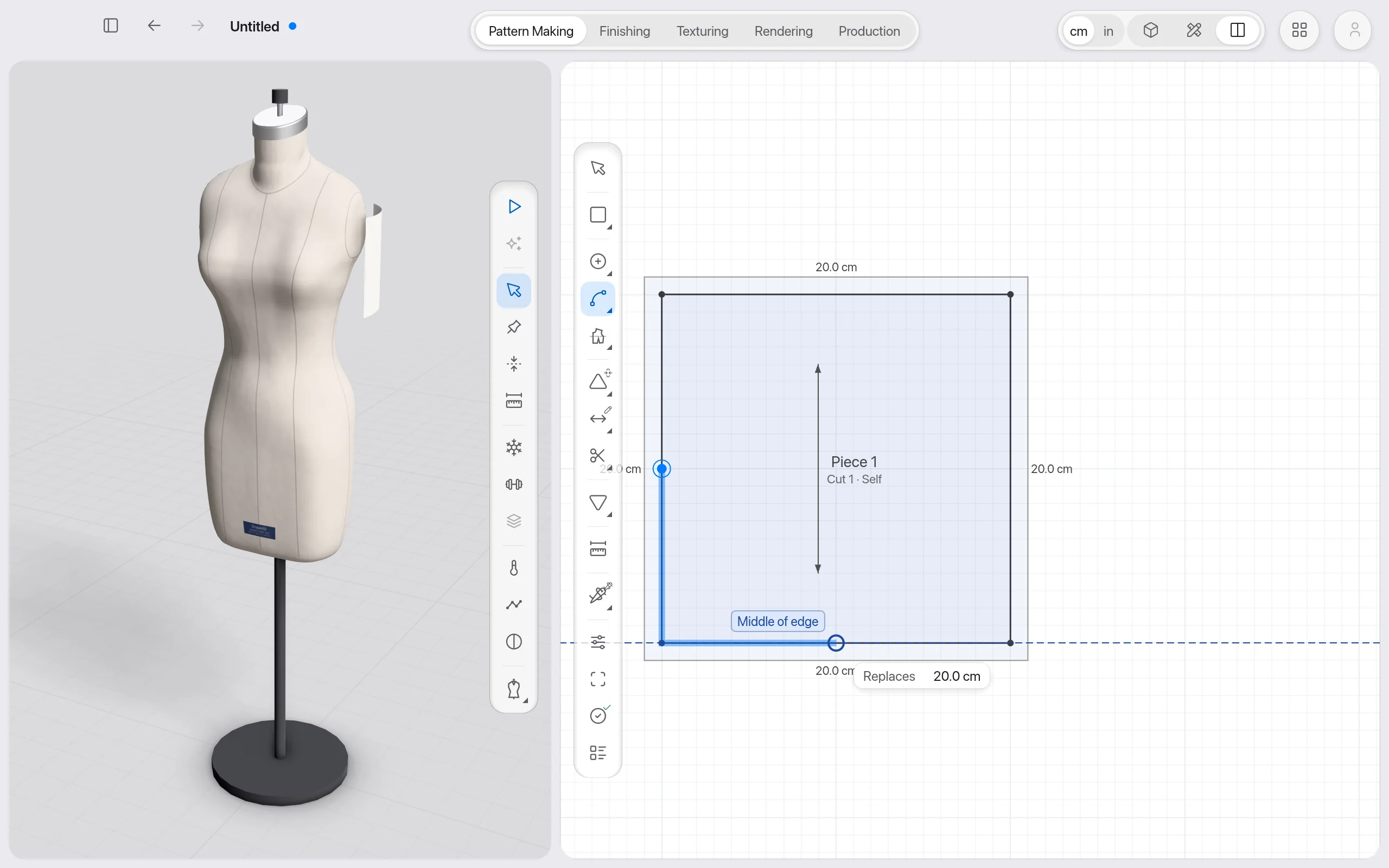
Click where the curve ends, on the same piece. The outline between them, the short way round, is what the curve replaces; [O] takes the other way round.
The start is placed. Click the end on the same piece's edge. Press O if the lit stretch goes the wrong way round the piece.
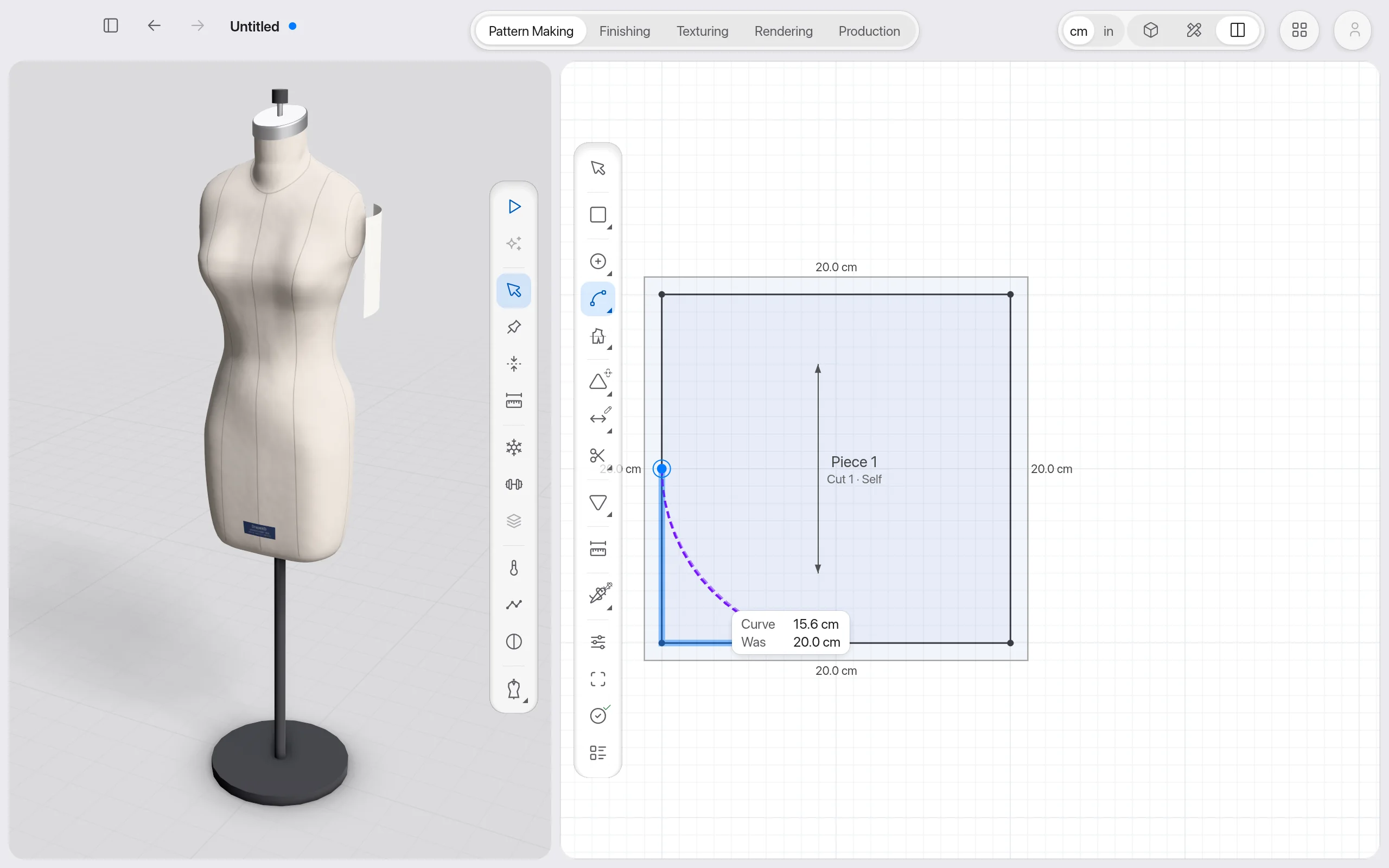
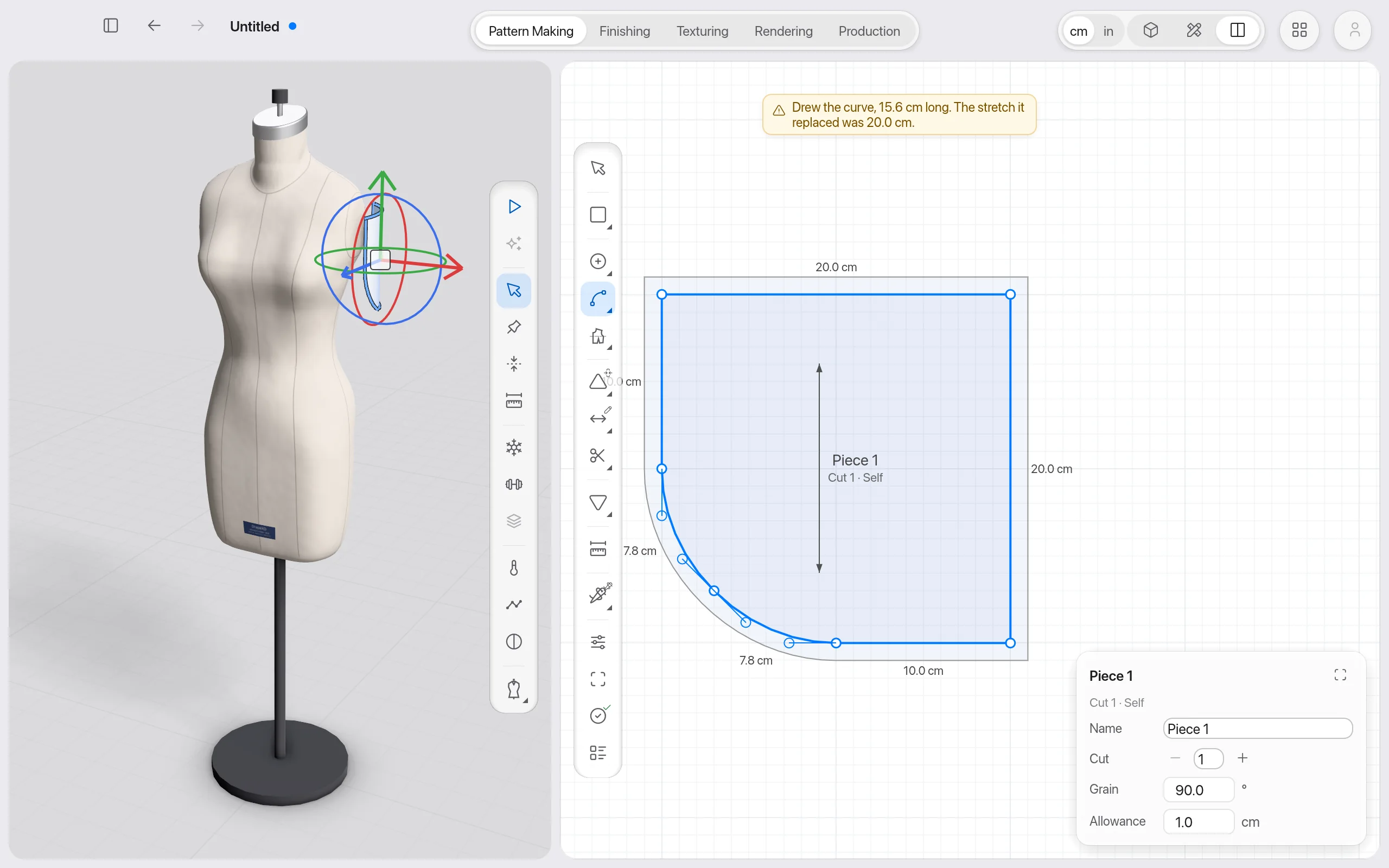
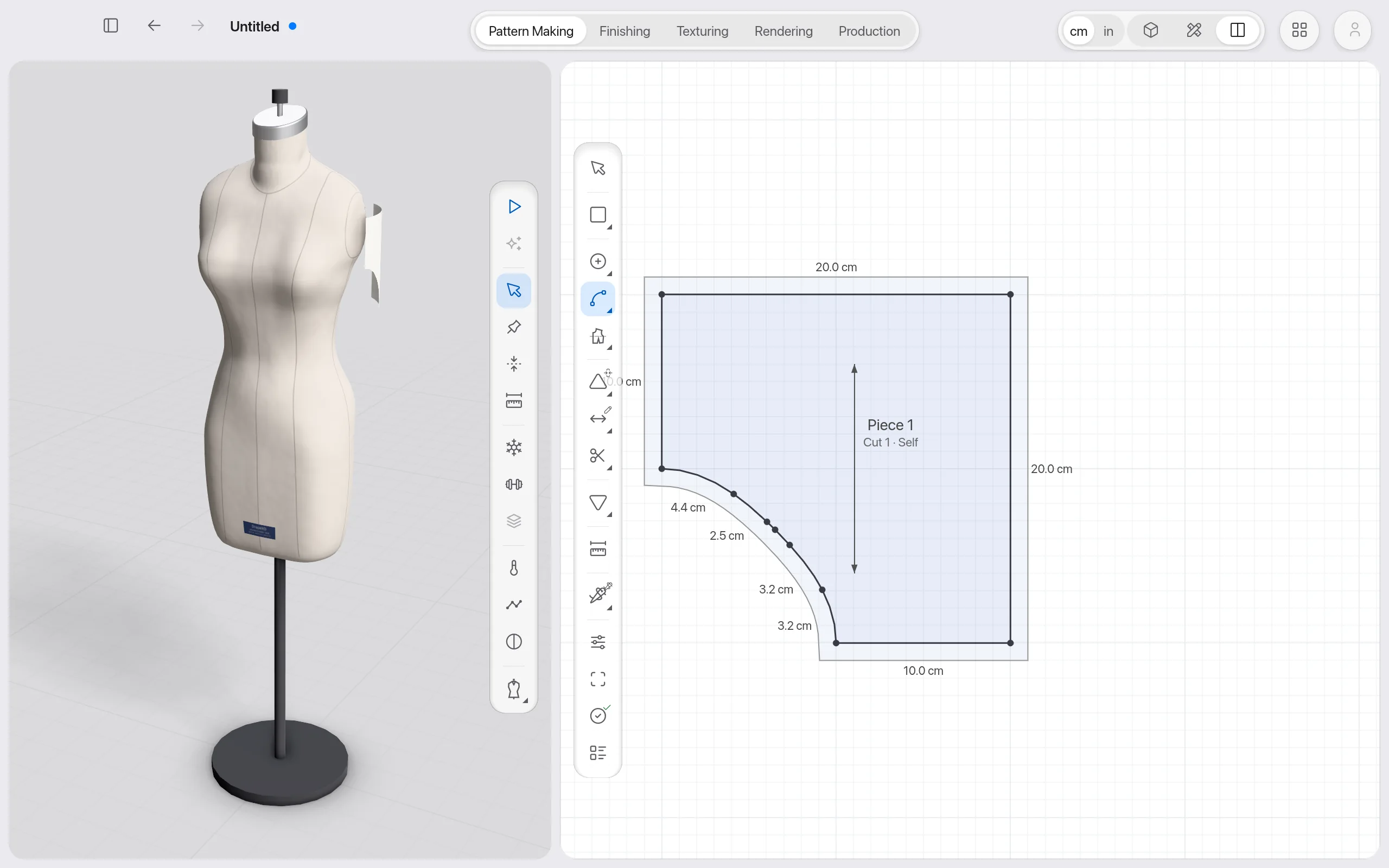
Click to mark a point the curve passes through, or click a guide line to touch it; [Shift]-click drops a short guide line. [Enter] draws the curve.
Click the points the curve should pass through, then press Enter.
Start the curve on the edge of a piece: point at an edge and click.
Click right on an edge, not inside the piece or on the empty table.
End the curve on the same piece: point at its edge and click.
The start is on one piece, so the end has to be on the same one. Click its edge.
No smooth curve reaches that mark. Try a mark nearer the stretch, or set an end to Free.
Click a mark nearer the stretch, between the start and the end. Or open the French curve's menu and set an end to Free.
That would bend both ways. Move a mark, or change how an end leaves.
A French curve bends one way. Move a mark so the curve doesn't have to turn back, or change how an end leaves in the menu.
The start and the end are the same place.
Click the end somewhere else on the edge.
This piece is a mirror copy. Draw the curve on the original and the copy follows.
Draw on the other half of the piece, the one that isn't pale.