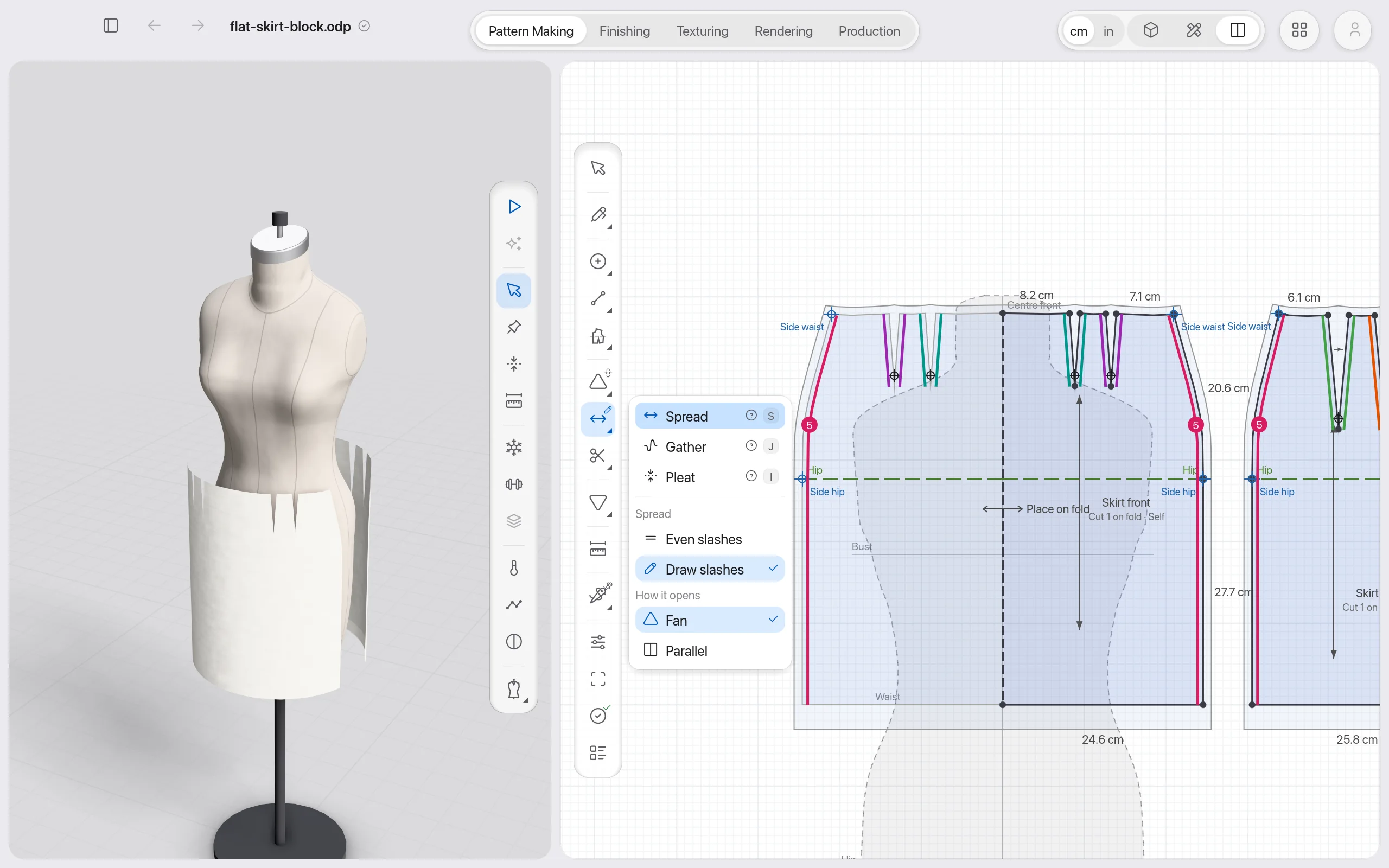
Even slashes
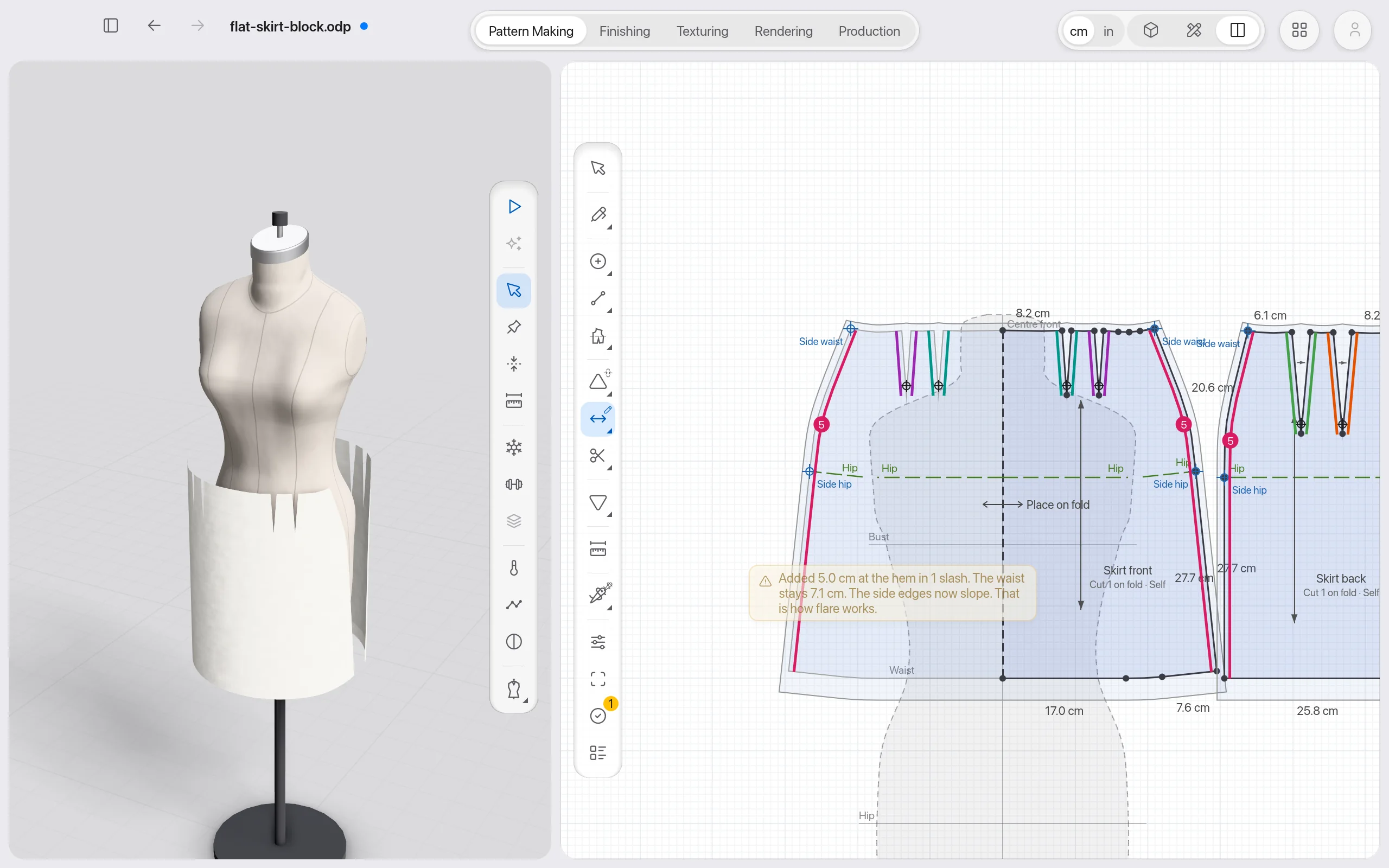
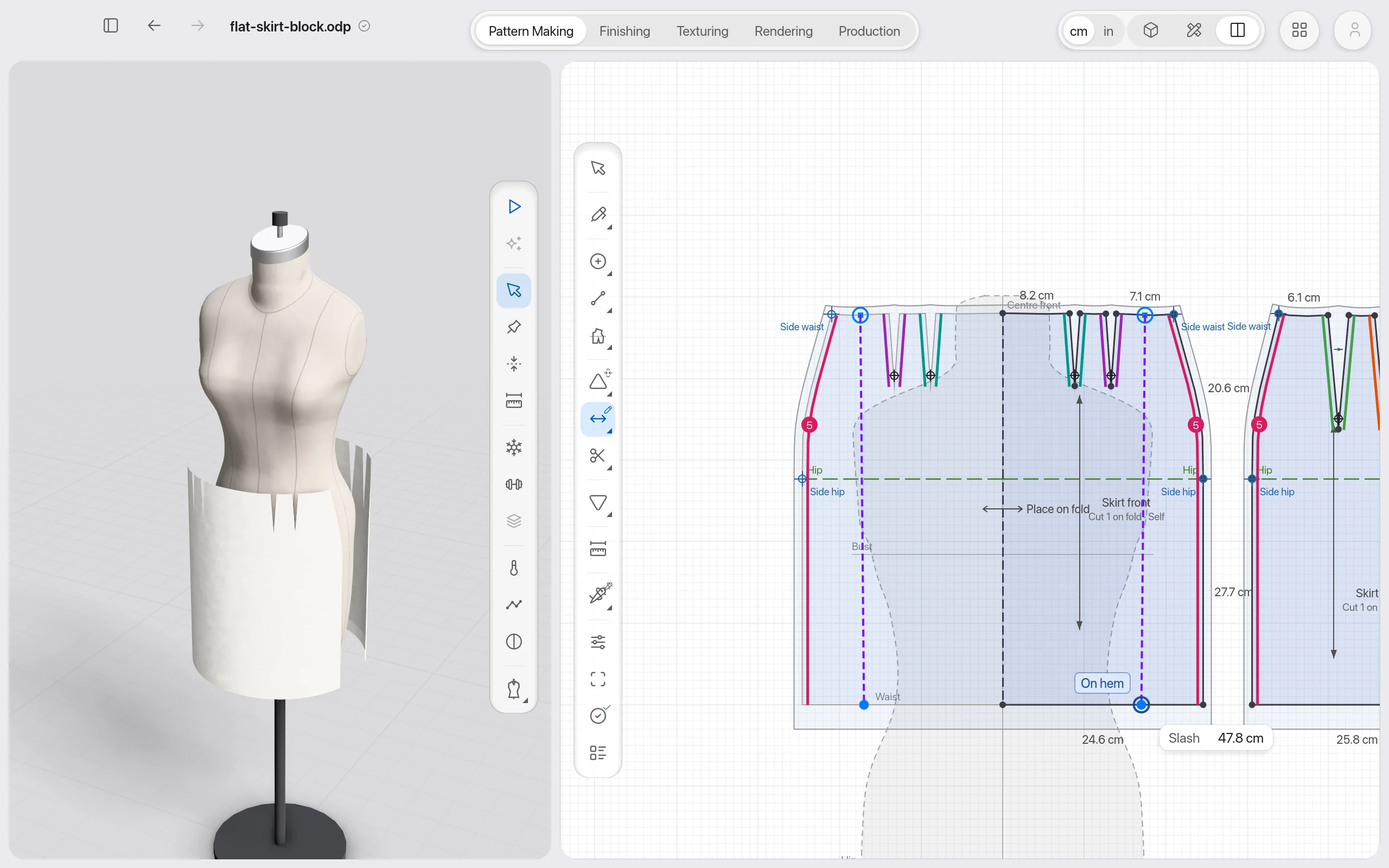
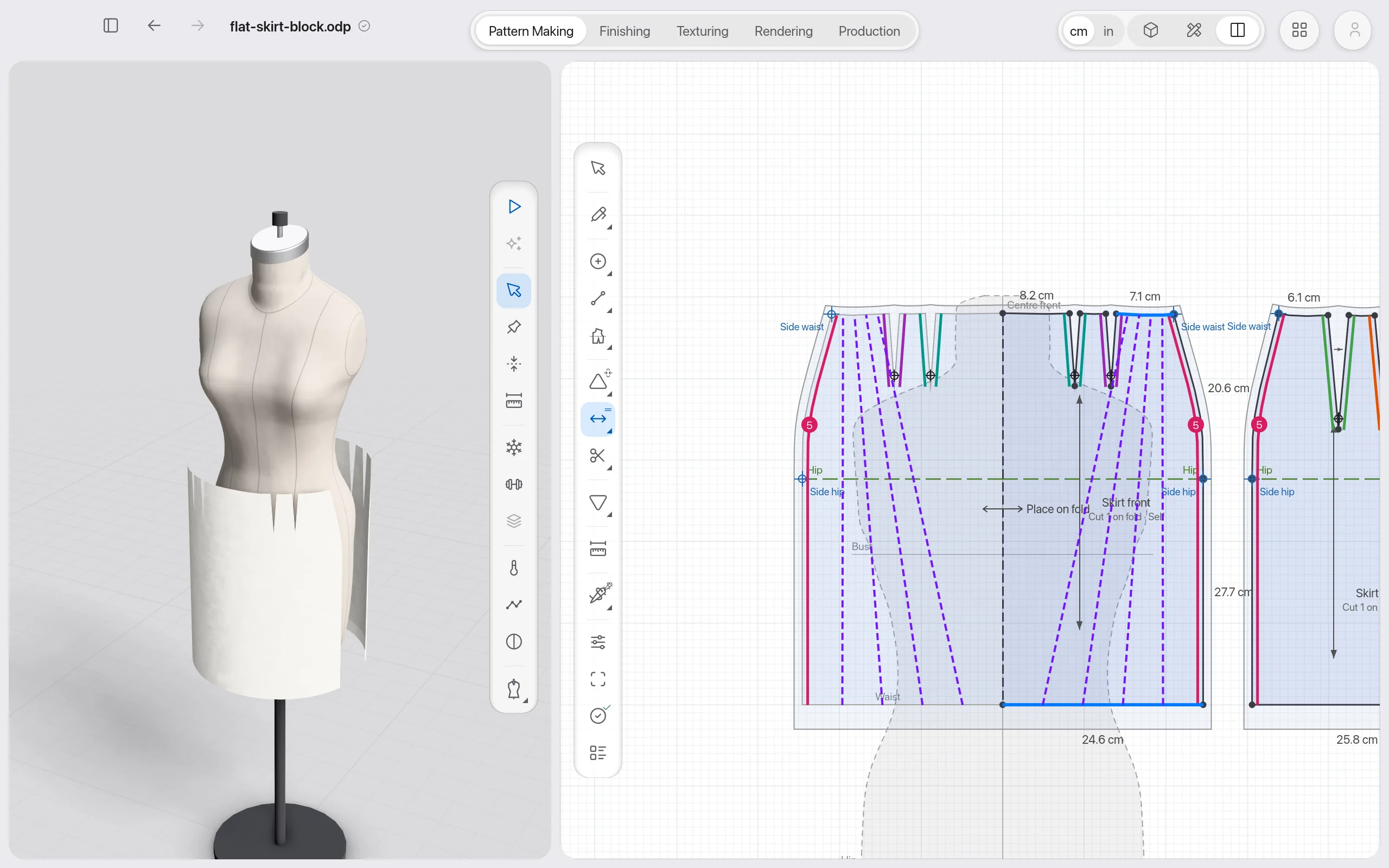
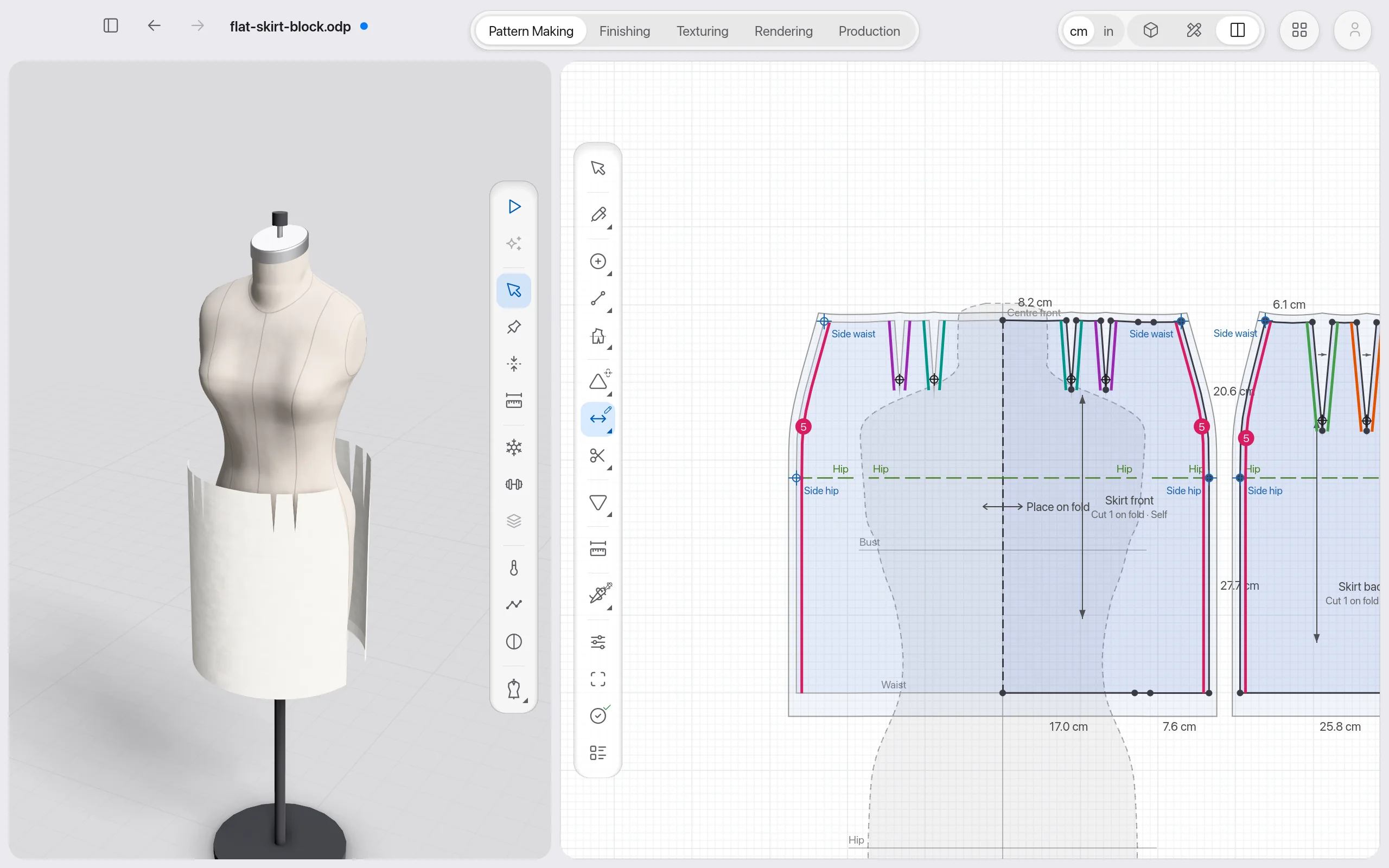
It does: Draws the slashes for you: click the edge that stays and the edge that opens, and they are spaced evenly between, four to start. They all open by the same amount.
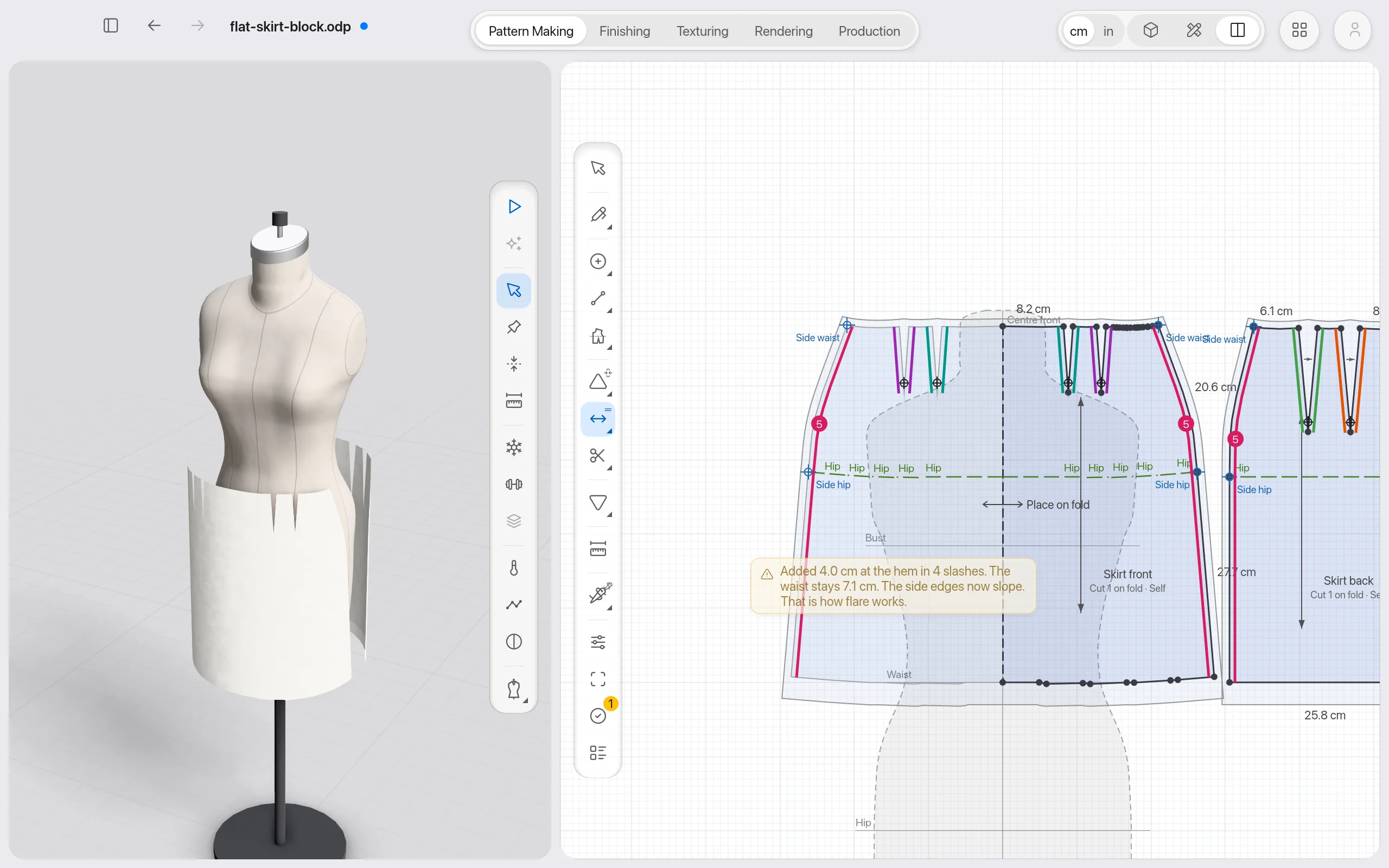
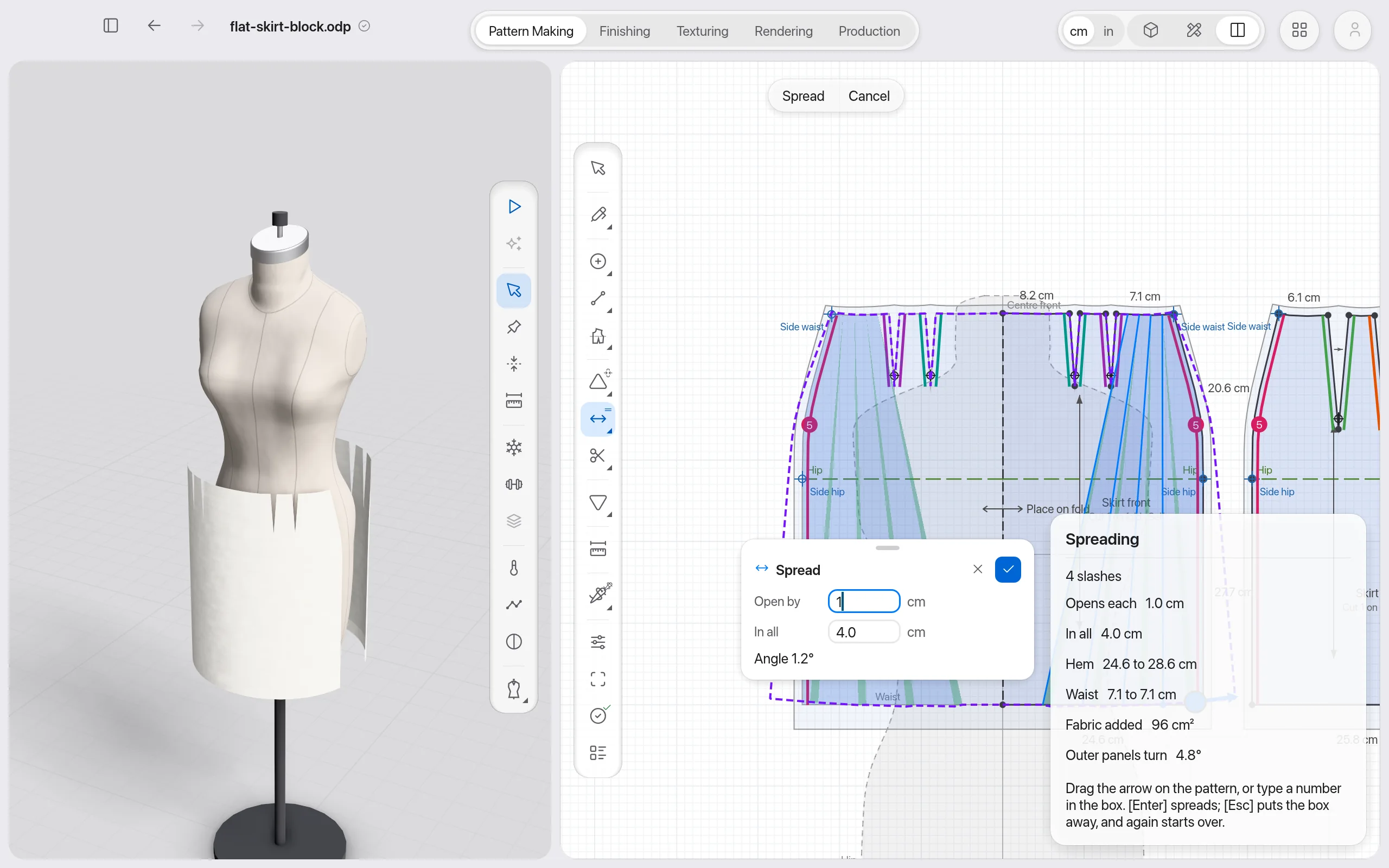
Use it when: An even flare all round a hem: a circle or half-circle skirt, a flounce. Here four slashes opening 1 cm each add 4.0 cm at the hem.
Show the steps (3)
- Pick Even slashes
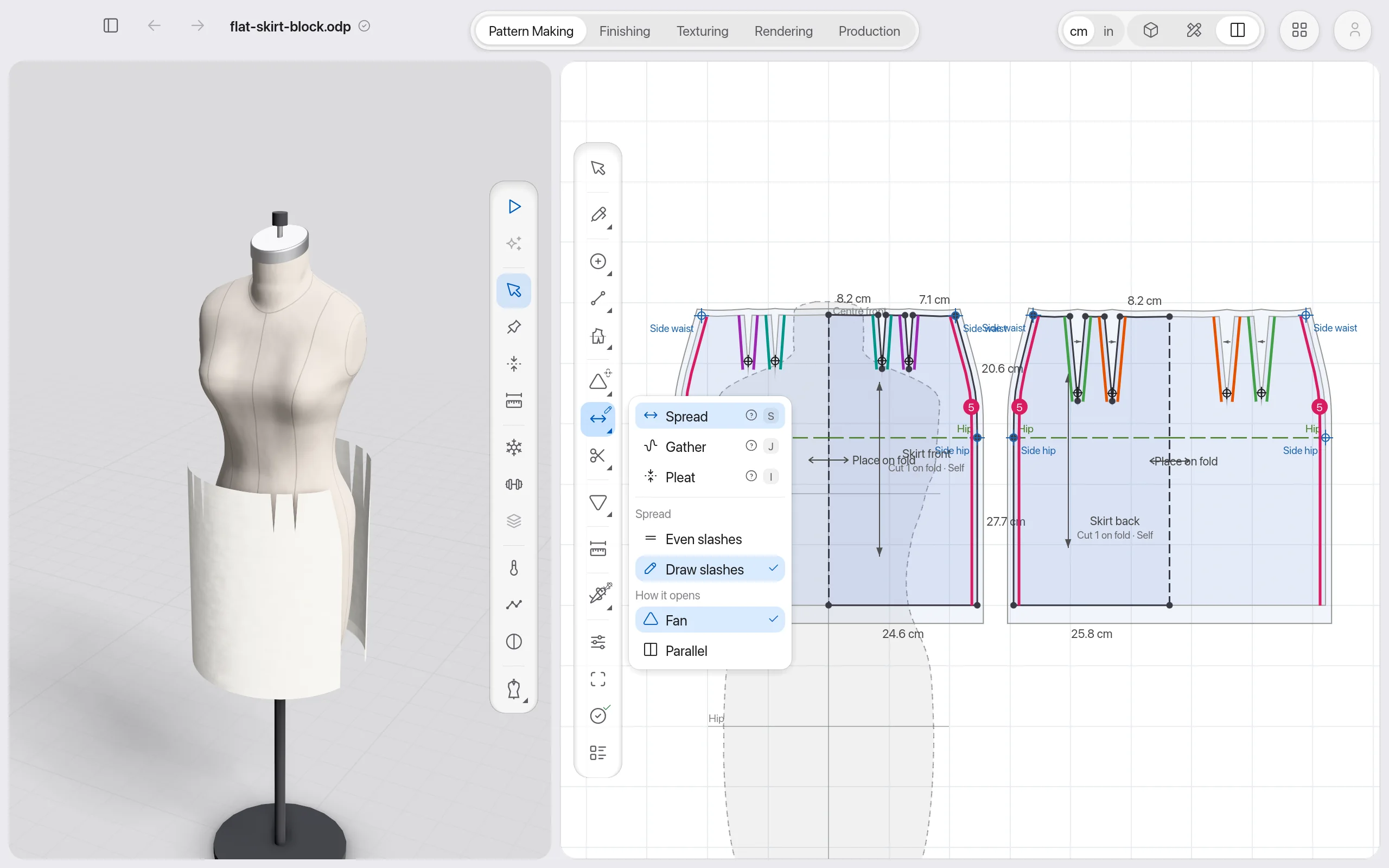
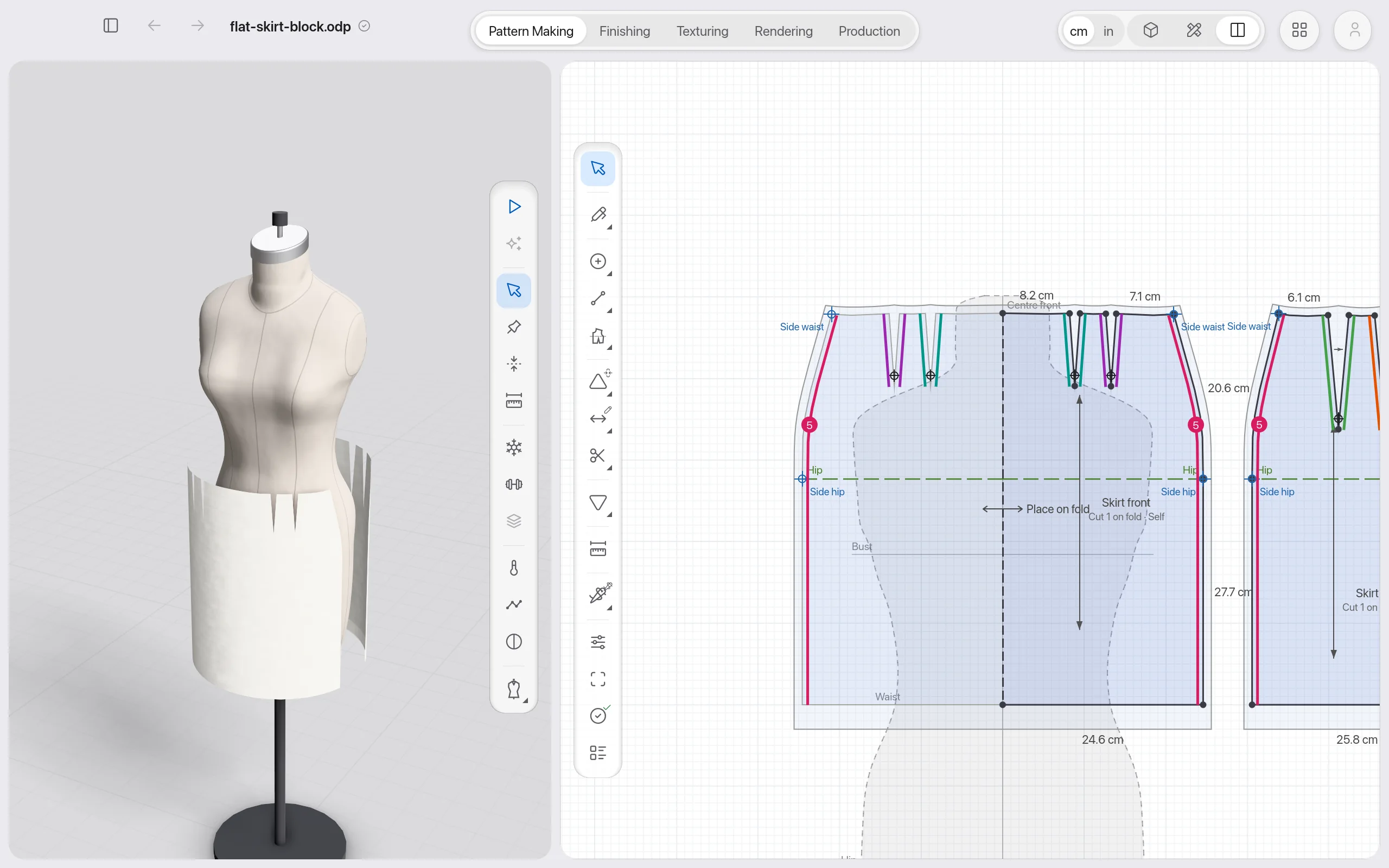
- spot 1 Open the Spread menu on the palette and choose Even slashes under Spread.
WhyThe two choices under Spread change what your clicks mean: Draw slashes takes a point at a time, Even slashes takes two edges.
- Click the edge that stays, then the edge that opens
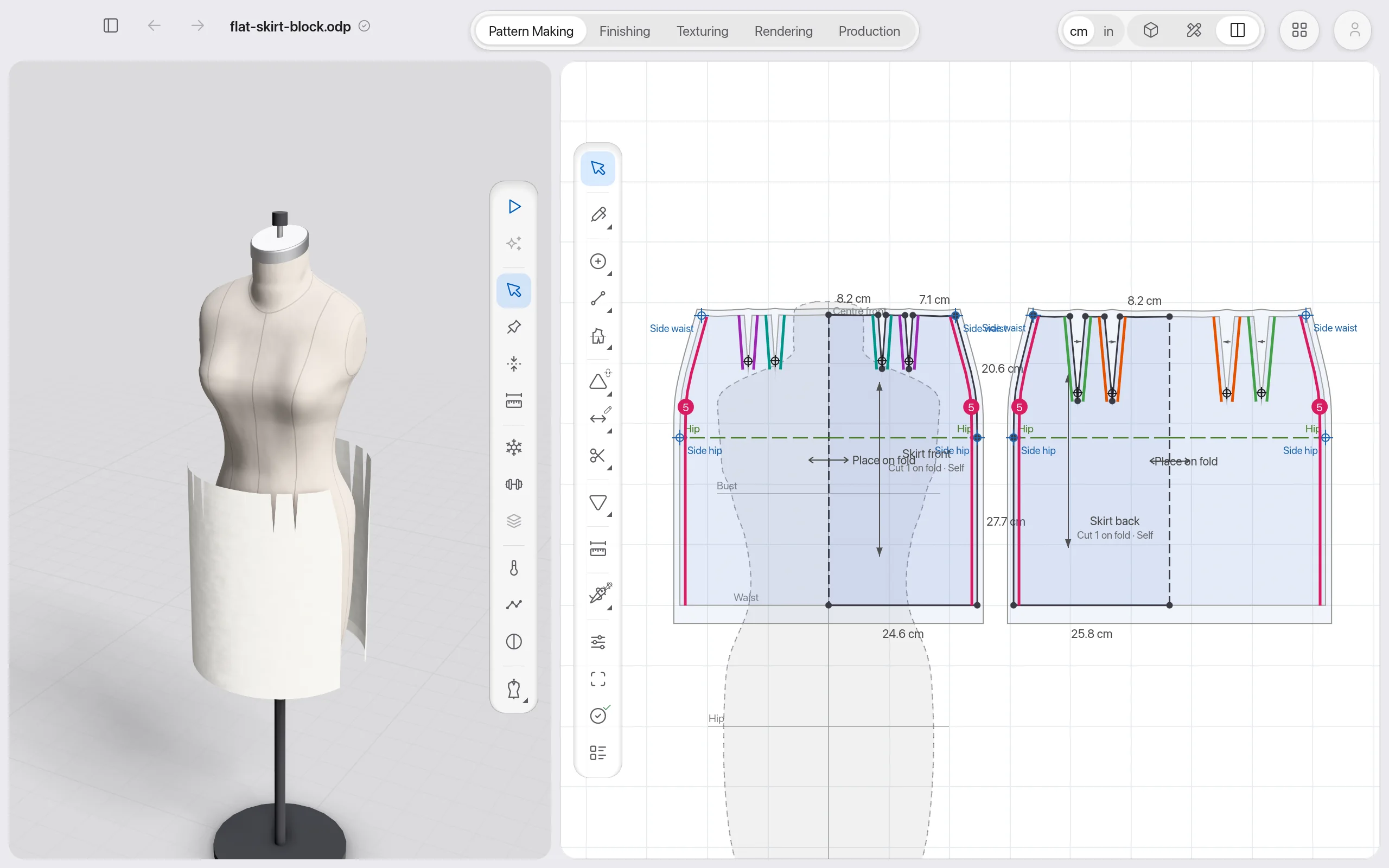
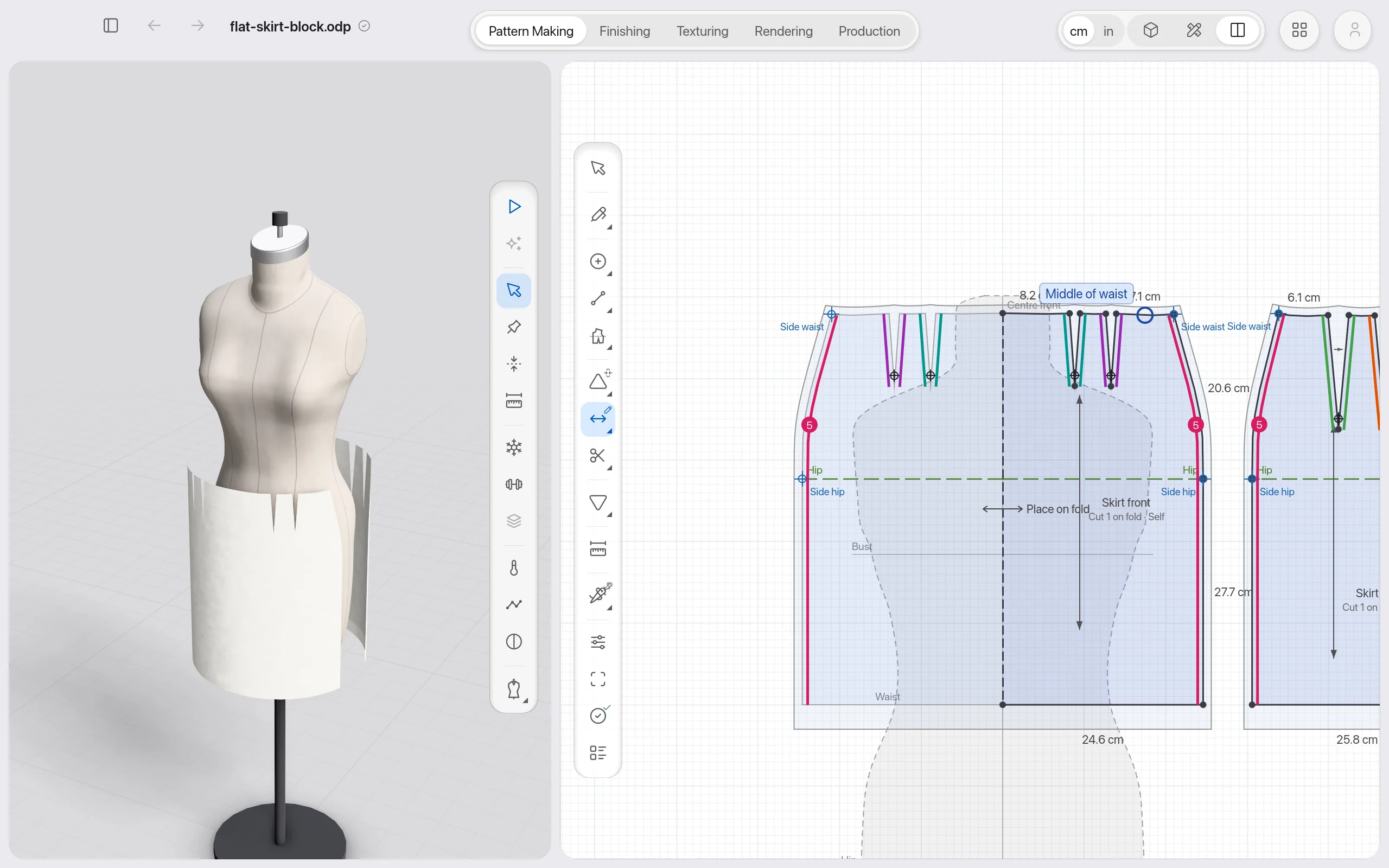
- spot 1 Click the waist stretch between the dart and the side seam.
- spot 2 Click the hem. The four slashes are drawn evenly between.
WhyEven slashes fan out from the short waist stretch to the whole hem, so the flare is spread evenly along it.
- Type how far each slash opens
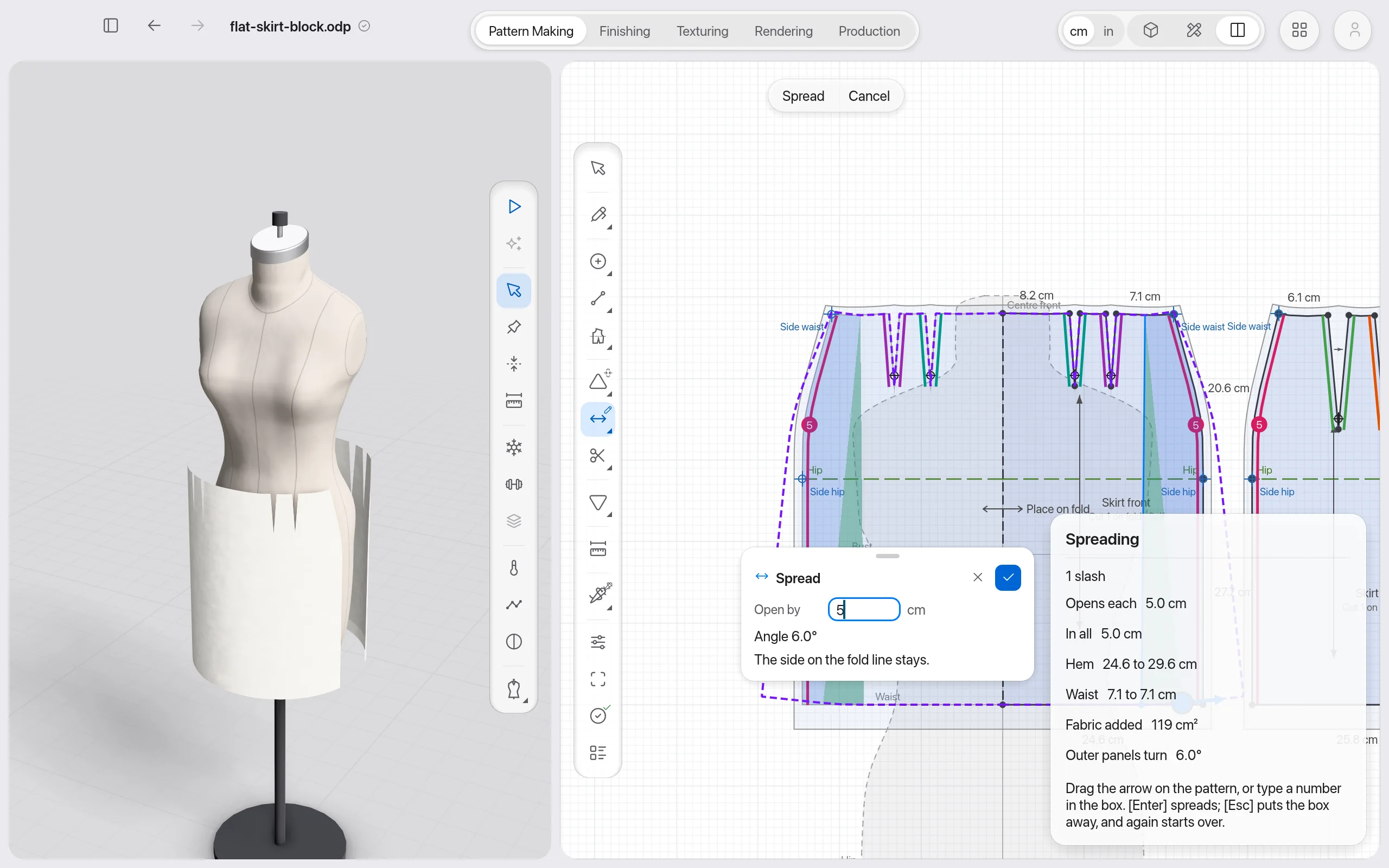
- spot 1 Type 1 in Open by: each slash opens 1 cm. In all shows 4.0 cm. Press Enter.
WhyOpen by is each slash and In all is the total: type either. The note then says Added 4.0 cm at the hem in 4 slashes. The waist stays 7.1 cm.
Parallel
It does: Opens every slash by the same width at both ends, so the waist grows as well as the hem. Choose Parallel under How it opens; the clicks are the same. Here 2 cm widens the waist stretch from 7.1 to 9.1 cm.
Use it when: Extra width for gathers: a gathered skirt or sleeve, a bubble hem. Fan, the default, keeps the waist and flares the hem.