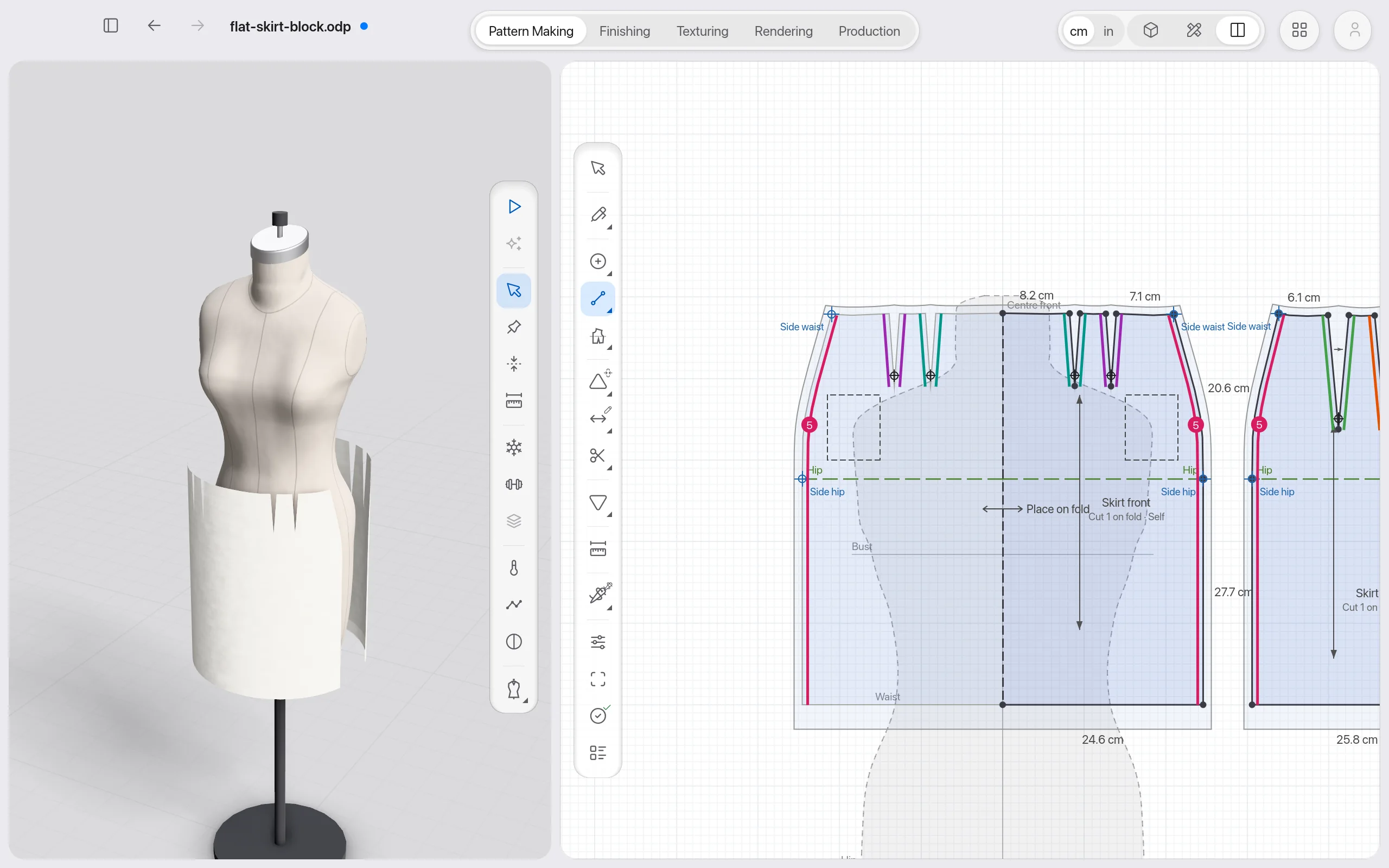
Straight across
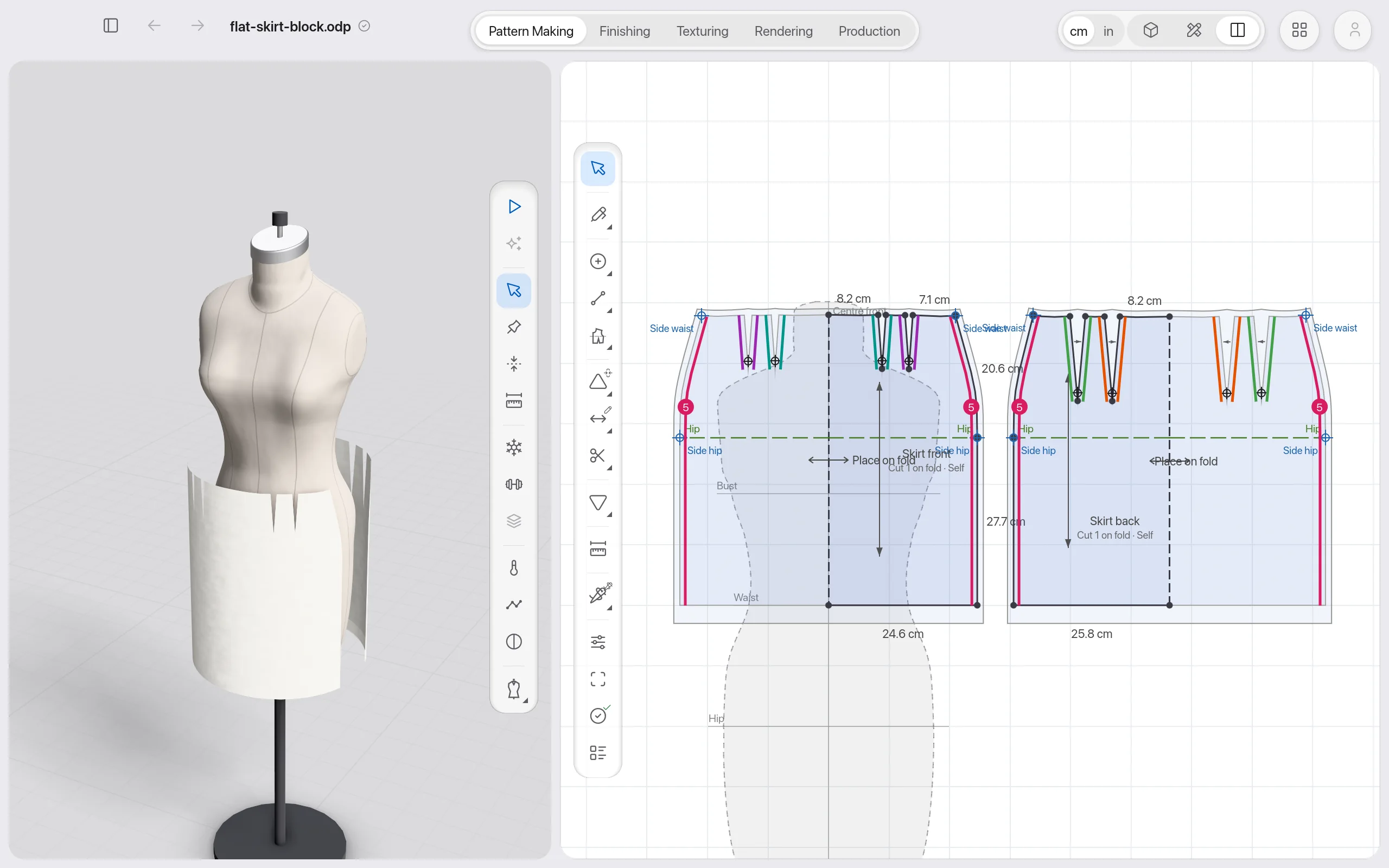
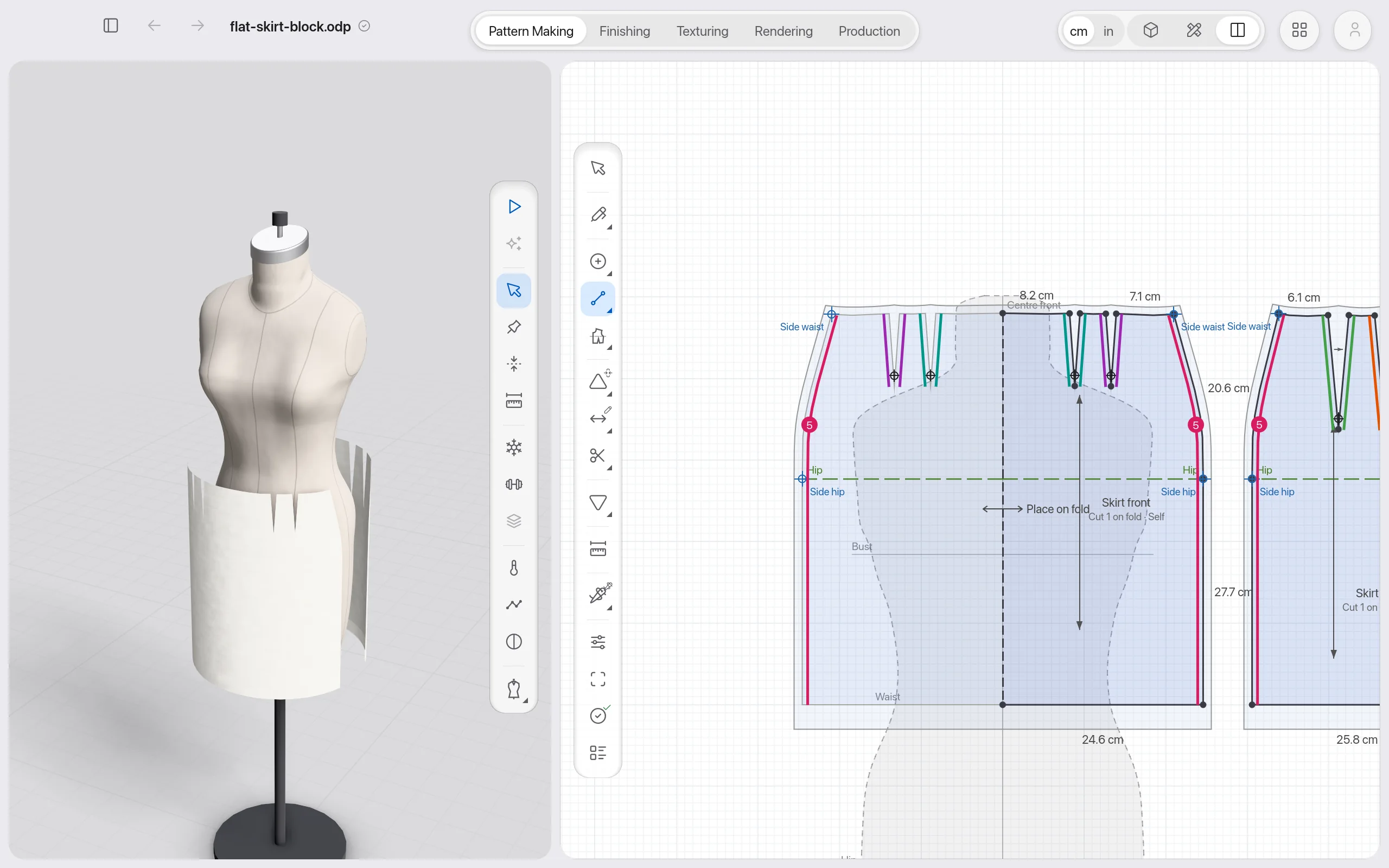
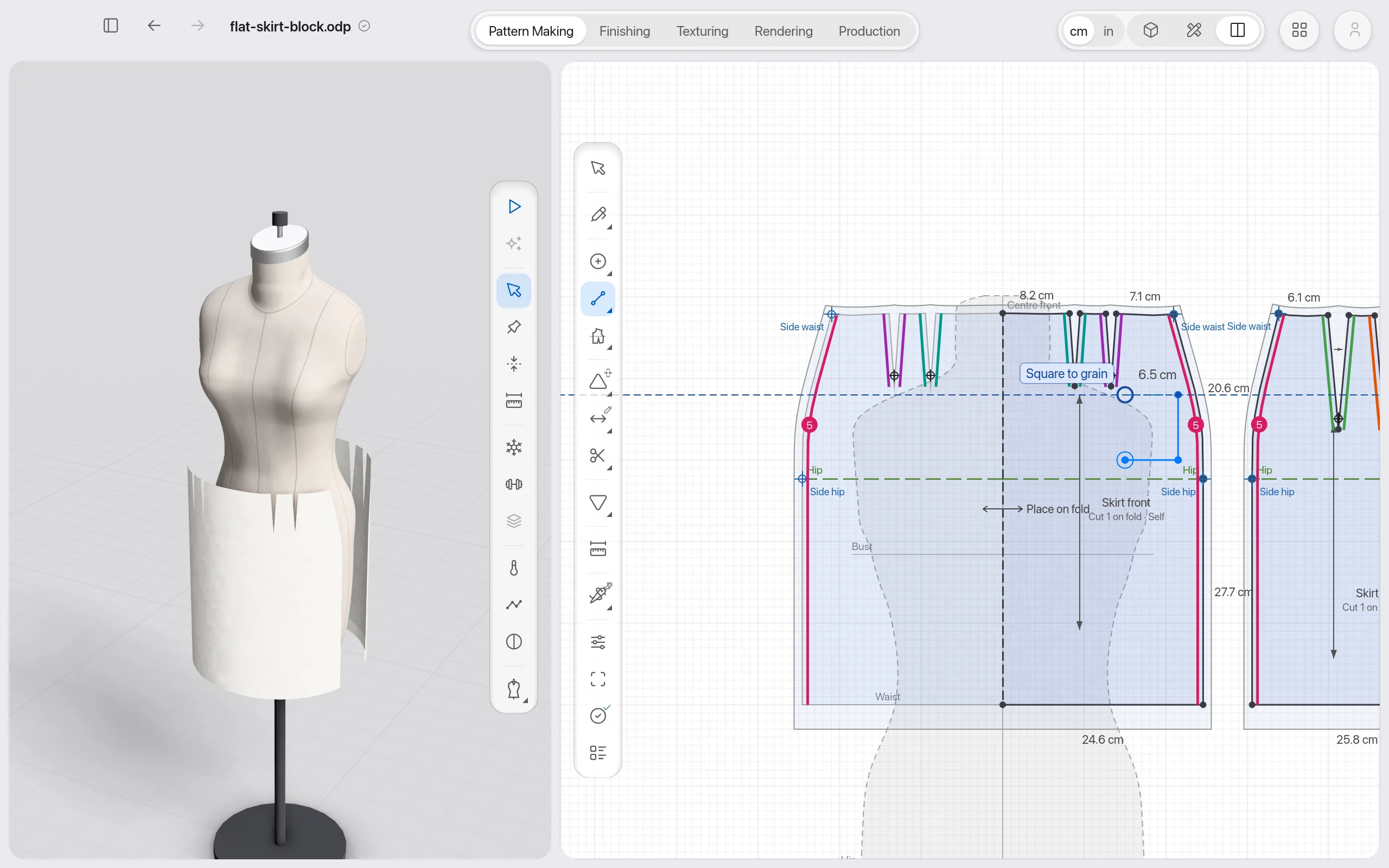
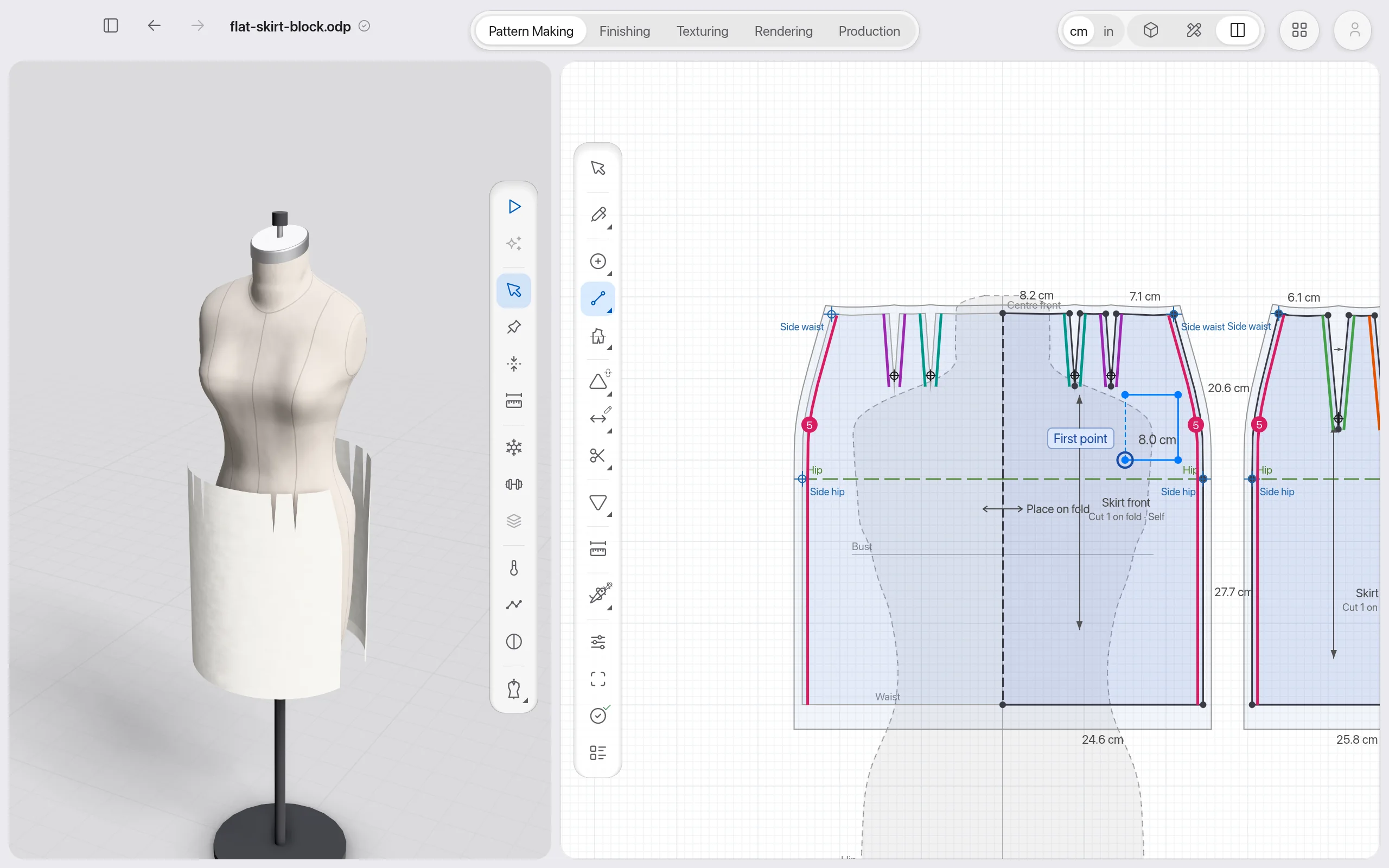
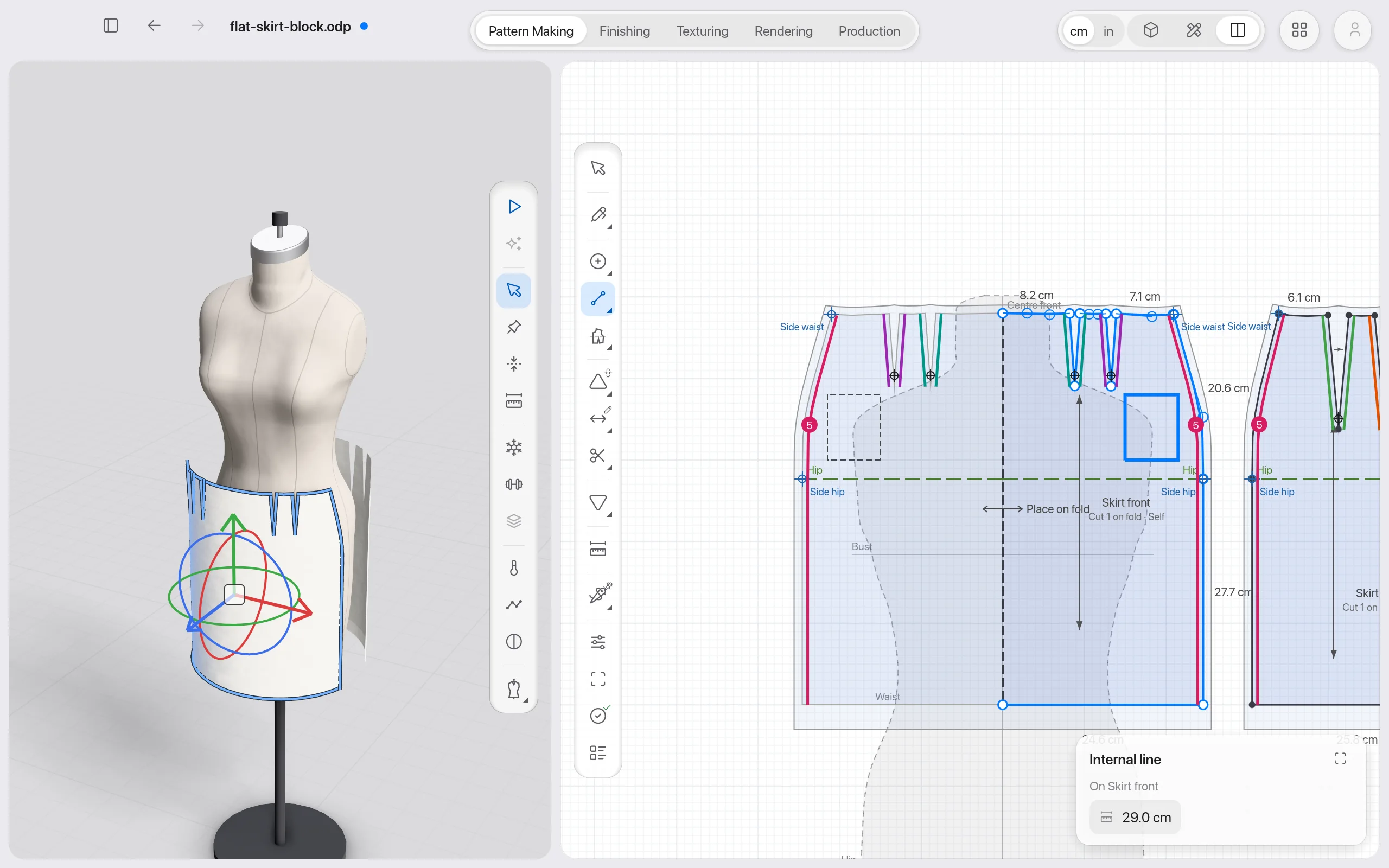
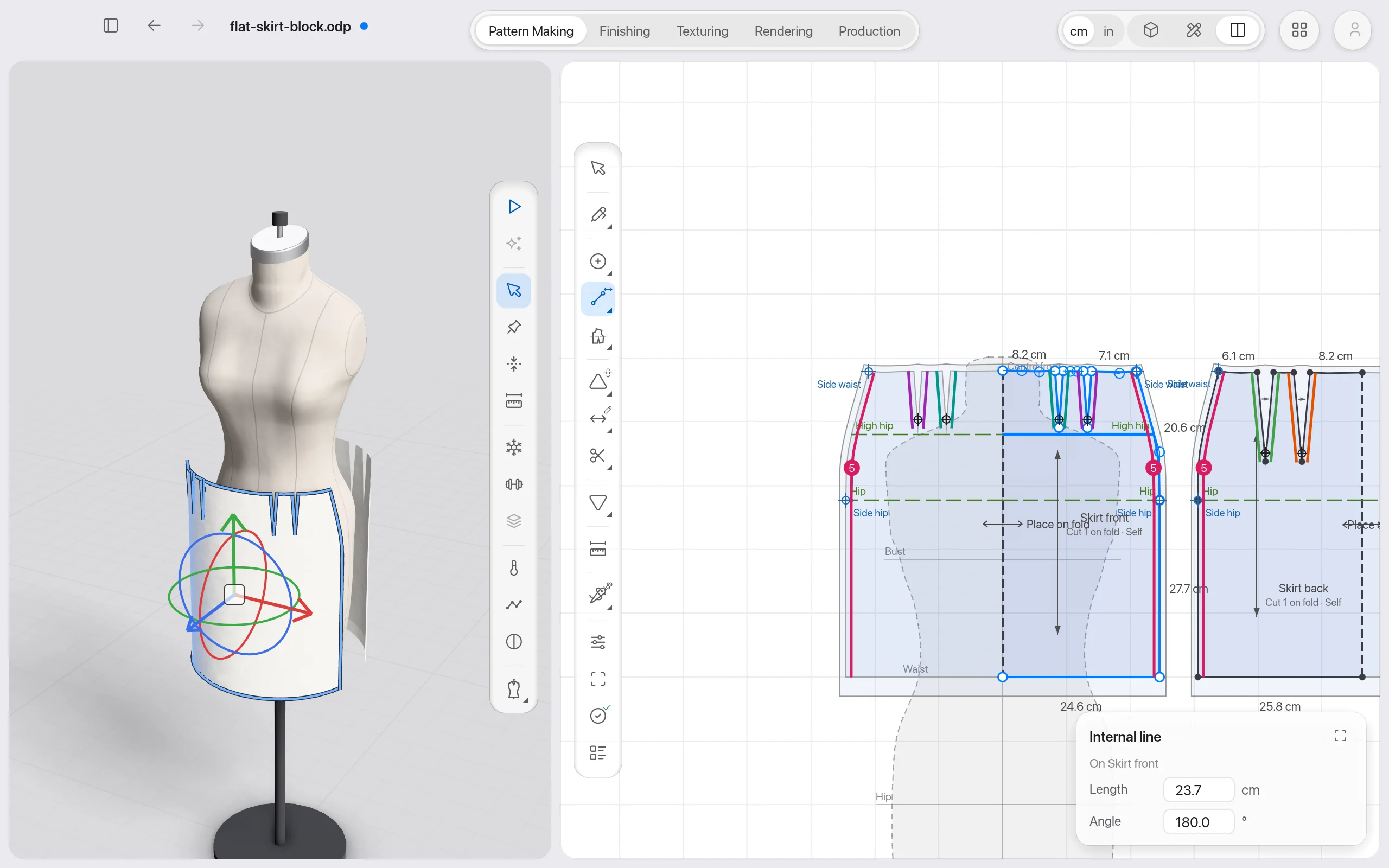
It does: Switch Straight across on and a click draws a level line right across the piece, square to the grain, at the height you click. Or type how far down from the top it goes. The Level box names it: Bust, Waist, High hip, Hip and more.
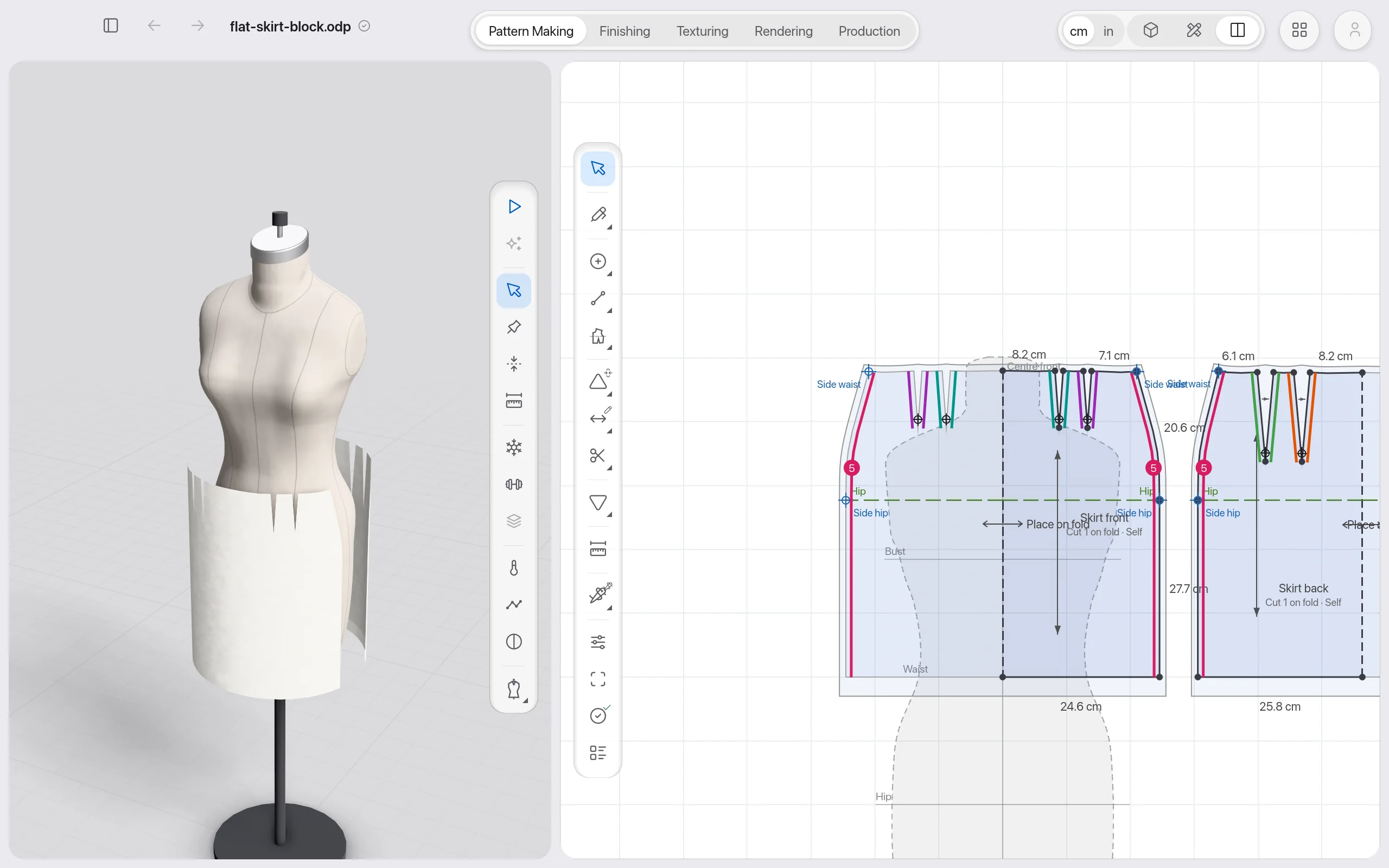
Use it when: A level is a height on the body, like the hip line, drawn across a piece at that height. Here a High hip level goes 10 cm down from the waist, and the next level you draw snaps to it.
Show the steps (3)
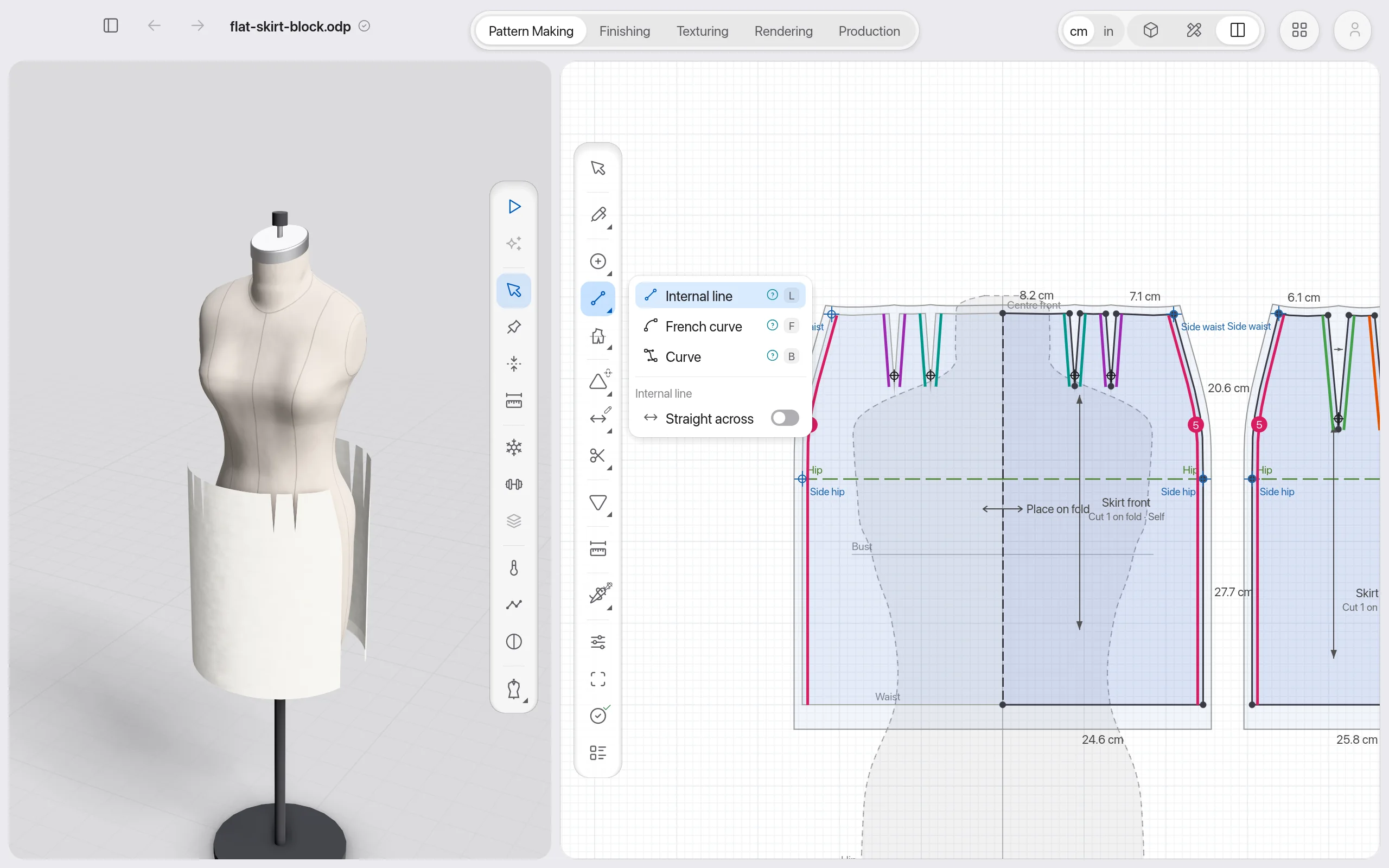
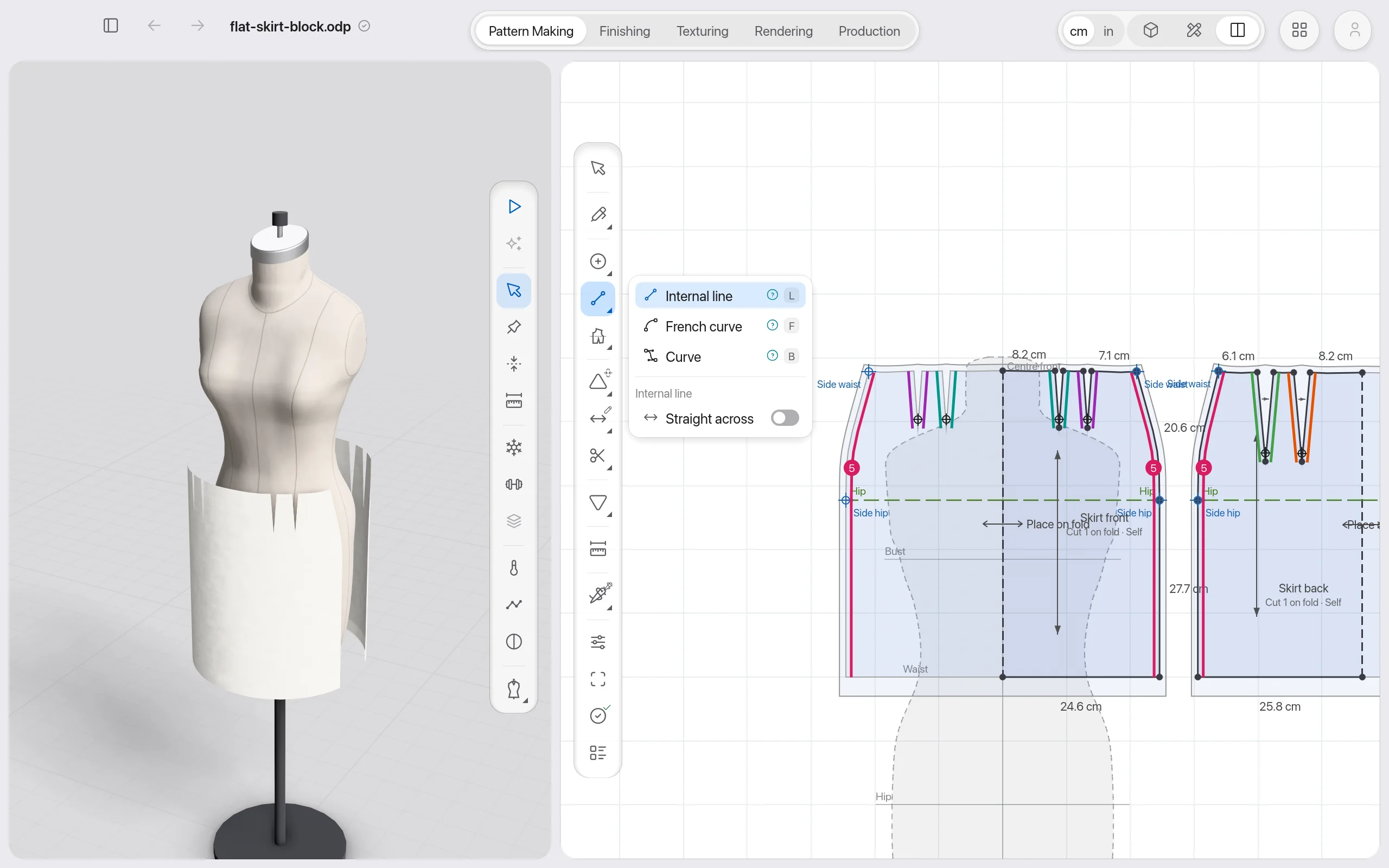
- Turn on Straight across
- spot 1 Open the Internal line menu and switch Straight across on.
- A Level box appears under it.
WhyWith it on, a click means a whole level line, not one point of a shape. H turns it on and off from the keyboard.
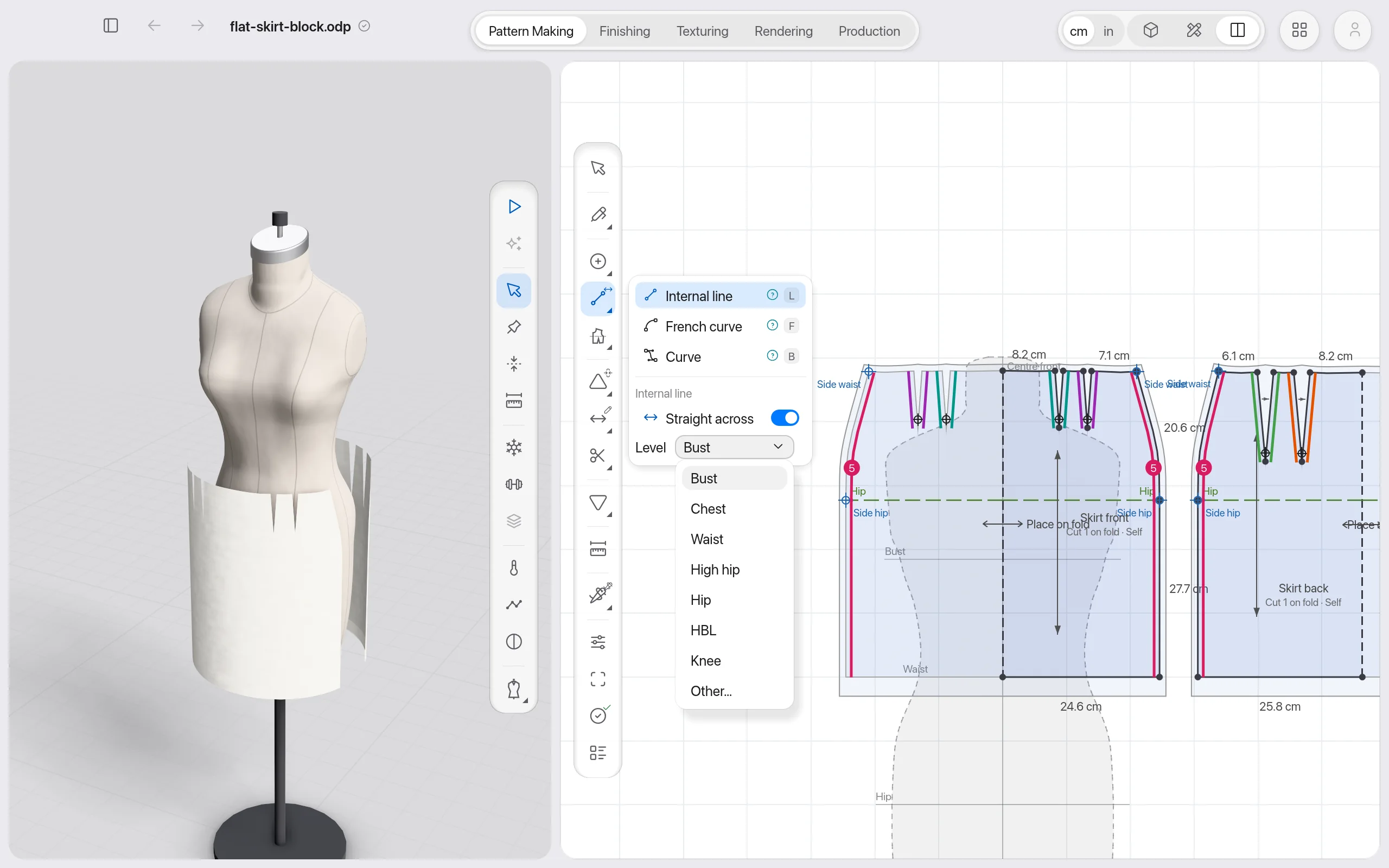
- Choose the level
- spot 1 Open the Level box and choose High hip.
WhyThe level is the line's name, and it shows on the piece. The list has Bust, Chest, Waist, High hip, Hip, HBL (the tailor's horizontal balance line), Knee and Other…, for a name of your own.
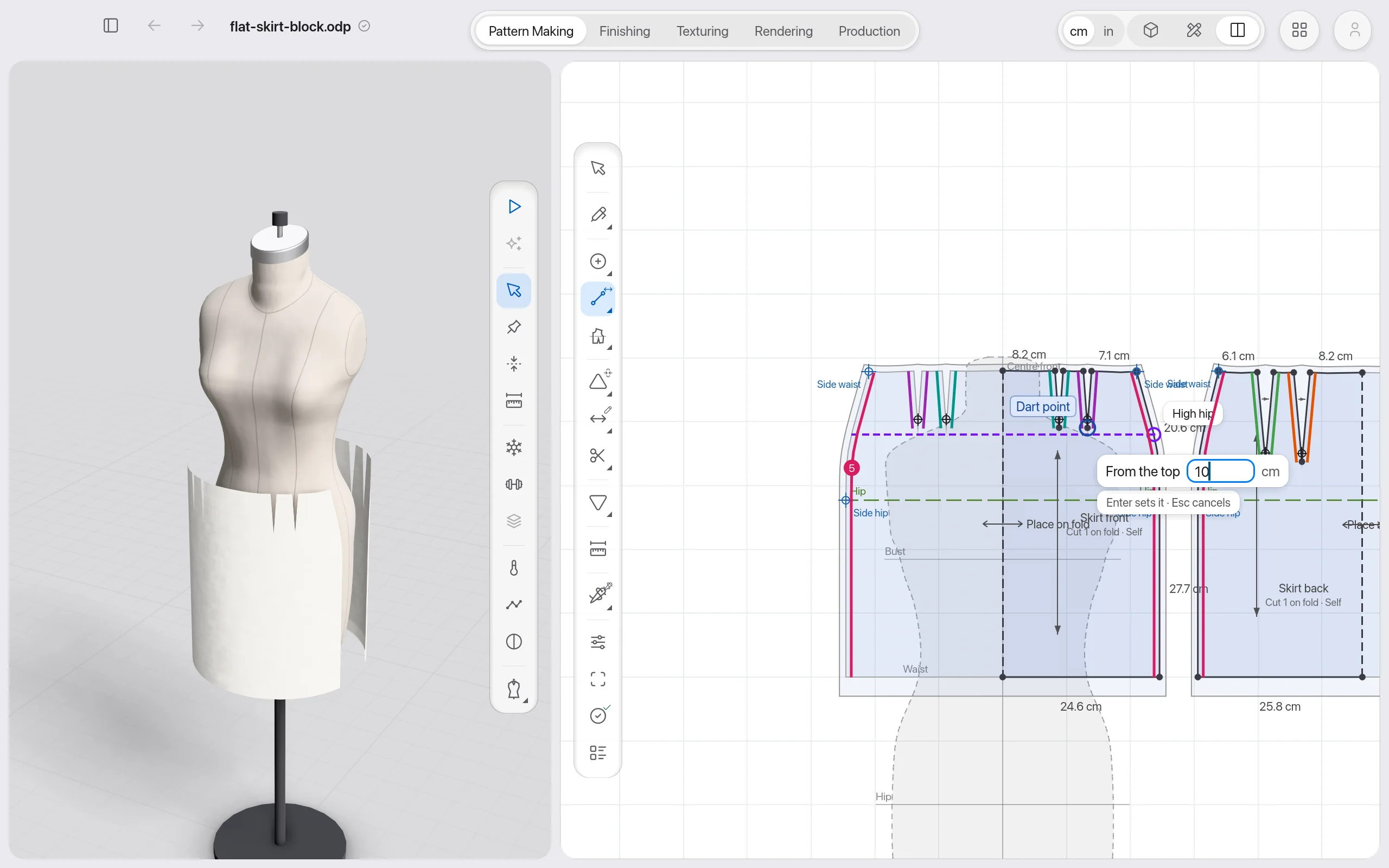
- Type how far down
- spot 1 Move the pointer over the front skirt: a line follows it, and a box shows From the top. Type 10 and press Enter.
WhyThe line is square to the grain and runs right across the piece. You can also click where it goes, and it snaps to points and to levels already drawn.