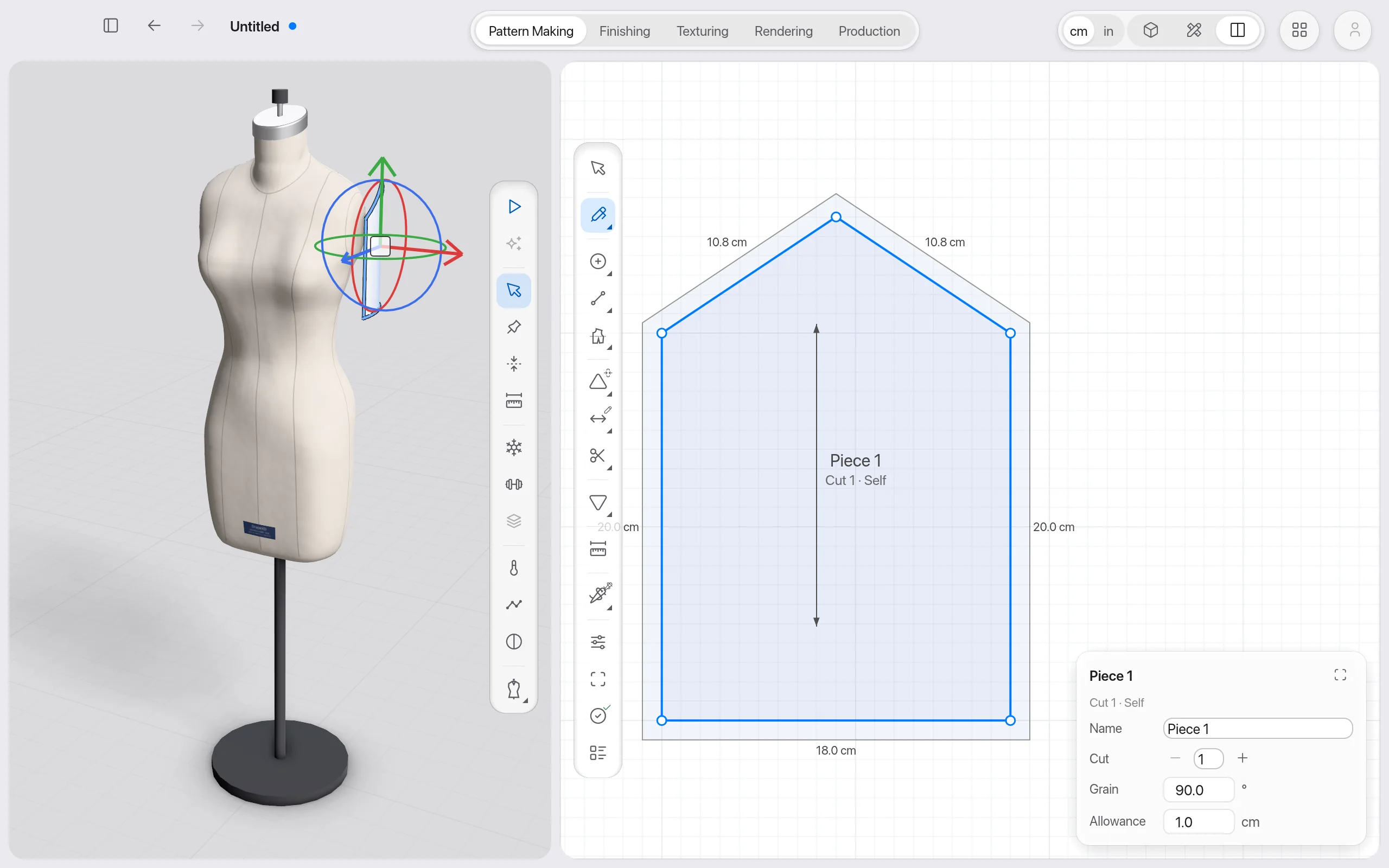
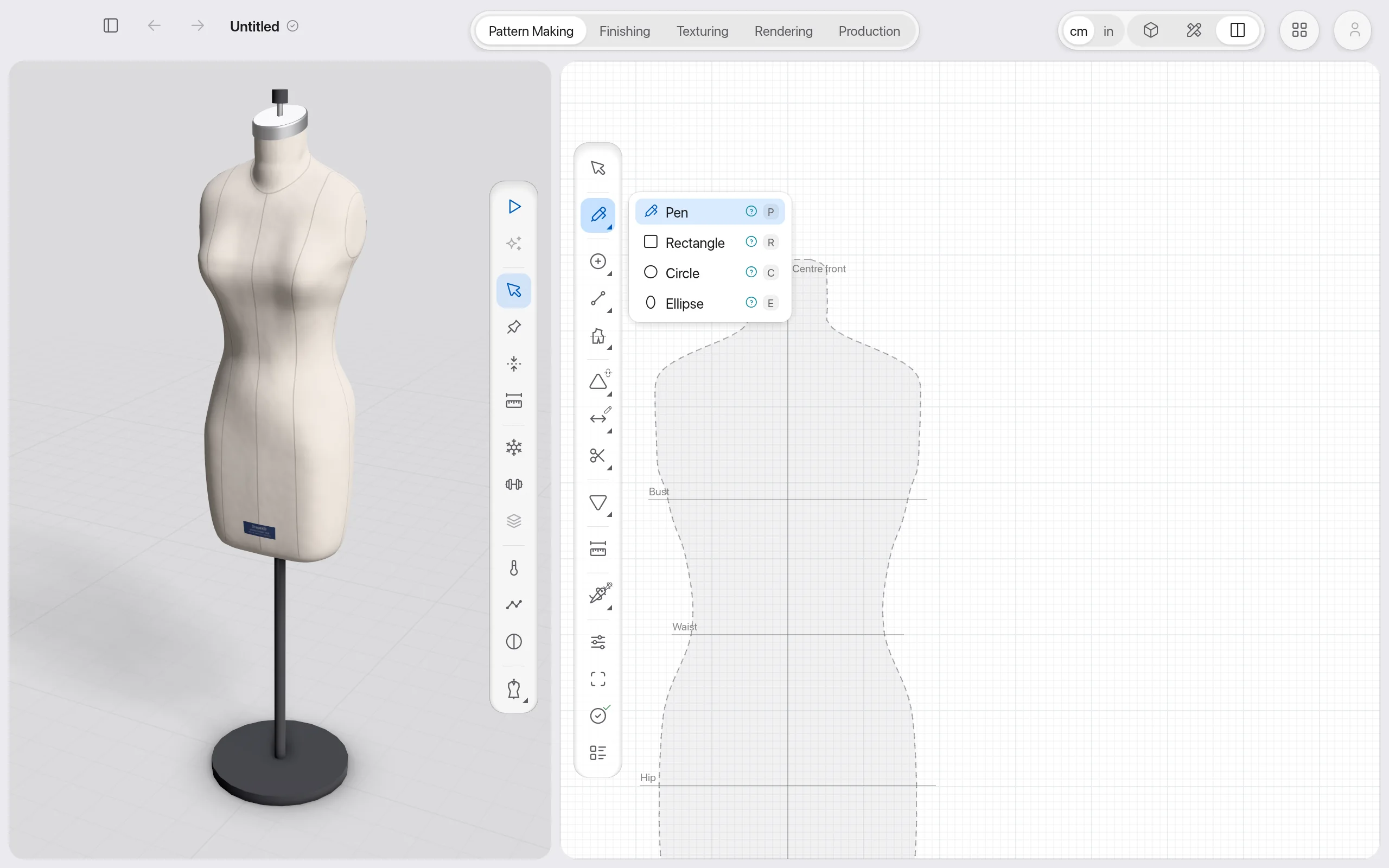
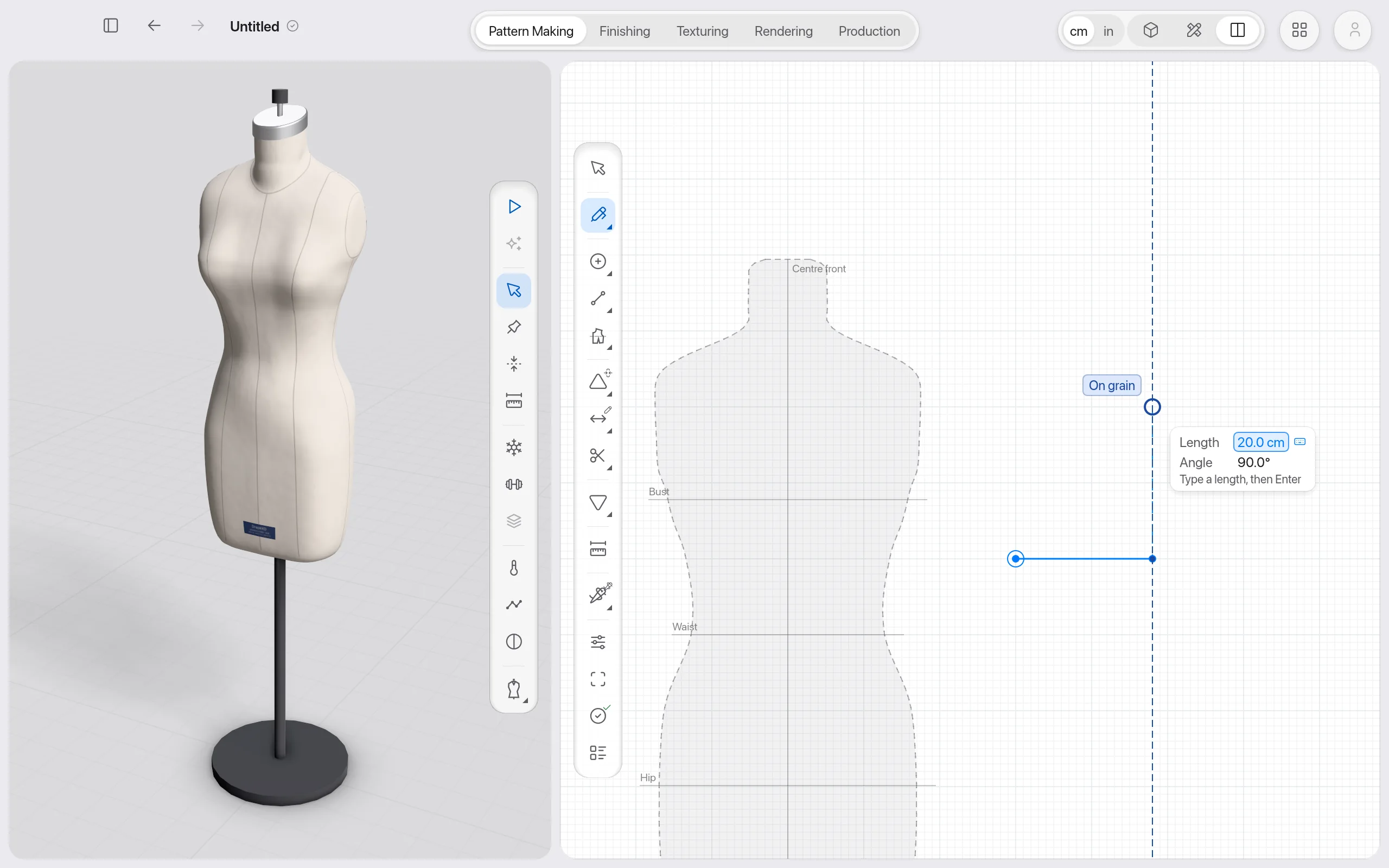
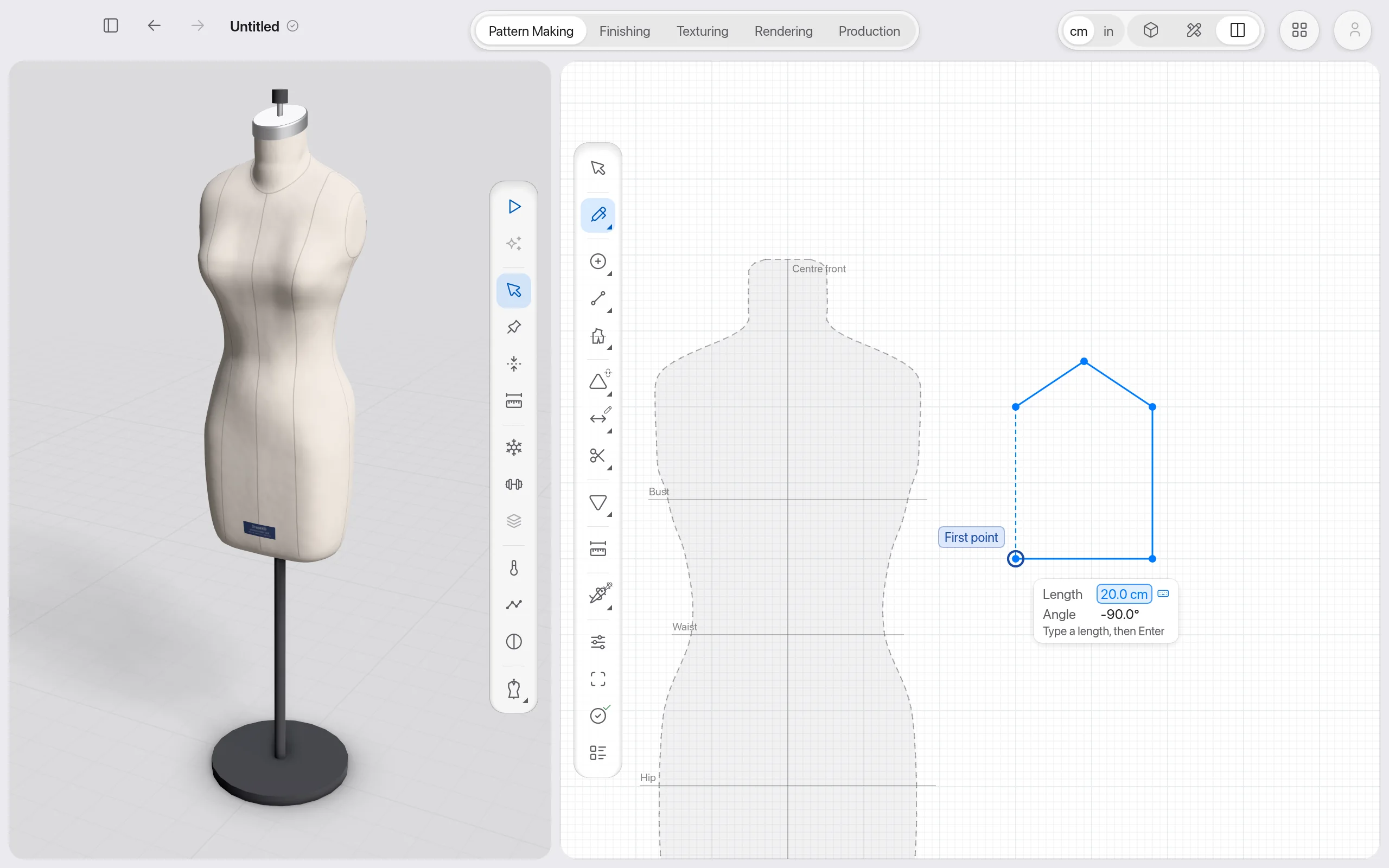
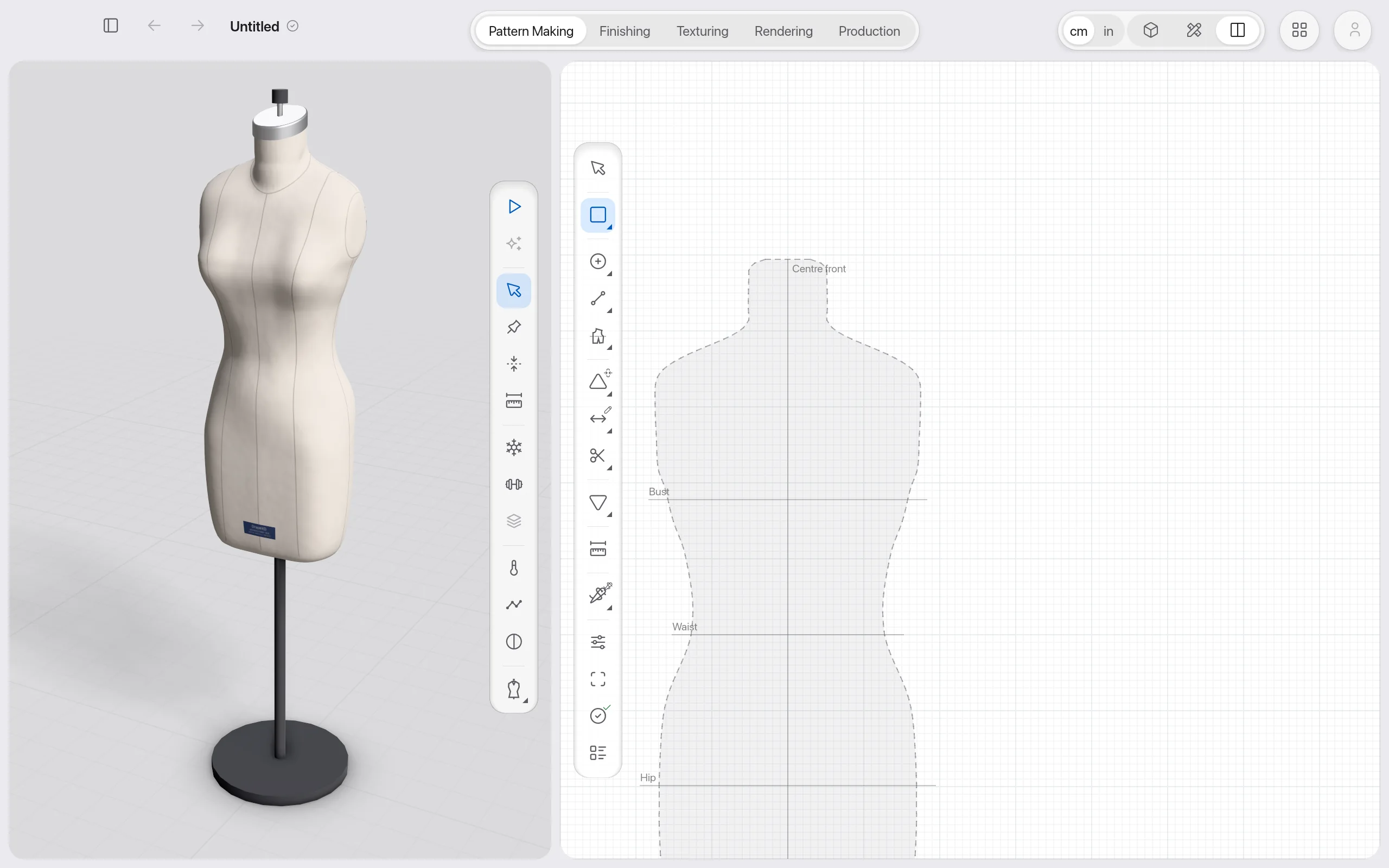
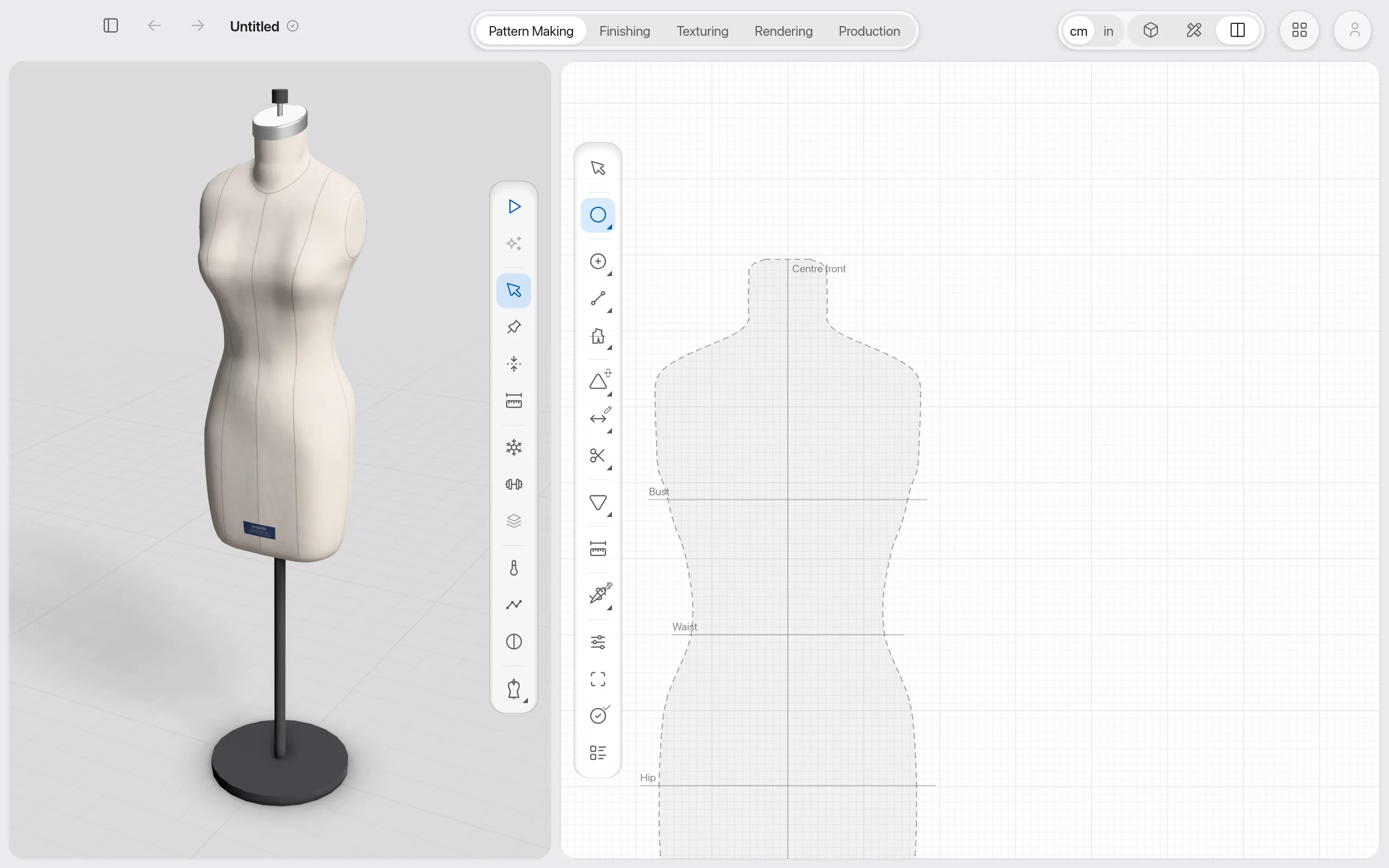
The Pen is the way to draw any outline. The three other buttons in its menu draw plain shapes with one drag, and each piece can then be reshaped with its points.
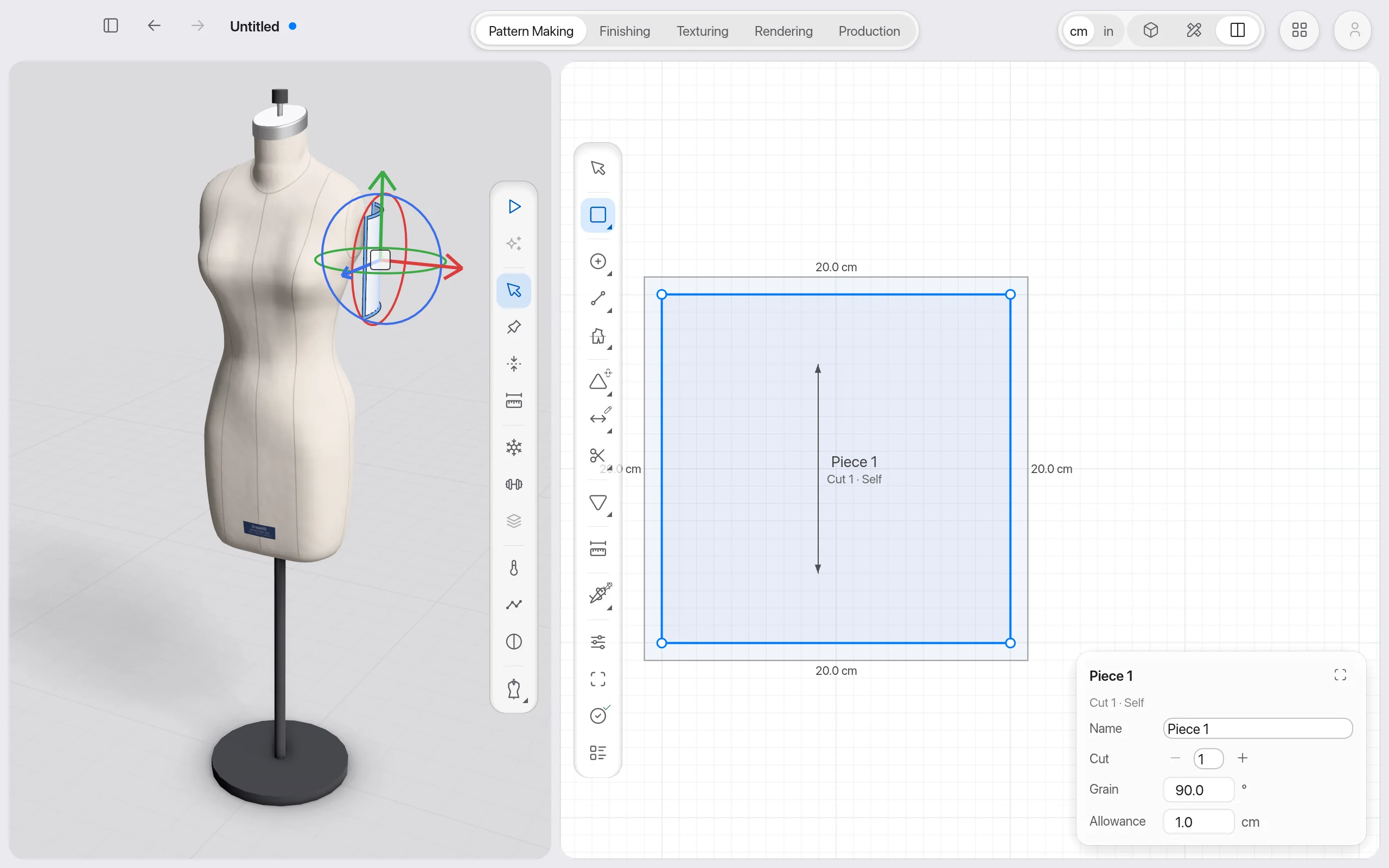
Rectangle
It does: Press at one corner and drag to the opposite corner; the piece is made when you let go. Or click once and type the width and height.
Use it when: Many blocks start as a plain rectangle, a width and a height, that you then shape into the piece you need: a waistband, a skirt panel, a pocket bag.
Circle
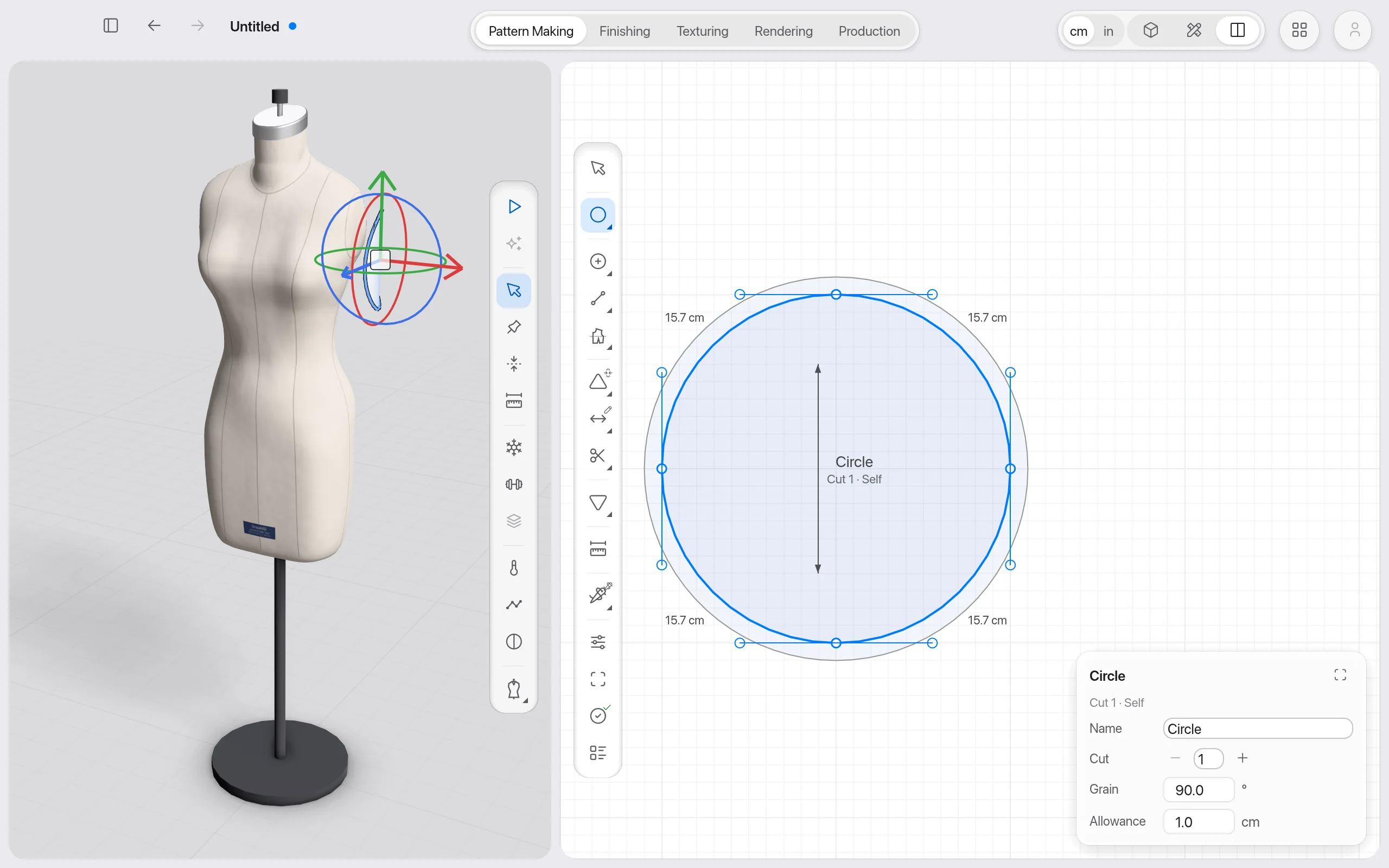
It does: Press in the middle and drag out to the edge; the radius shows as you drag. Or click once and type the radius.
Use it when: Round pieces start as a circle: give it a radius, then pull its points to turn it into a pocket, a cuff or a collar.
Ellipse
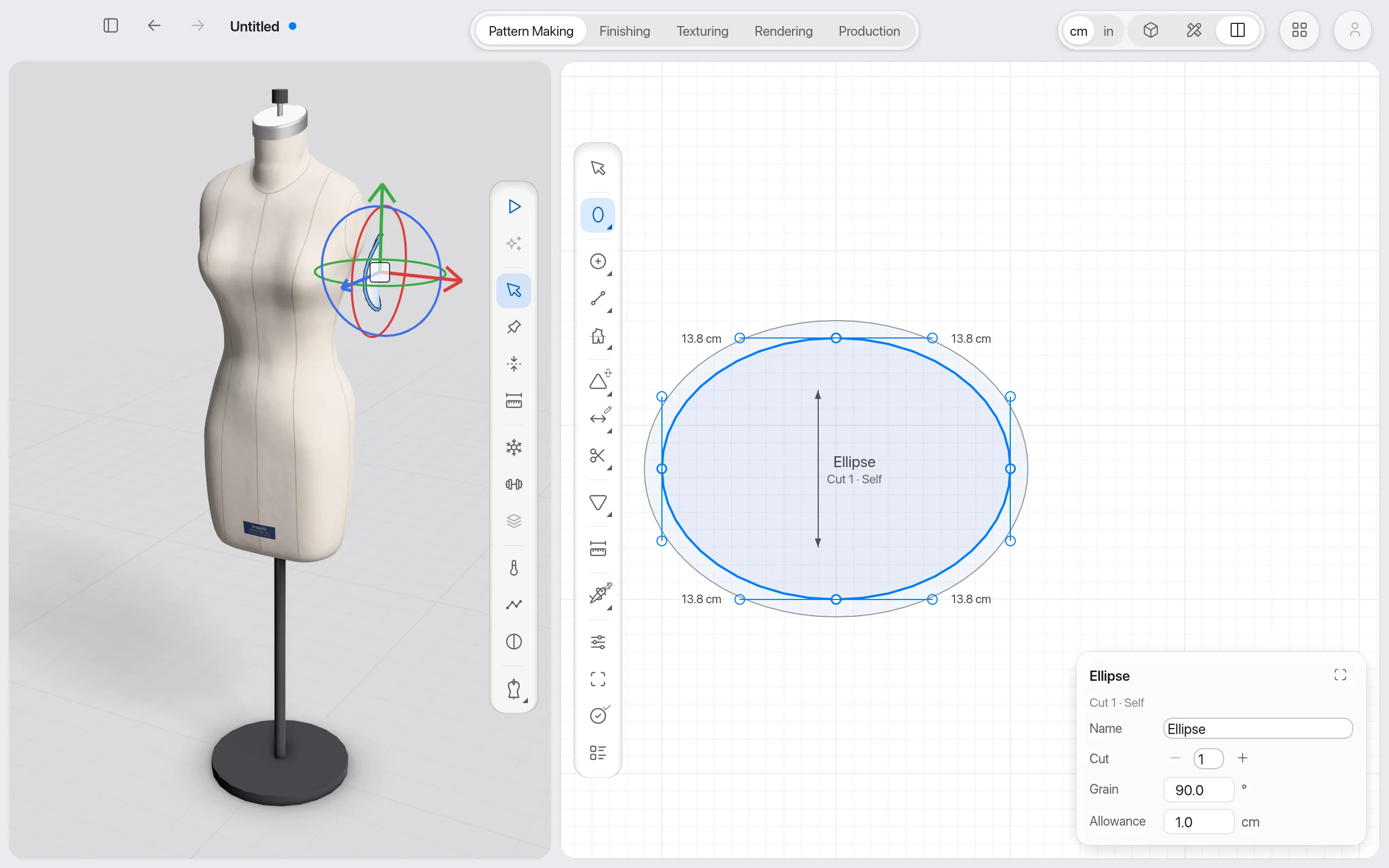
It does: Drag from one corner of the box the oval fits in to the opposite one. Or click once and type the width and height.
Use it when: An oval is a circle with two sizes: a neckline facing, a round collar that is longer than it is wide.