Step 1 of 6
What you'll do
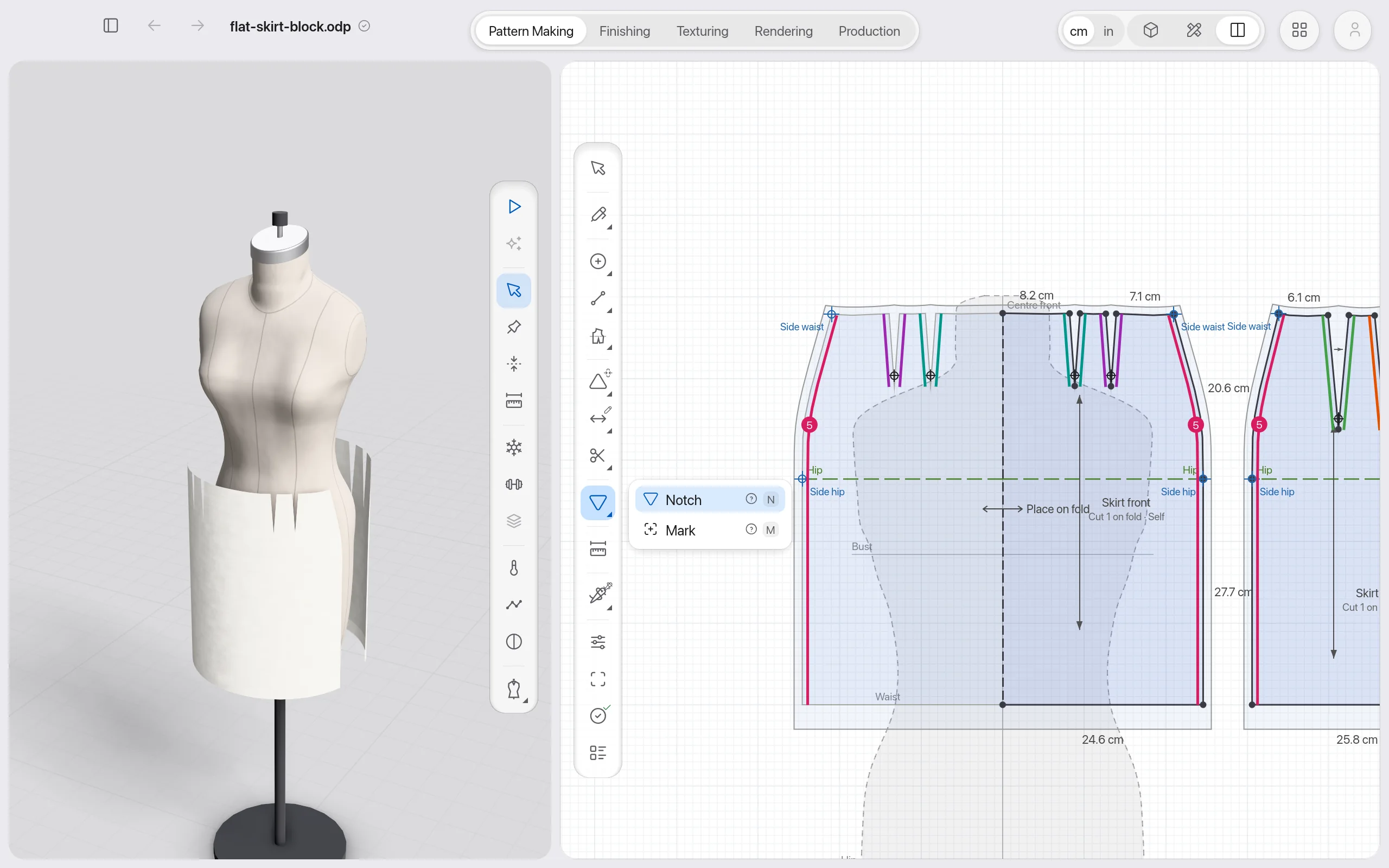
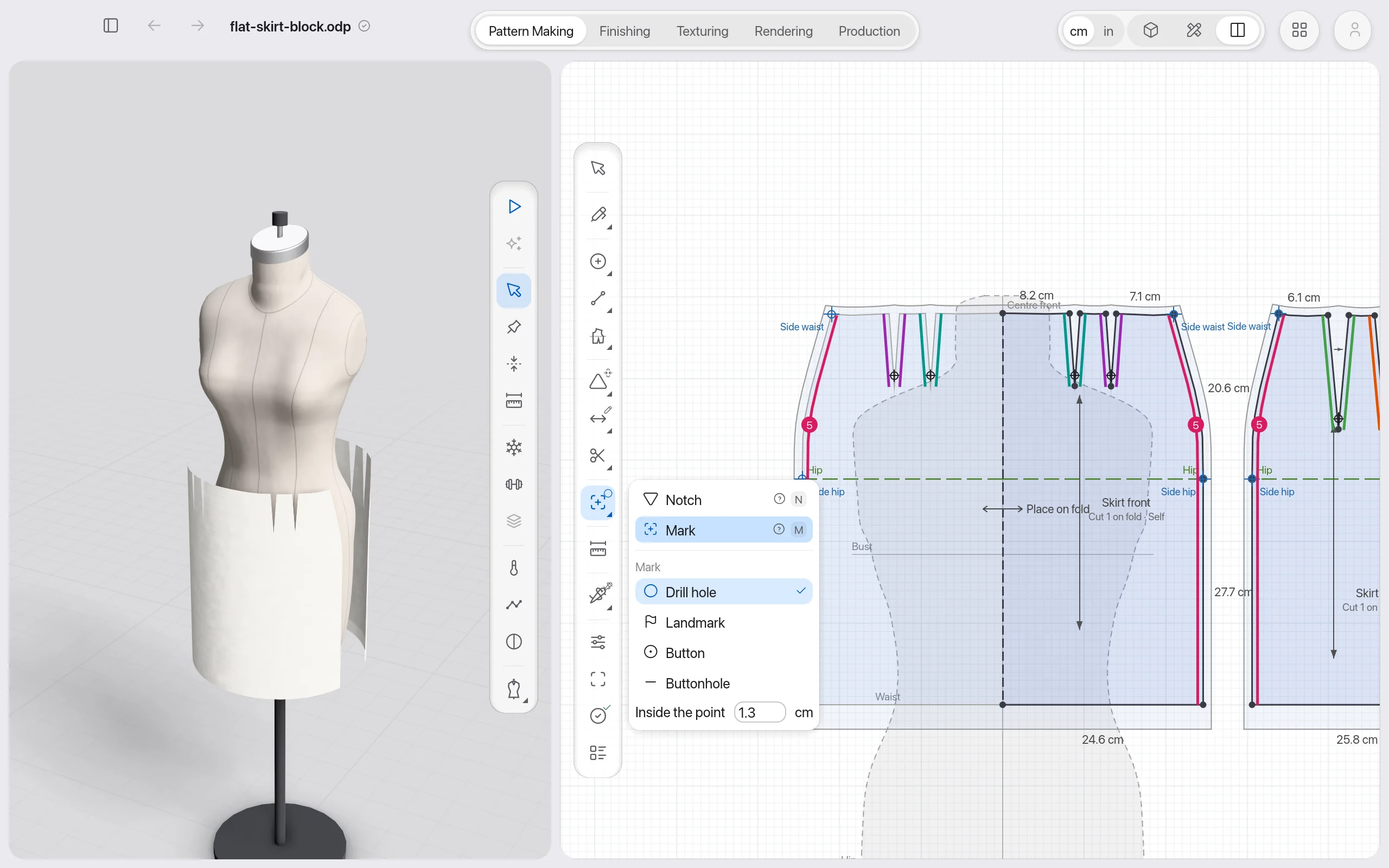
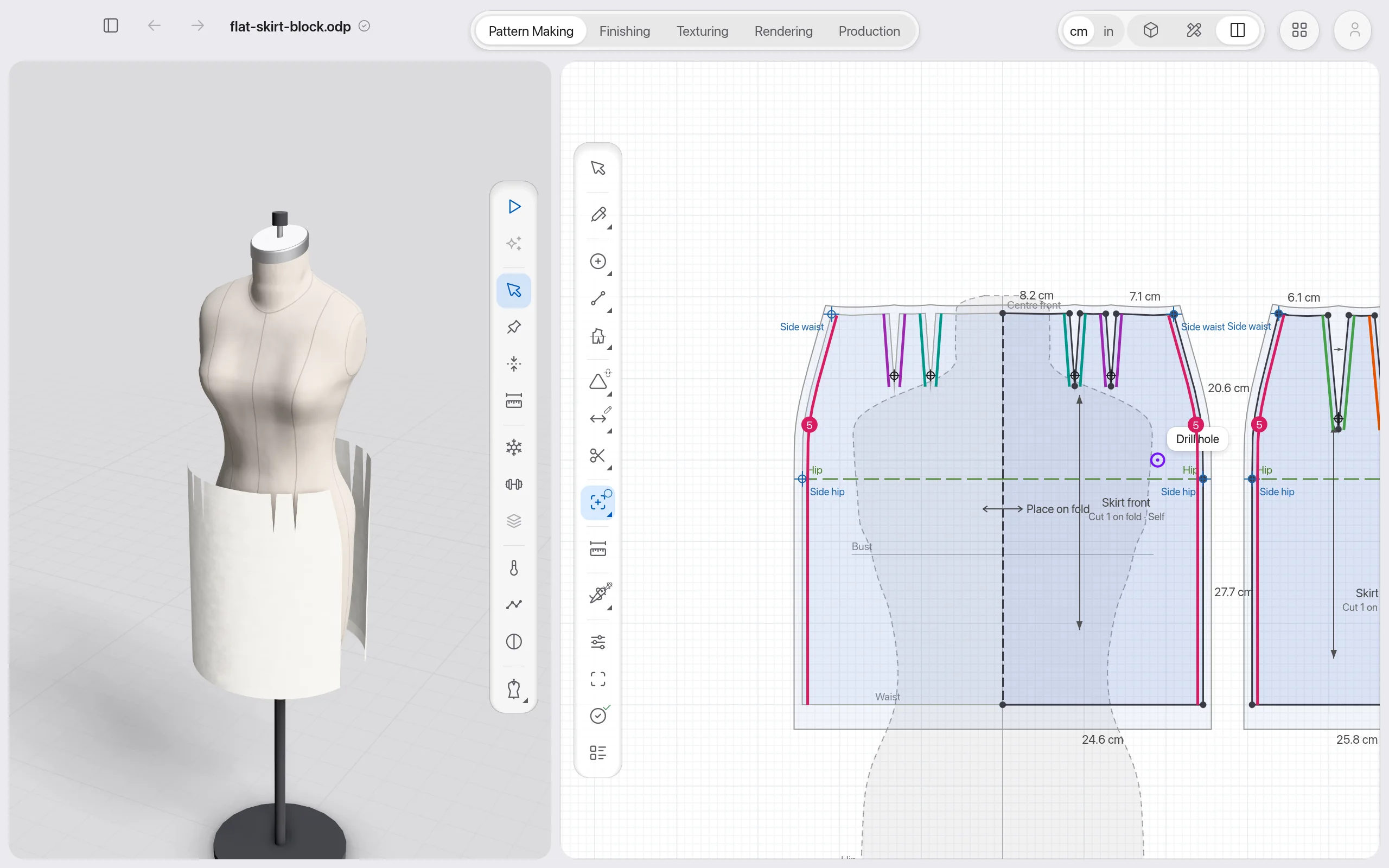
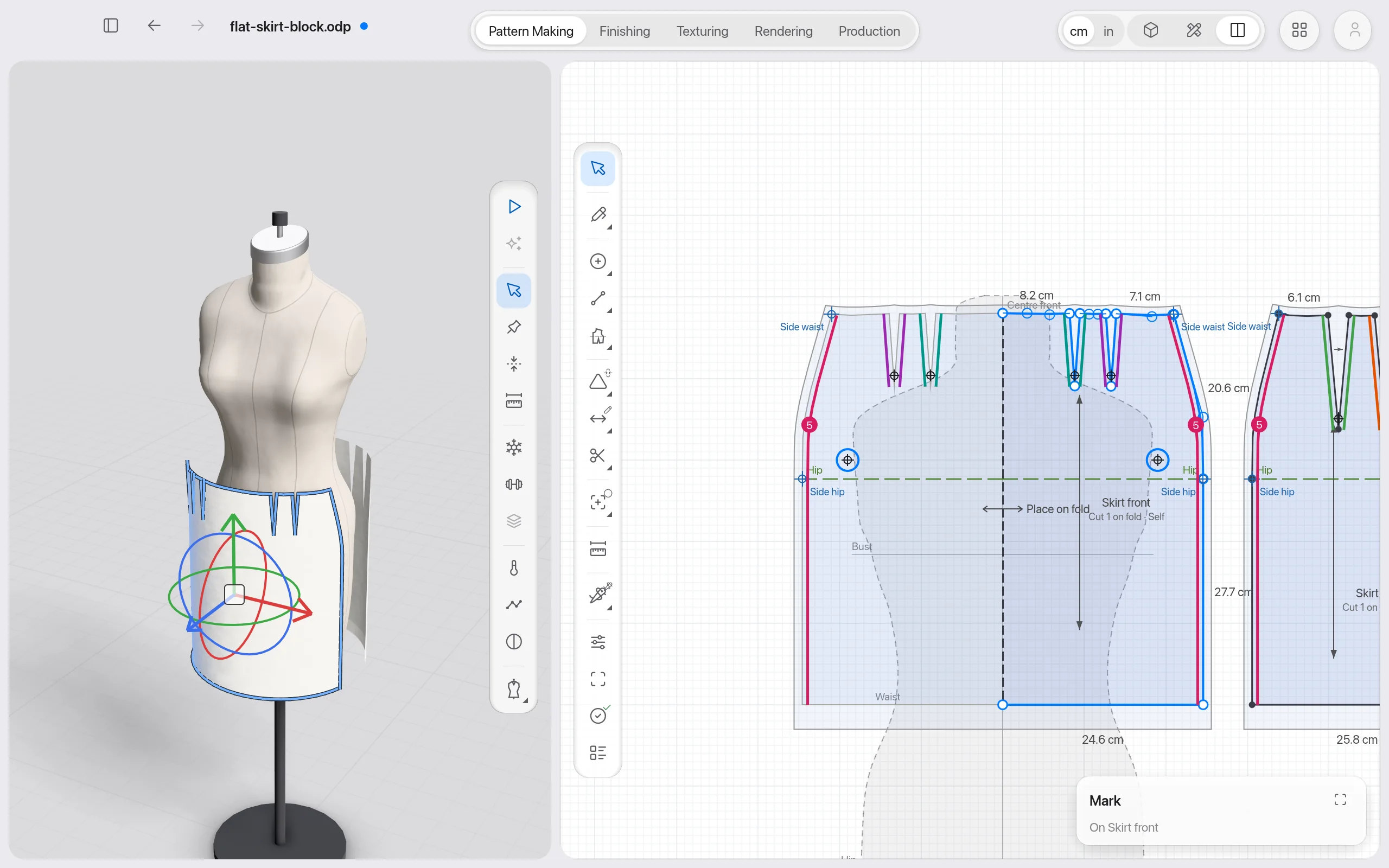
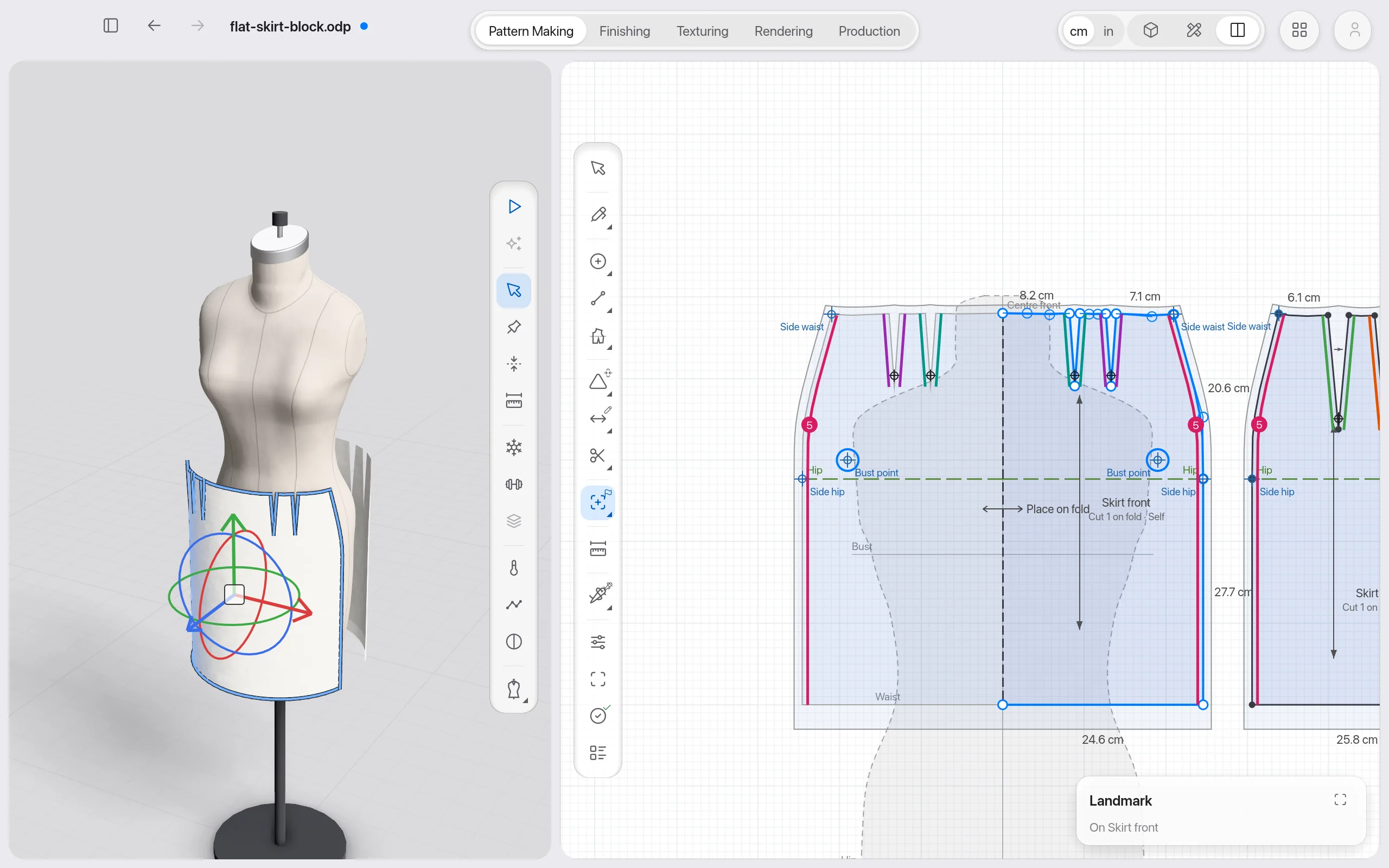
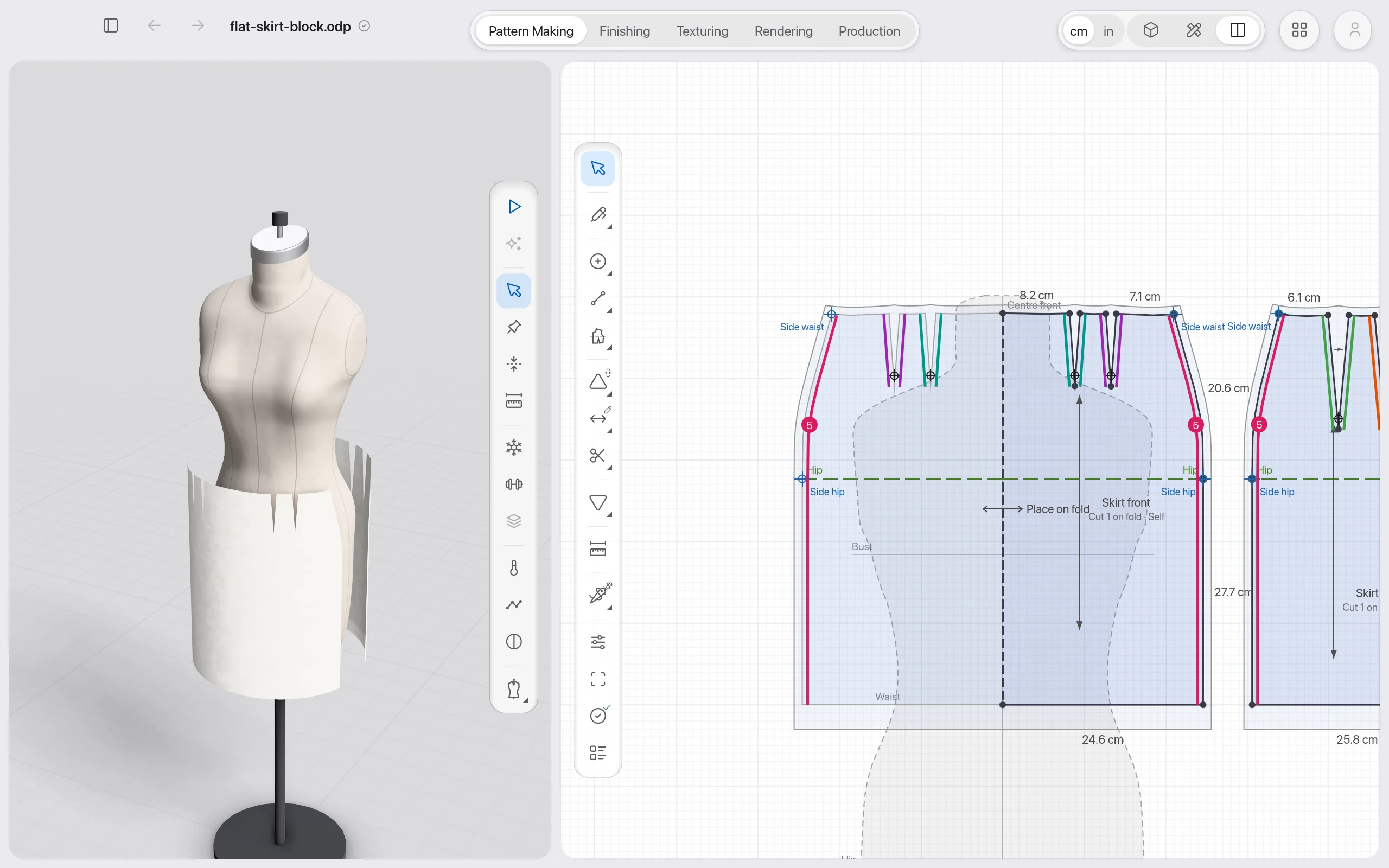
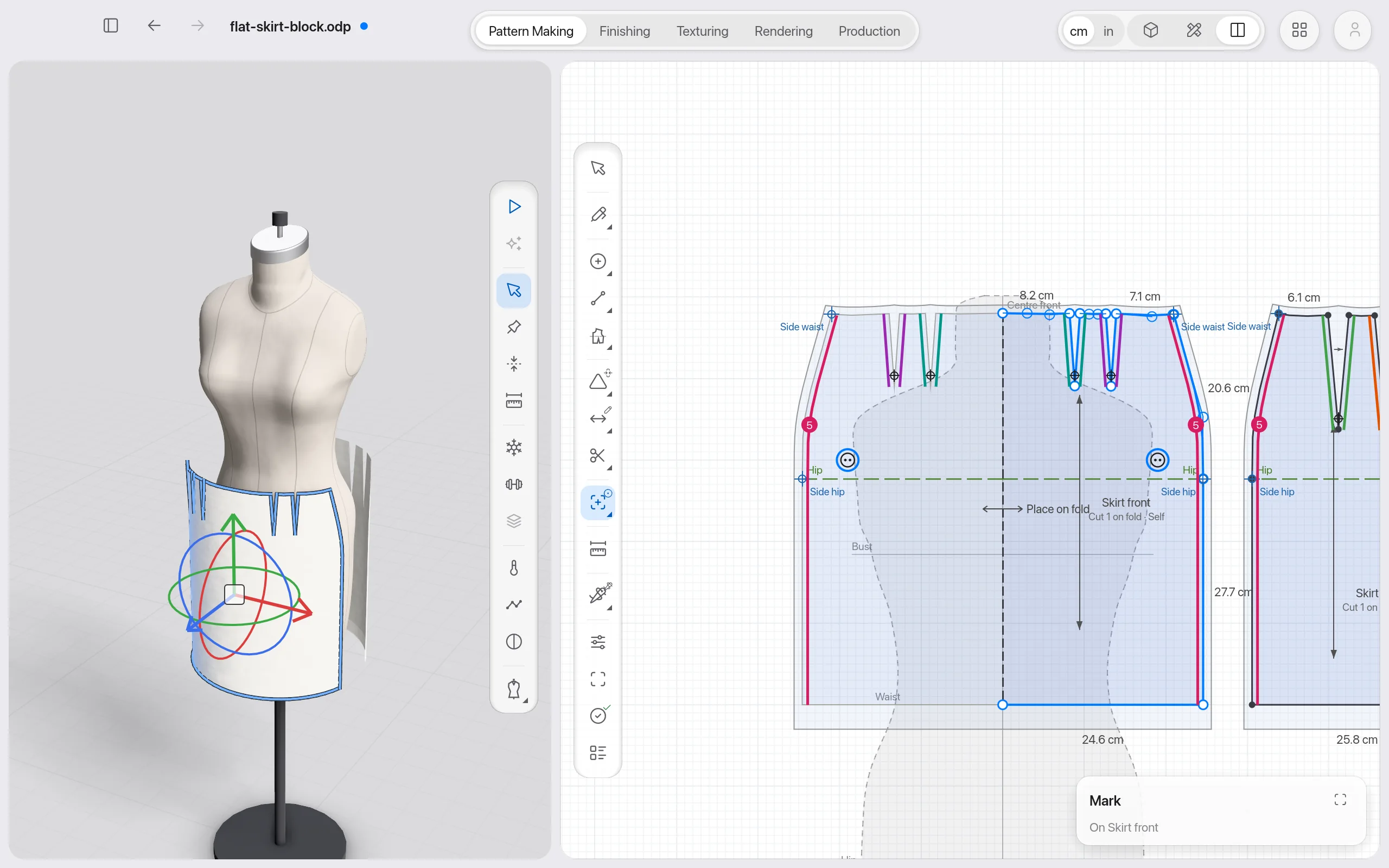
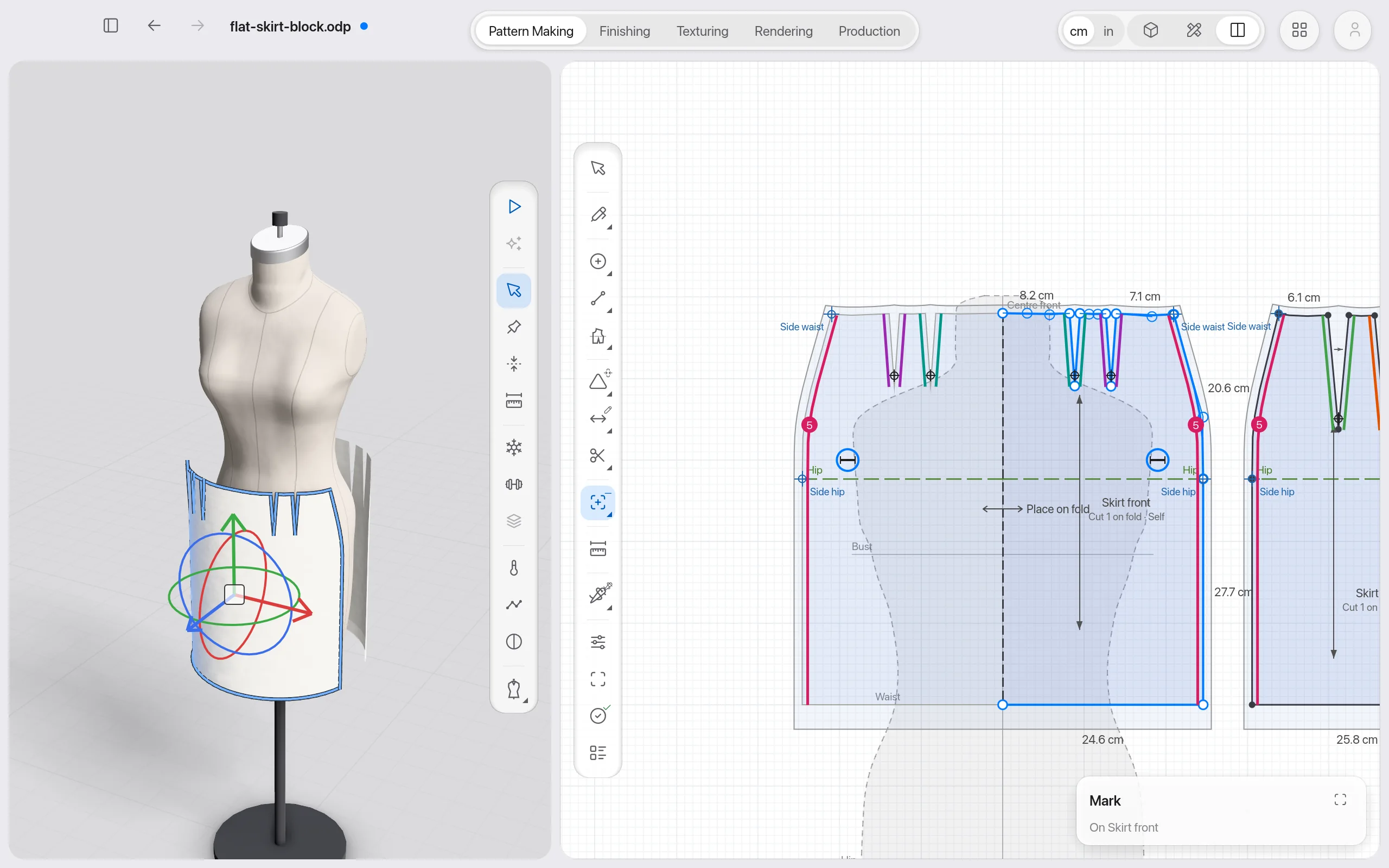
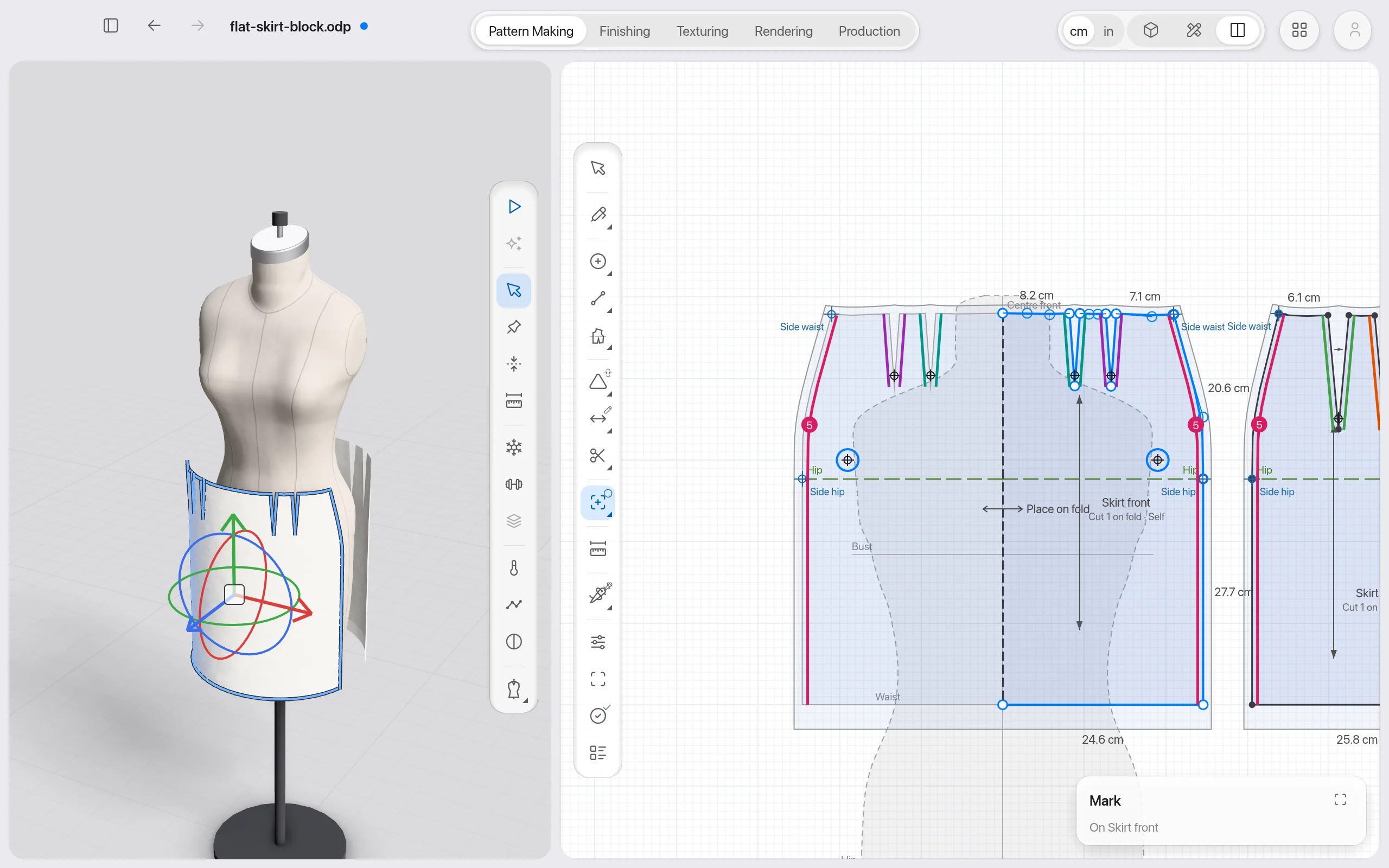
- Put a drill hole inside the front skirt at the hip, and take it out again.
- A drill hole is a small hole through the paper pattern that marks a point inside the piece.
WhyA notch can only mark an edge. A drill hole marks a point inside the piece: the end of a dart, the top of a pocket, where a button goes. Pattern makers punch it through the paper so the point can be marked on the cloth.
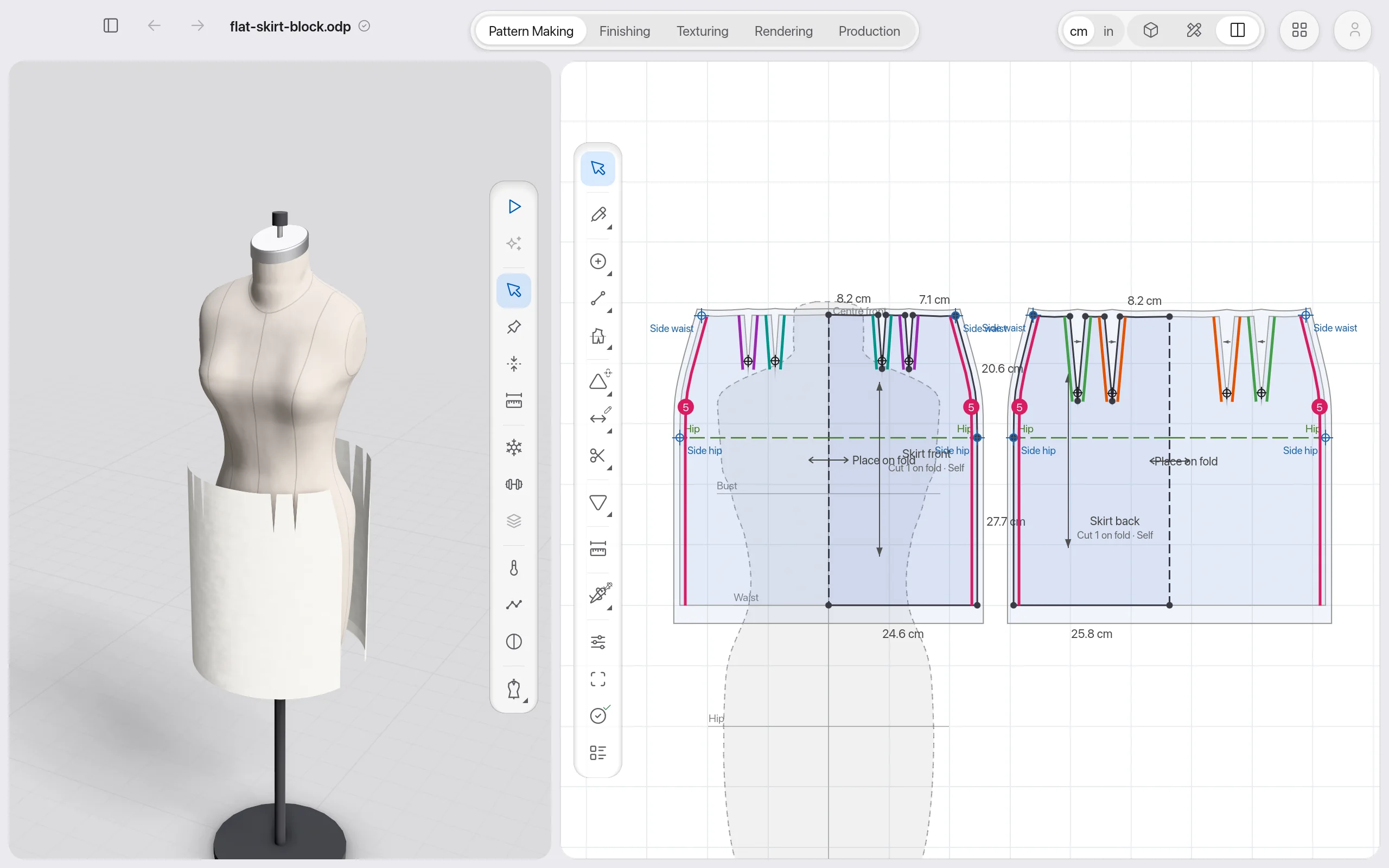
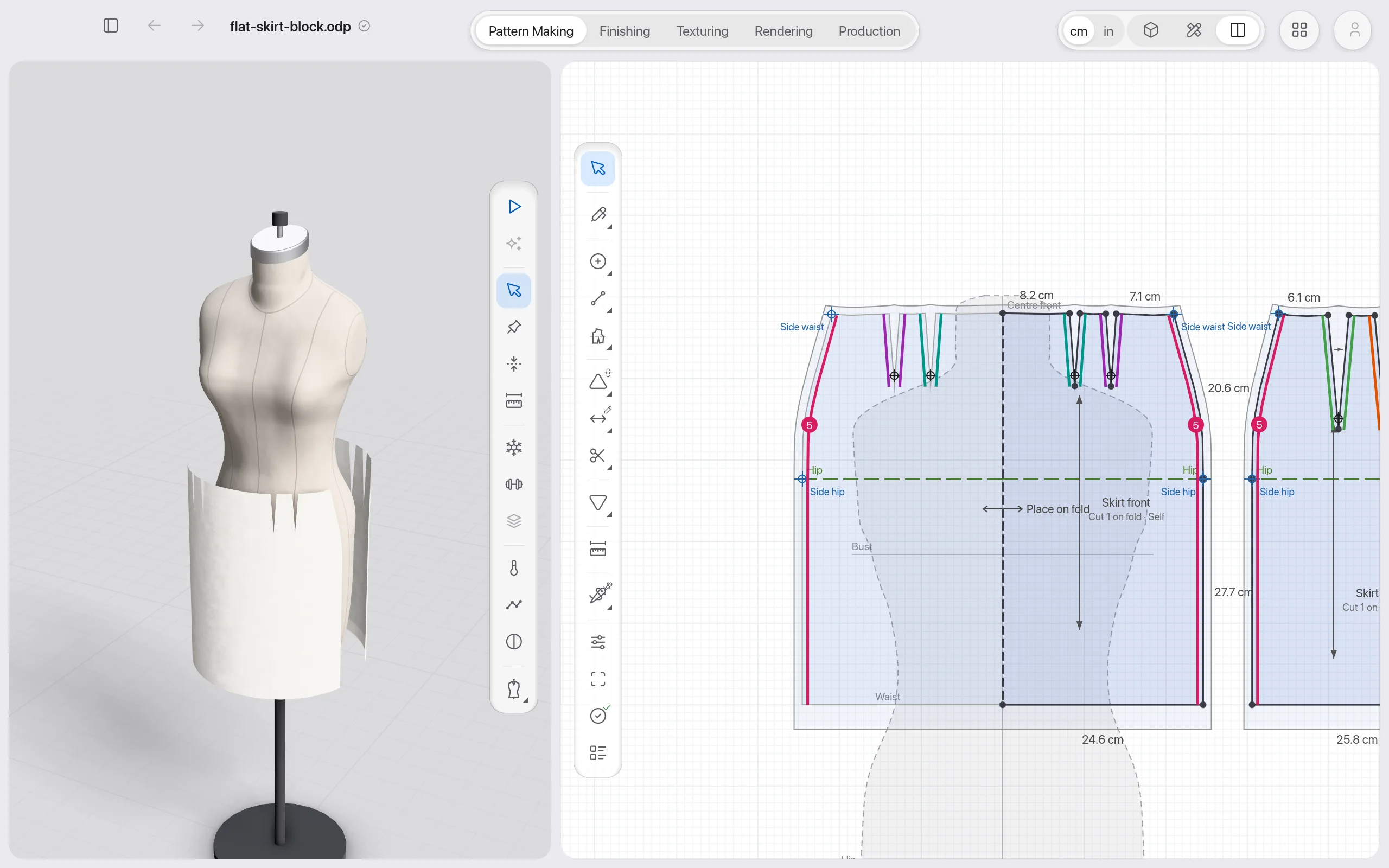
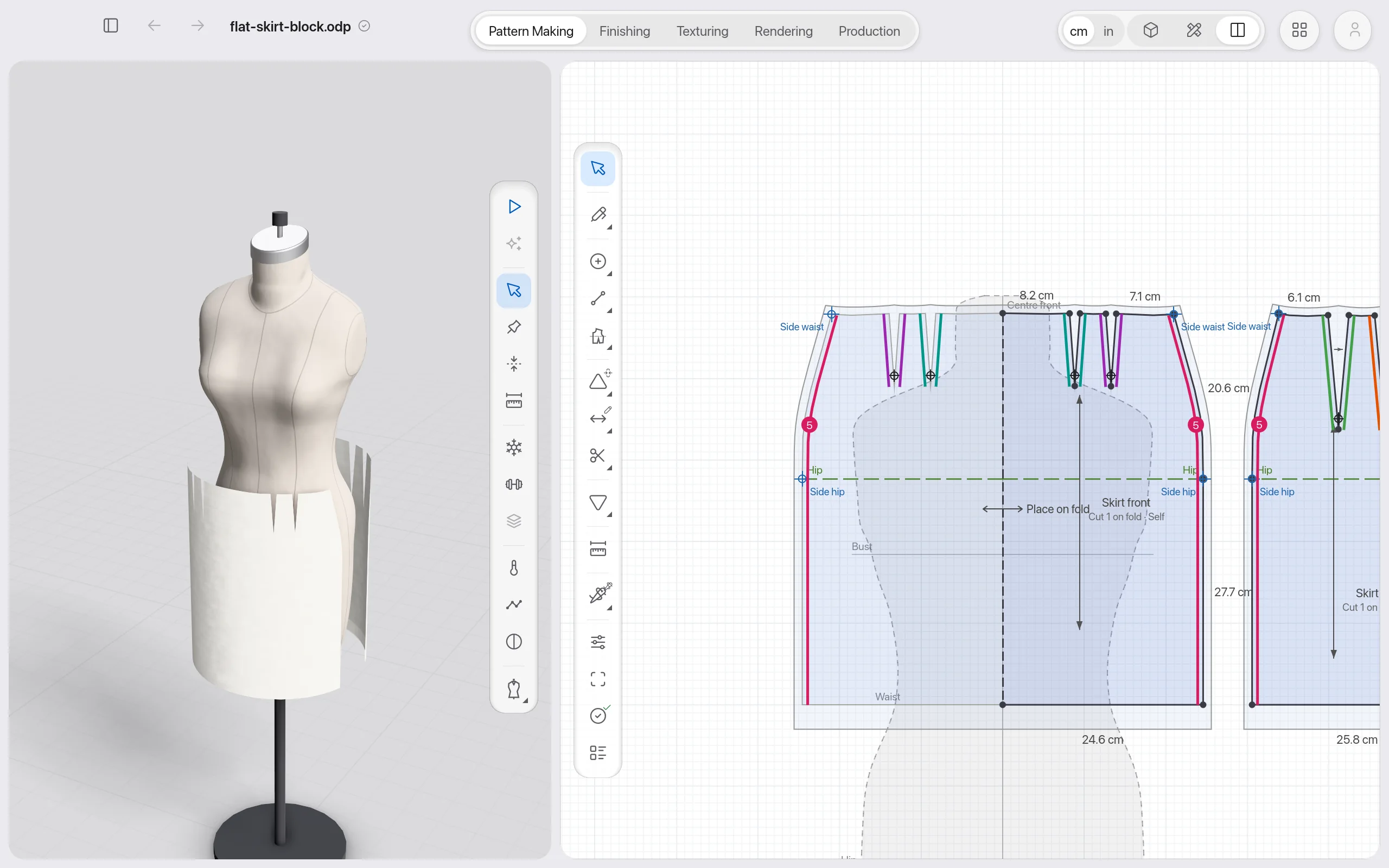
You needThe skirt block: the front and back of the basic skirt from Assets → Blocks, with their darts.
Download the skirt blockflat-skirt-block.odp · 2 KB