Step 1 of 6
What you'll do
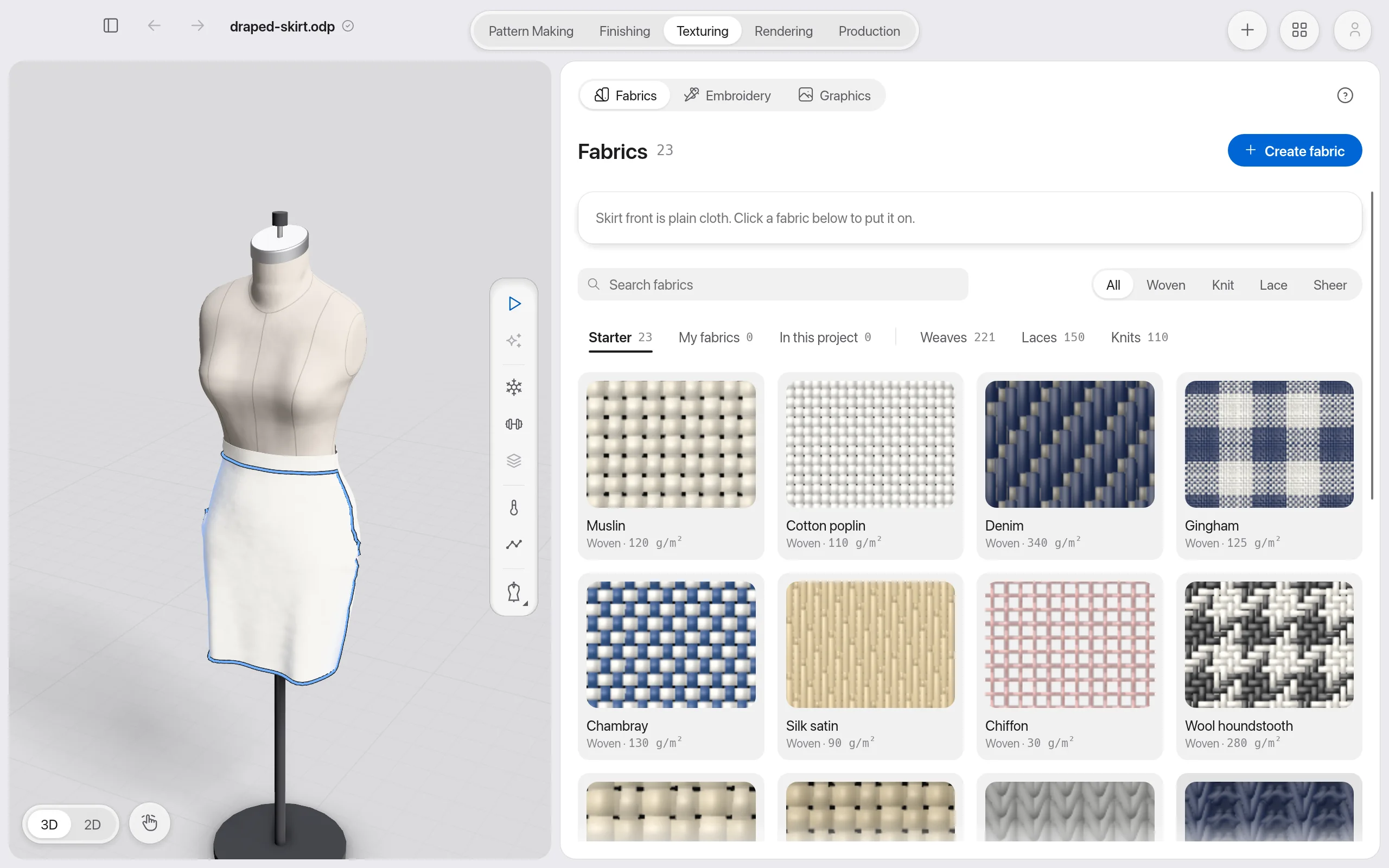
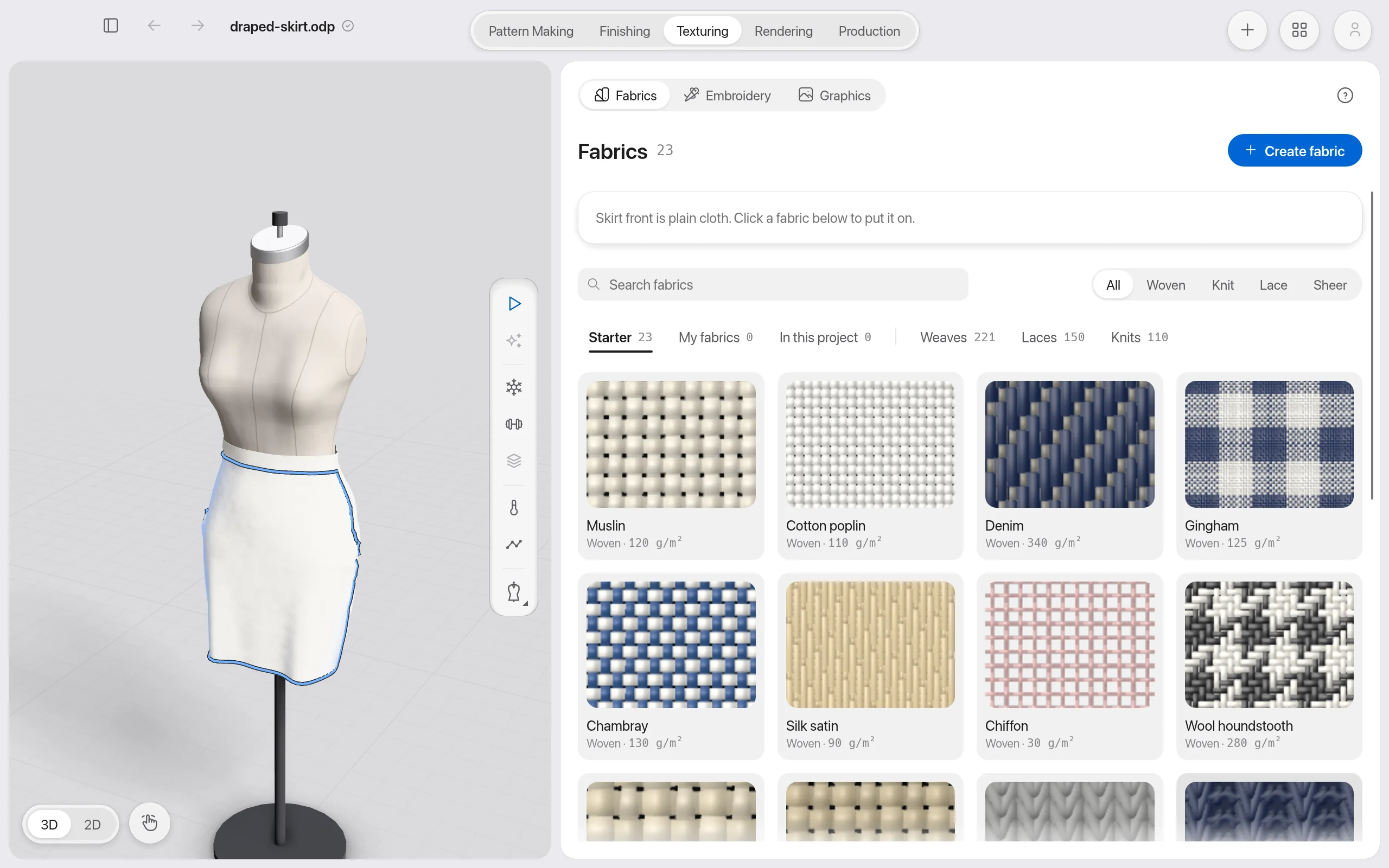
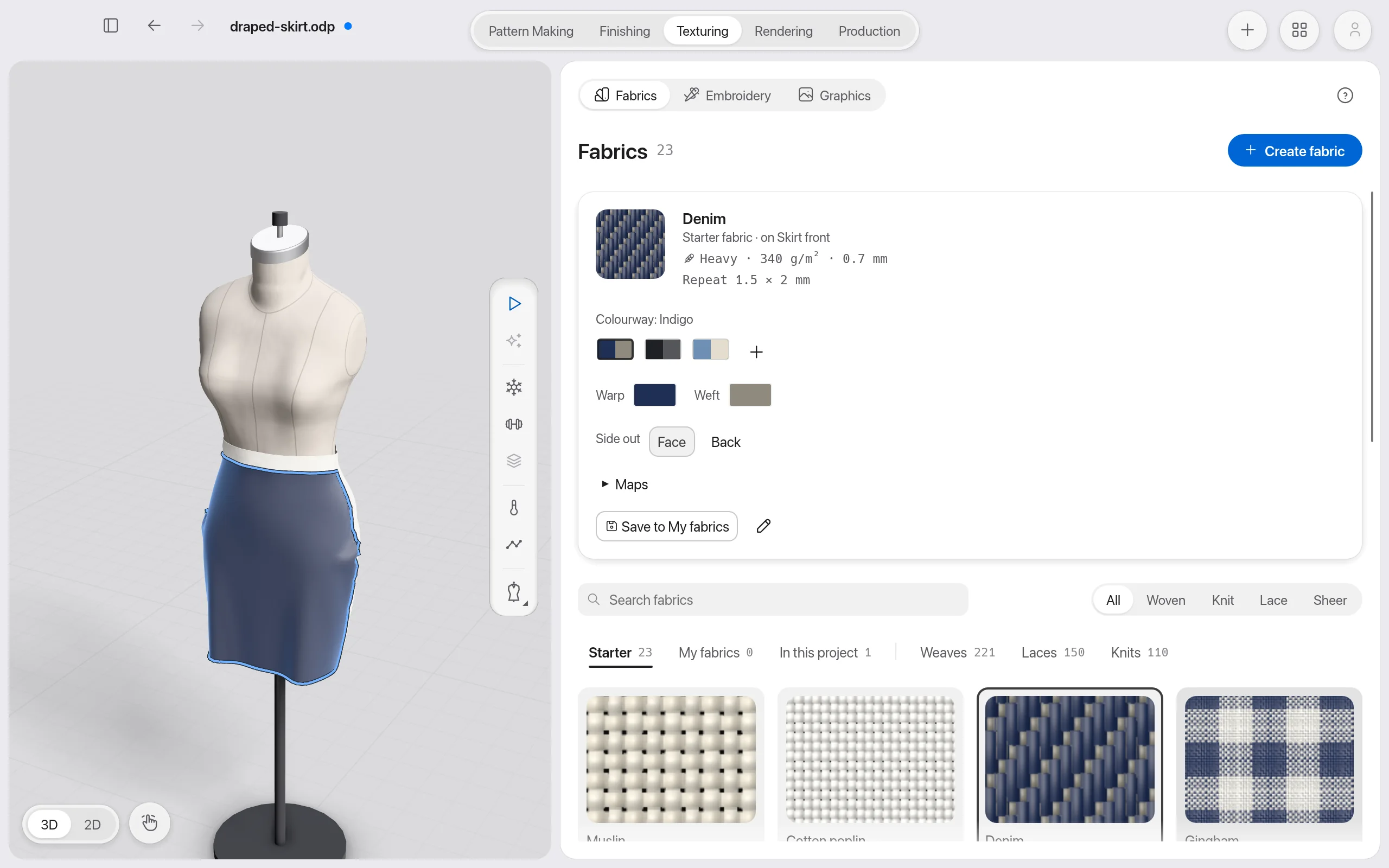
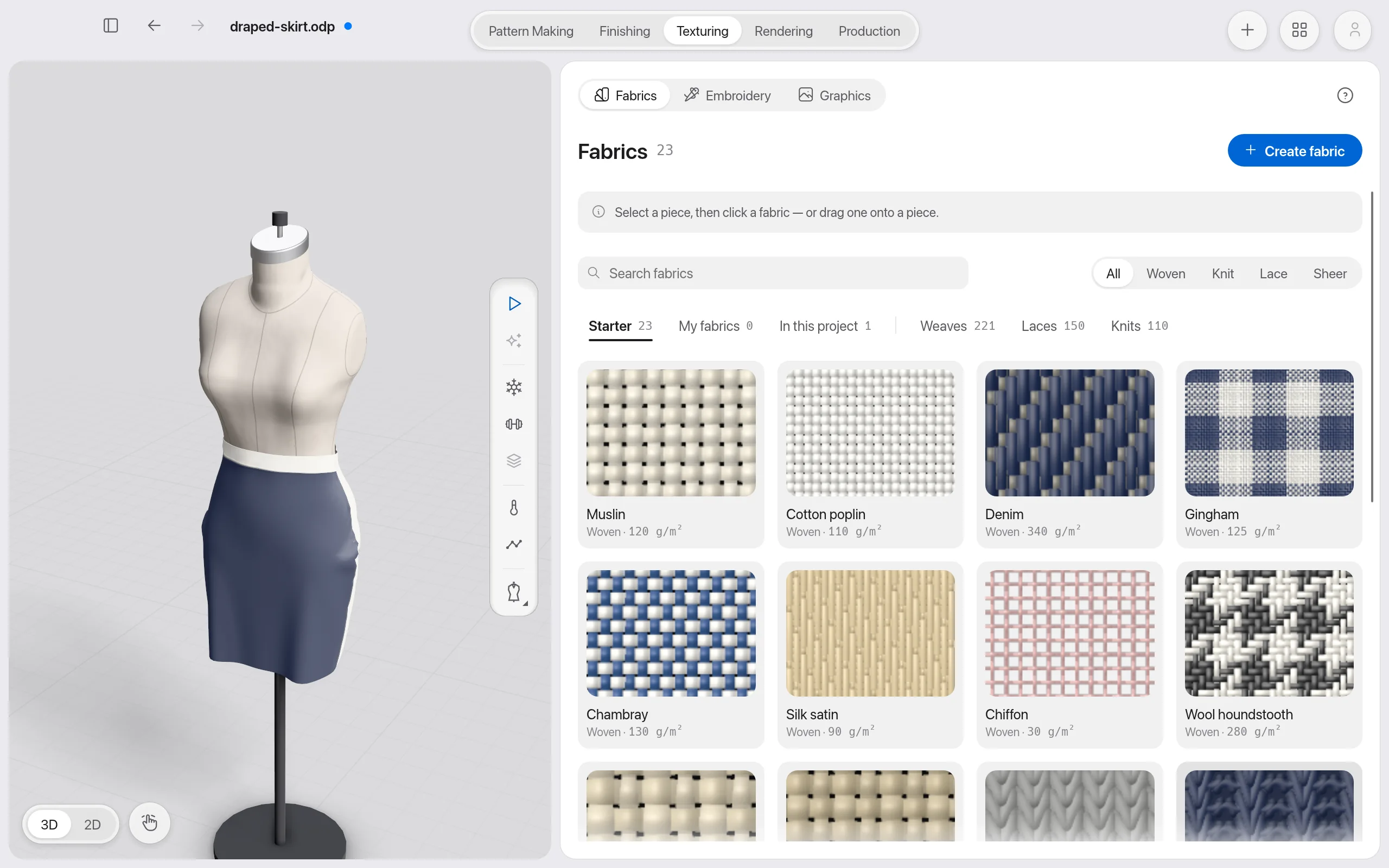
- Put denim on the skirt's front.
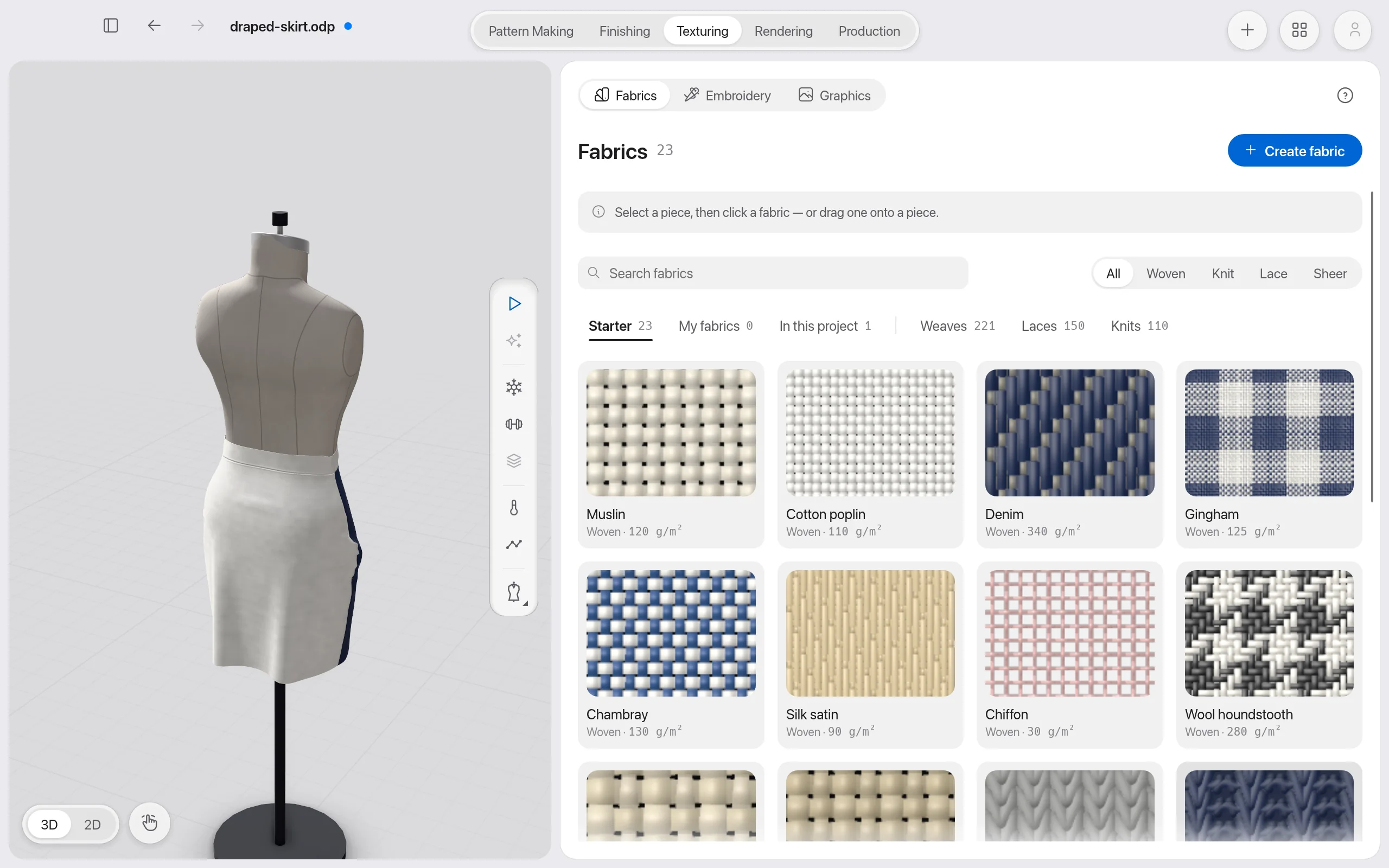
- Every piece starts as plain cloth. In Texturing you choose a fabric for it: a weave, a knit or a lace, with its own yarns, weight and colours. The 3D view shows it at once.
WhyA fabric is not only a picture: it is a weave or a knit, so it also says how heavy the cloth is, how it hangs and how thick it is. The look is made from the structure.
Download the practice skirtdraped-skirt.odp · 121 KB